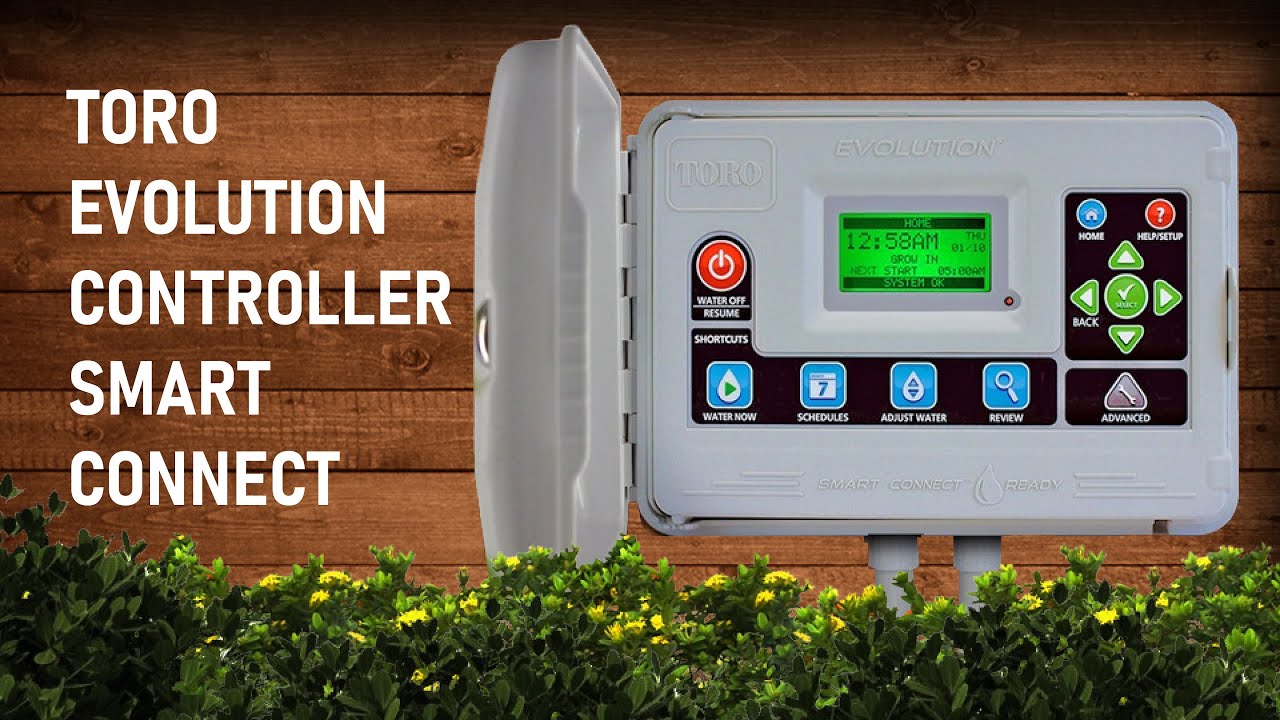
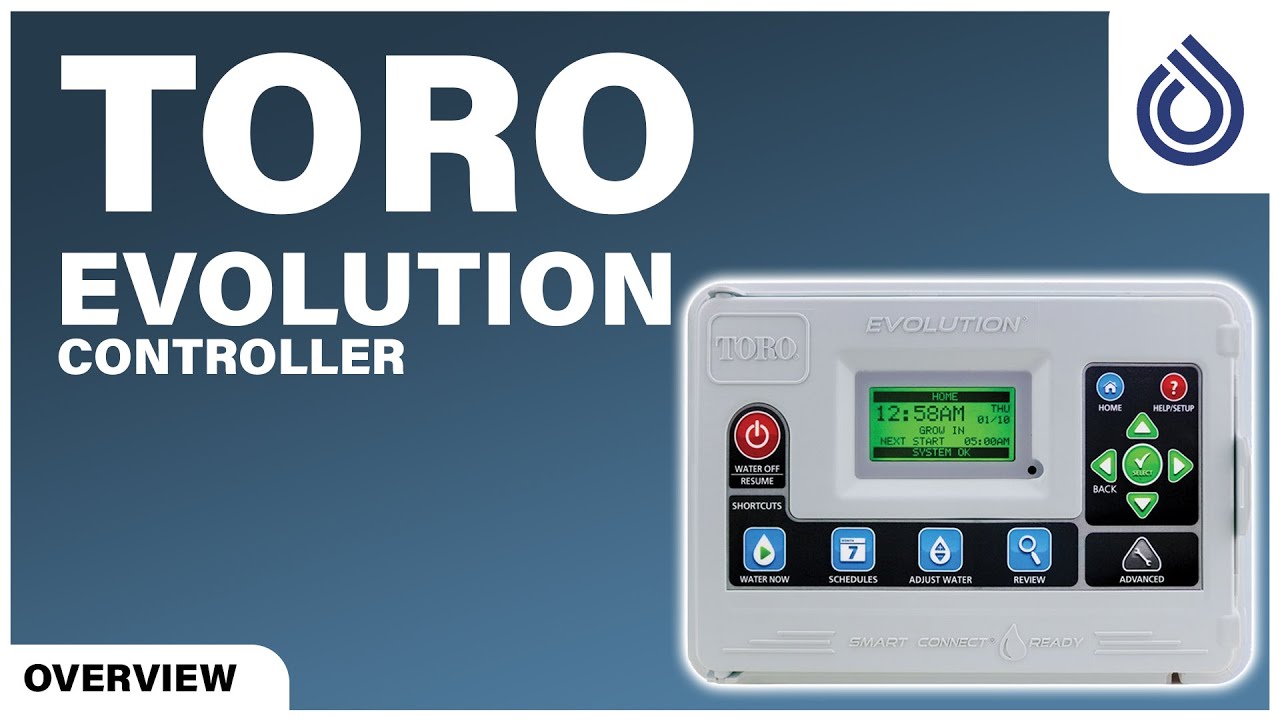
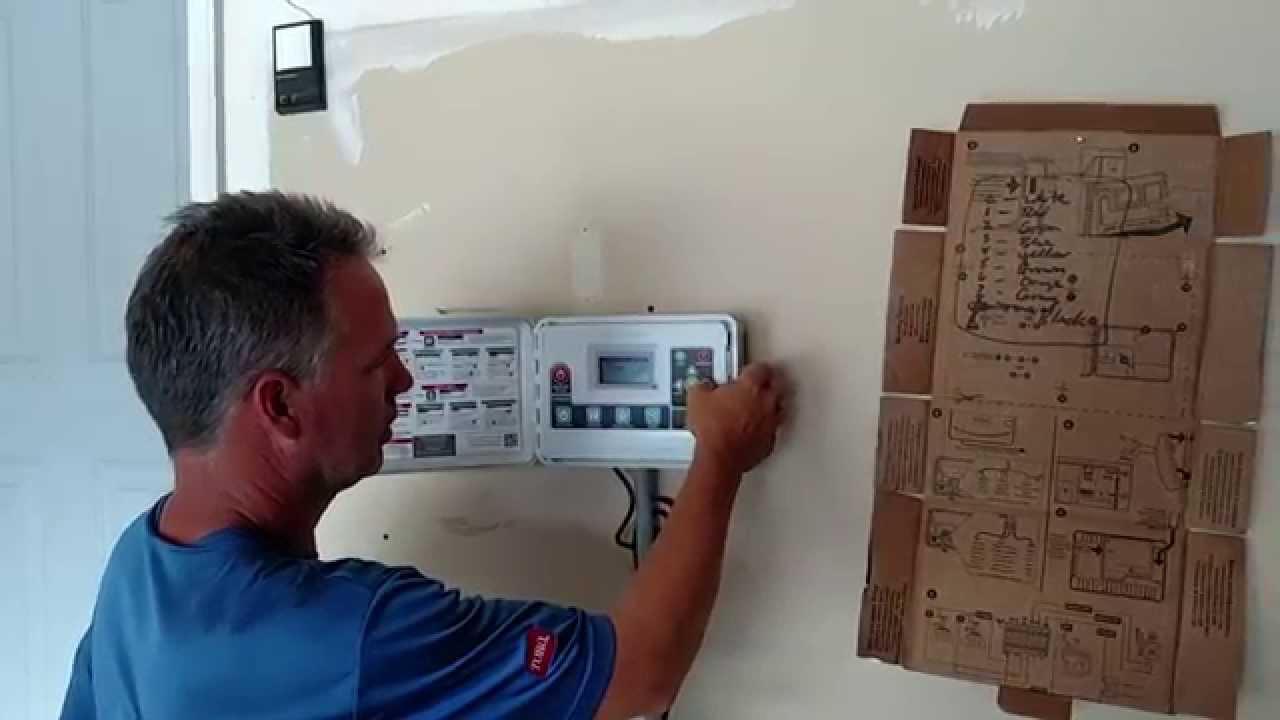
TORO EVOLUTION CONTROLLER | SMARTCONNECT | WEATHER SENSOR | HANDHELD REMOTE
Автор: NFHAQ Productions
Загружено: 2022-01-01
Просмотров: 1620
Описание:
This video is a demonstration of the usage of the Toro Evolution Controller and its add ons that include Smart connect, Wireless Weather Sensor, and Handheld Remote. Watch and Learn
00:01
Attaching the smart connect device
• Open the Toro Evolution Controller Box
• Flip off the control panel such that its back is visible to you
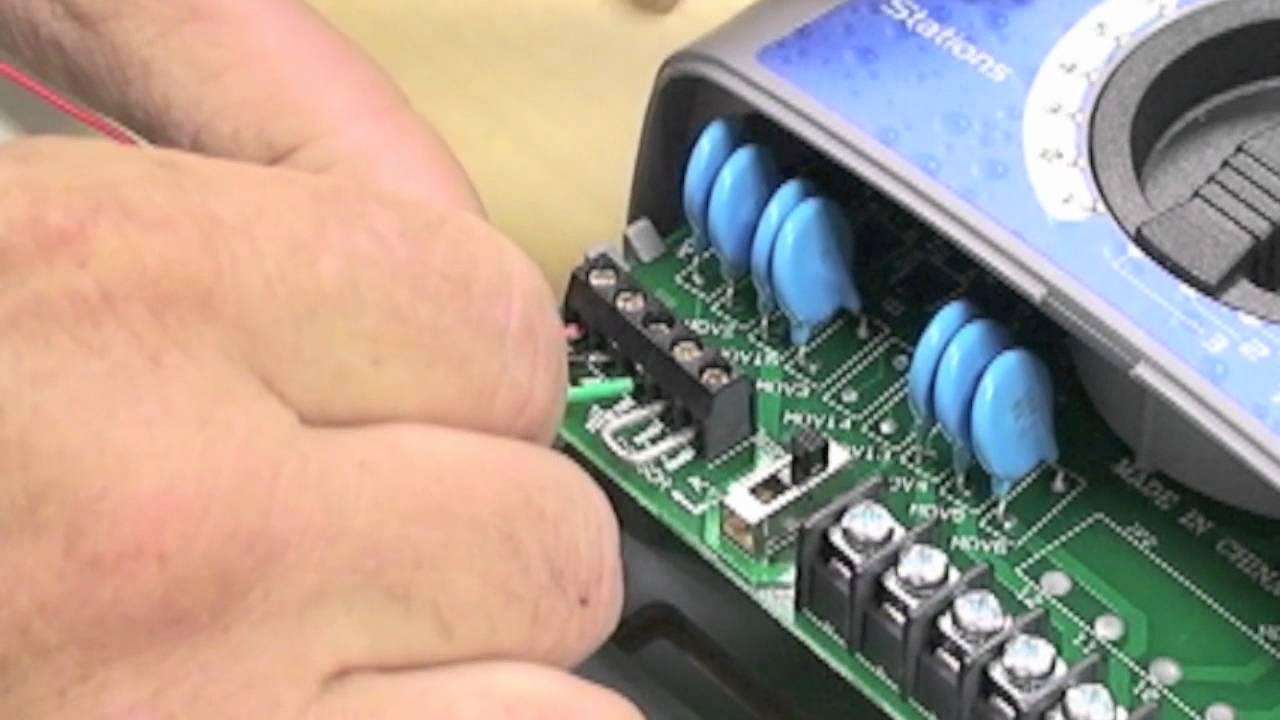
• Pick up the smart connect and attach it with the arrow pointing towards the raindrop symbol
• Tighten the two screws
• Insert the SD card as shown
• Flip off the control panel such that its front is visible to you
01:18
Plugin the controller and adjust settings through the control panel
• Connect the plug of evolution controller into an AC power source of 220 volts
• Observe the control panel as a green display appears on the screen
• Use the ‘arrow’ buttons to move up/down or sideways and press the ‘select’ button to save changes
• Set the region (Europe) and language, date/time, etc. accordingly
• Press the home button on the control panel and observe the display screen with the settings you just did
02:52
Connecting the Wireless Weather Sensor
• Press ‘advanced’ and then the ‘select’ button on the control panel
• Scroll down to ‘Add/remove Device’ and press select
• Add ‘weather’ sensor
• Press the test pin on the weather sensor as shown
• Compare the device id of the weather sensor with the one shown on the display screen and press ‘yes’
• Enter the Zip Code (14900) and press ‘continue’
• Wireless weather sensor has a communication range of up to 1,000 feet
04:16
Connecting the Handheld Remote
• Insert a 9 Volt Alkaline battery in the remote
• Press ‘PWR Hold’ to turn on the remote
• Press ‘setup’ twice on the remote, set four-digit pin code, and then press enter
• Move to the control panel, press advanced and scroll down to ‘Add/remove device’
• Scroll down to ‘Remote’ and insert pin is set previously in the handheld remote
• The success remark on the display shows the remote is connected to the controller
• Set the zone runtimes/watering schedules, etc. manually through remote within the 1000 feet of the evolution controller
Contact us for more information:-
0311-6342722
0311-6342755
0312-6342777
0311-6342788
0311-6342799
Or WhatsApp:-
https://wa.link/08l0lp
#toro
#torocontroller
#torosmartconnect
#toroevolutioncontroller
#weathersensor
#nfhaq
#NizamuddinFaridulhaqGroup
#wearehereforyou
#aaomilkarmaaholkosaafaurharabhararakhain
Website URL: https://nfhaq.com/ & https://nfhaq.pk/
Follow us:-
Facebook: / nfhaqofficial
Instagram: https://www.instagram.com/nfhaqgroup/...
Twitter: / nfhaqofficials
LinkedIn: / nizamuddin-faridulhaq
Повторяем попытку...
Доступные форматы для скачивания:
Скачать видео
-
Информация по загрузке:










![Почему реактивный двигатель не плавится? [Veritasium]](https://imager.clipsaver.ru/F6UB0V2Fct4/max.jpg)