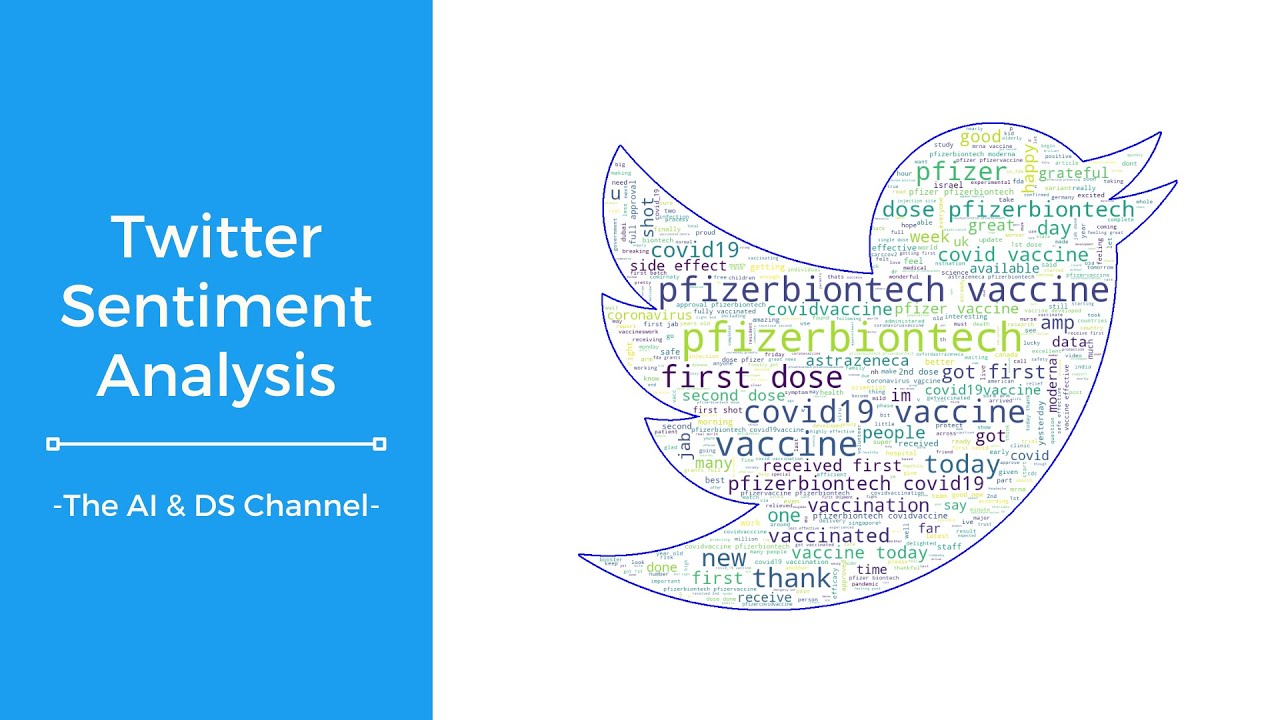
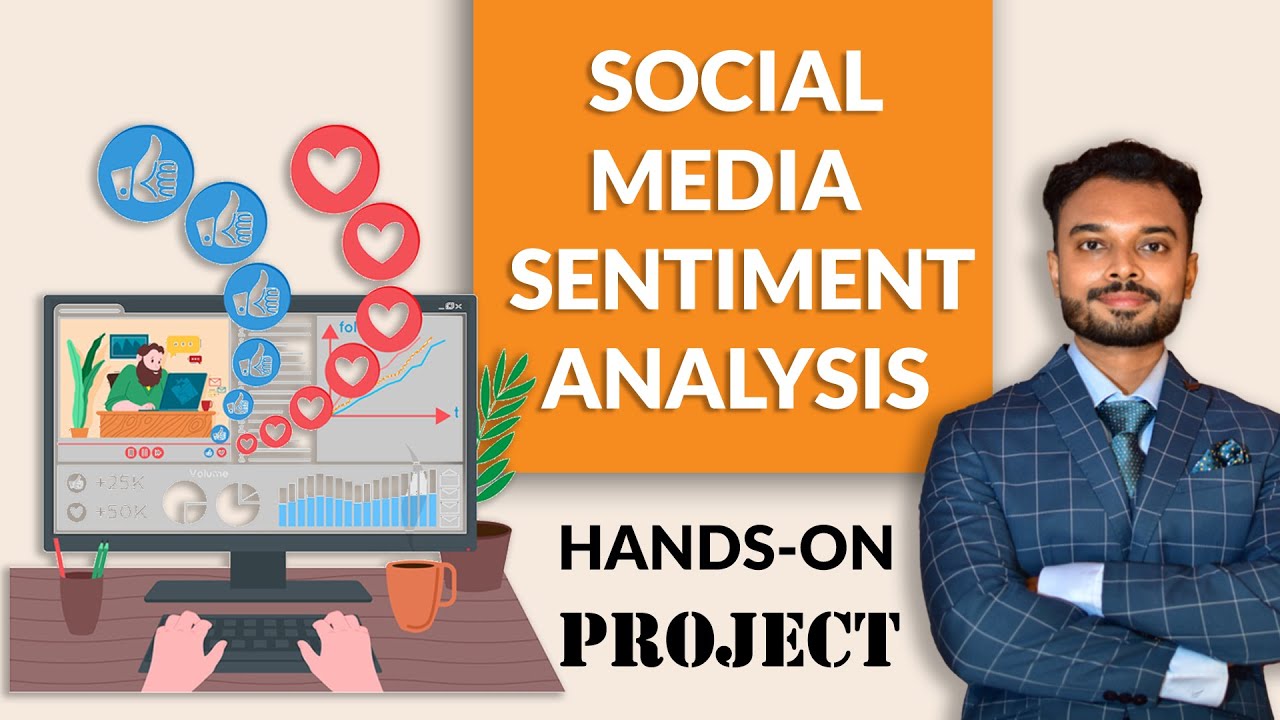
Sentiment Analysis of Social Media Data in Python | 100% Practical with Case Study
Автор: Medialytics Ninja
Загружено: 2021-02-25
Просмотров: 11836
Описание:
View full course on: https://medialyticsninja.com/courses/...
Learn to fetch comments and reviews from Social Media and perform sentiment analysis: The best technique to gauge your brand's online reputation.
In this course we will see how we can:
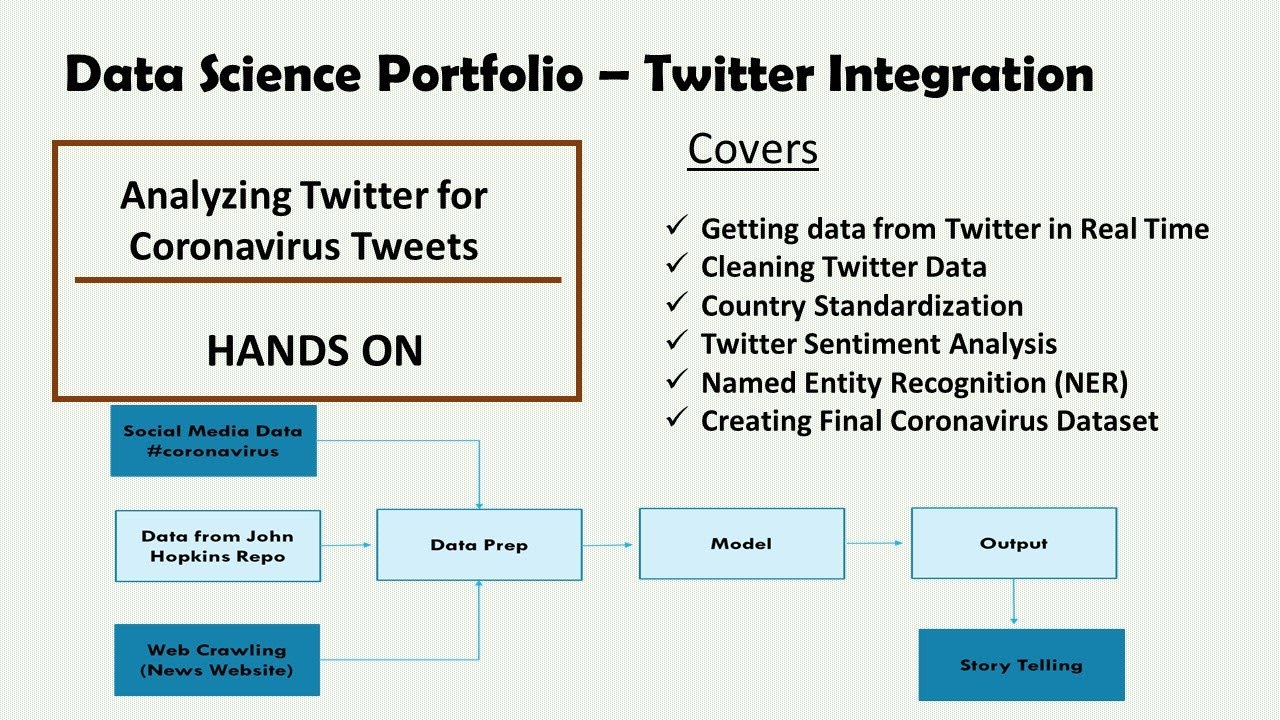
1. Extract comments/reviews etc. (basically all textual data) from social media channels. We will be using a technique known as web scraping for this. We will cover the following channels in this course: facebook comments, amazon reviews, youtube comments and google reviews. Web scraping taught in the course will enable you to apply it to other sources of data as well.
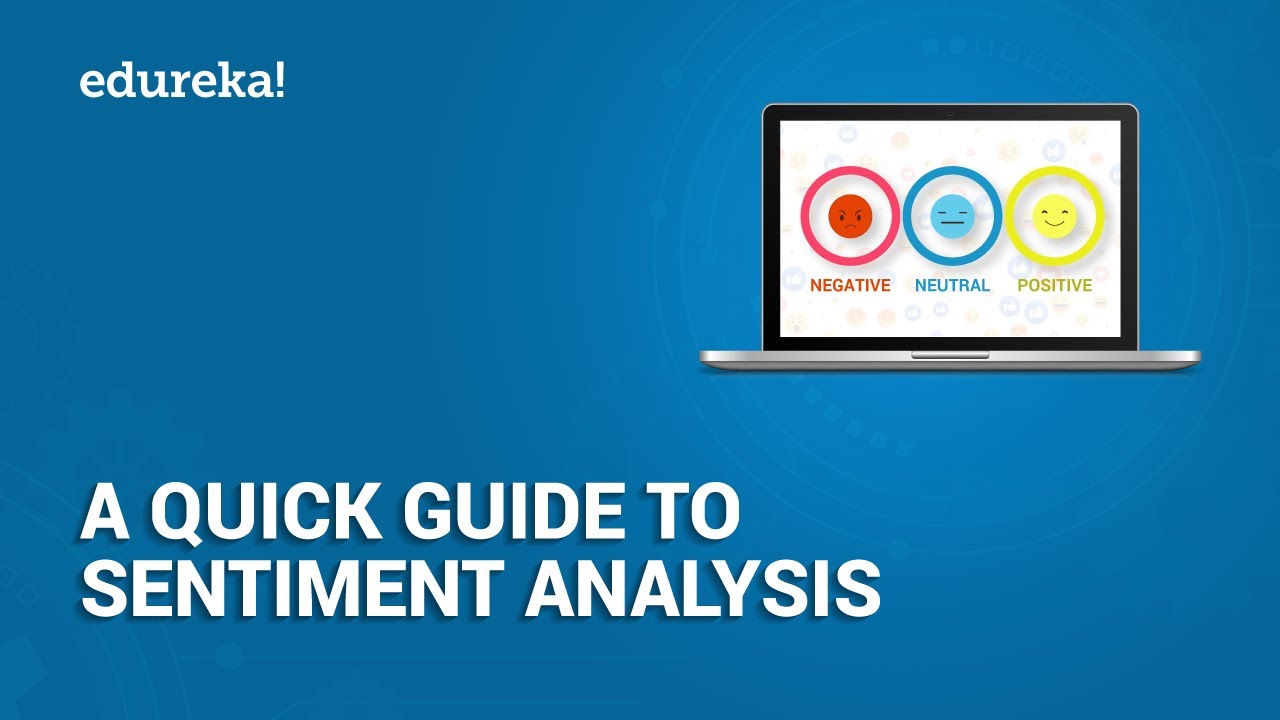
2. Next we will see how we can perform sentiment analysis using machine learning algorithms( textblob, vader). We will be using Python for this. Everything will be automated and all scripts are pre-written. You need to just execute. Python enables us to classify textual data into positive, negative and neutral sentiments within a matter of seconds.
3. Finally we will see how to create a self-updating dashboard, to publish the results. The dashboard will be made in google data studio. Throughout the course we will use the case study of Xiaomi, a famous mobile phone brand. We will fetch data from the social media handles of Xiaomi and create a dashboard.
Course Contents:
1.1 Introduction to the Course
2.1 Introduction to Web Scraping
2.2 Extracting Comments from Facebook Posts
2.3 Extracting Comments from Facebook Videos
2.4 Combining Comments Into One File
3.1 Exporting Youtube comments
4.1 Exporting Amazon Reviews
5.1 Exporting Google Reviews
6.1 Combining data for Sentiment Analysis
6.2 Installing Python
6.3 Calculating sentiments
7.1 Making Sentiment Dashboard
7.2 Updating Dashboard in Future
Get full course access on: https://medialyticsninja.com/courses/...
Повторяем попытку...

Доступные форматы для скачивания:
Скачать видео
-
Информация по загрузке:


![[Python Project] Sentiment Analysis and Visualization of Stock News](https://imager.clipsaver.ru/o-zM8onpQZY/max.jpg)