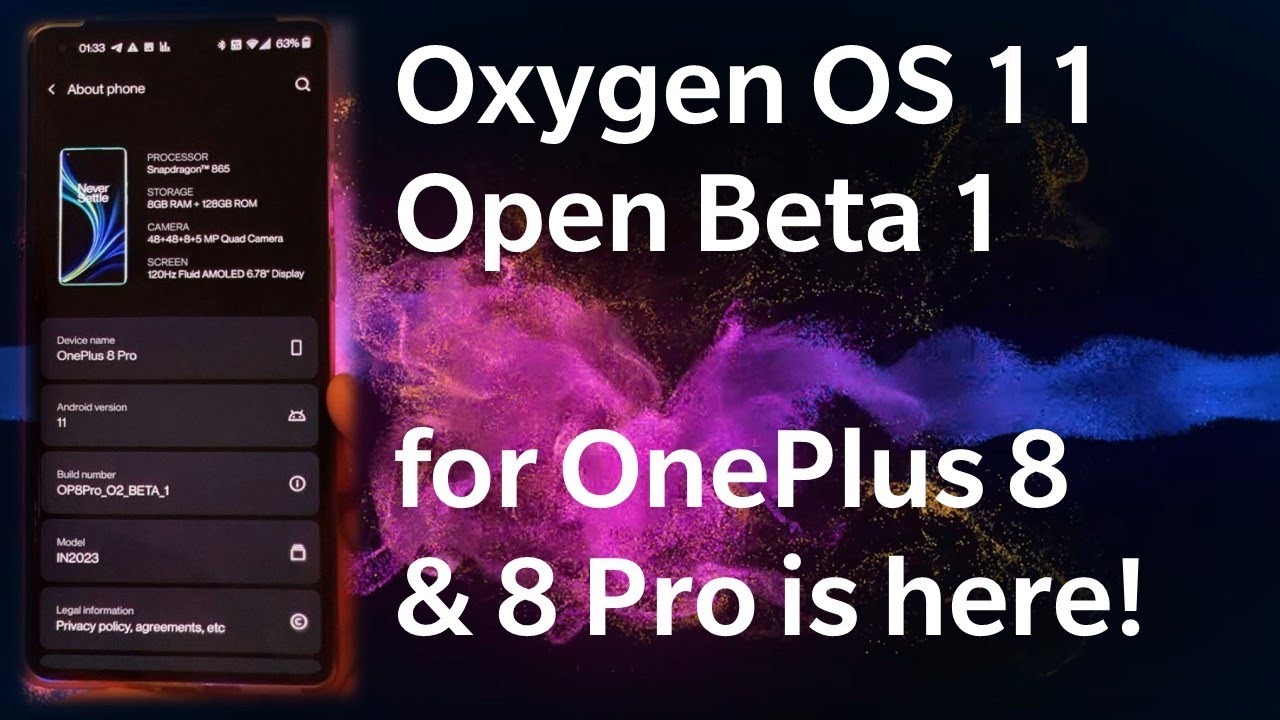
Oxygen OS Open Beta 1 for the OnePlus 8 and 8 Pro is here!
Автор: Velian Speaks Tech
Загружено: 2020-09-08
Просмотров: 11742
Описание:
#OnePlus8 #OnePlus8Pro #OpenBeta1
The first Open Beta 1 for the OnePlus 8 and the OnePlus 8 Pro is finally here! Based on Android 11 the Oxygen OS 11 is a redesigned version of Oxygen OS 10 with many updates and new features.
In this video you will learn how to update your OnePlus 8 or OnePlus 8 Pro phone from the latest global stable Oxygen OS 10 based on Android 10 to the first Oxygen OS Open Beta 1 Oxygen 11 based on Android 11.
Video Quick Guide:
00:00 Intro
1:14 Oxygen OS 11 Open Beta 1 Changelog
4:09 How to Use Oxygen Updater to get it
5:45 How to install Open Beta 1 on your OnePlus 8/8 Pro
9:14 Oxygen OS 11 Open Beta 1 first boot and hands on
Details
• Type: beta
• OP8 & OP8P [OB1]
Notes:
OBT1 does not have Indian OxygenOS version for now. If users in the IN area update this version, some functions may be missing. The OxygenOS 11 version for IN area is expected to be released in the upcoming OBT version. Stay tuned.
Changelog
System
• Fresh new UI visual design brings you more comfortable experience with various optimizations of details
• Brand new weather UI supports dynamic switches between sunrise and sunset. You can have day and night at your hand now
• Optimized the brightness bar display in status bar, enabling you to quickly adjust it by pulling down quick settings
Game space
• Newly added gaming tools box for convenient switches of Fnatic mode, WeChat, QQ and Screen Recorder at one place (Enable it by swiping down from upper right/left corners of the screen in gaming mode)
• Newly added mis-touch prevention feature. Enable it, swipe down from the top of the screen, click and the notification bar will pop out
Ambient display
• Added Always-on ambient Display function, custom Schedule / All day option included. Path: Settings – Display – Ambient Display.
• Added 10 new clock styles. Path: Settings – Customization – Clock Style
• Newly added Insight clock style, a joint creation with Parsons School of Design. It will change according to the phone usage data. ( To set: Settings- Customization - Clock Style)
Dark mode
• Added the shortcut key for Dark Mode, pull down the quick setting to enable.
• Supporting automatically turn on feature & customize time range. path: Settings – Display – Dark Mode – Turn on automatically – Automatically enable from sunset to sunrise / Custom time range.
Zen Mode
• Added 5 new themes (ocean, space, grassland, Zen space1,Zen space2), and more timing options.
• Included the Group feature in Zen Mode, now you can invite your friends and enable the Zen Mode together
Gallery
• Supporting Story function, automatically form weekly videos with photos and video in storage.
Links
• ROM: OP8 - Global - https://bit.ly/3id1mo6
• ROM: OP8P - Global - https://bit.ly/3bCCfIG
Enjoy the video :)
Subscribe:
📹 https://www.youtube.com/velianspeakst...
Twitter:
🐦 / vst001
Telegram:
📱 https://t.me/VST001 for new videos & https://t.me/VelianSpeaksTech for chat
Instagram:
📸 / velianspeakstech
Повторяем попытку...
Доступные форматы для скачивания:
Скачать видео
-
Информация по загрузке: