Line Weight Magic: Transform Your AutoCAD Drawings in 2 Minutes - LineWeight in Autocad
Автор: DoctorCAD
Загружено: 2025-04-15
Просмотров: 1345
Описание:
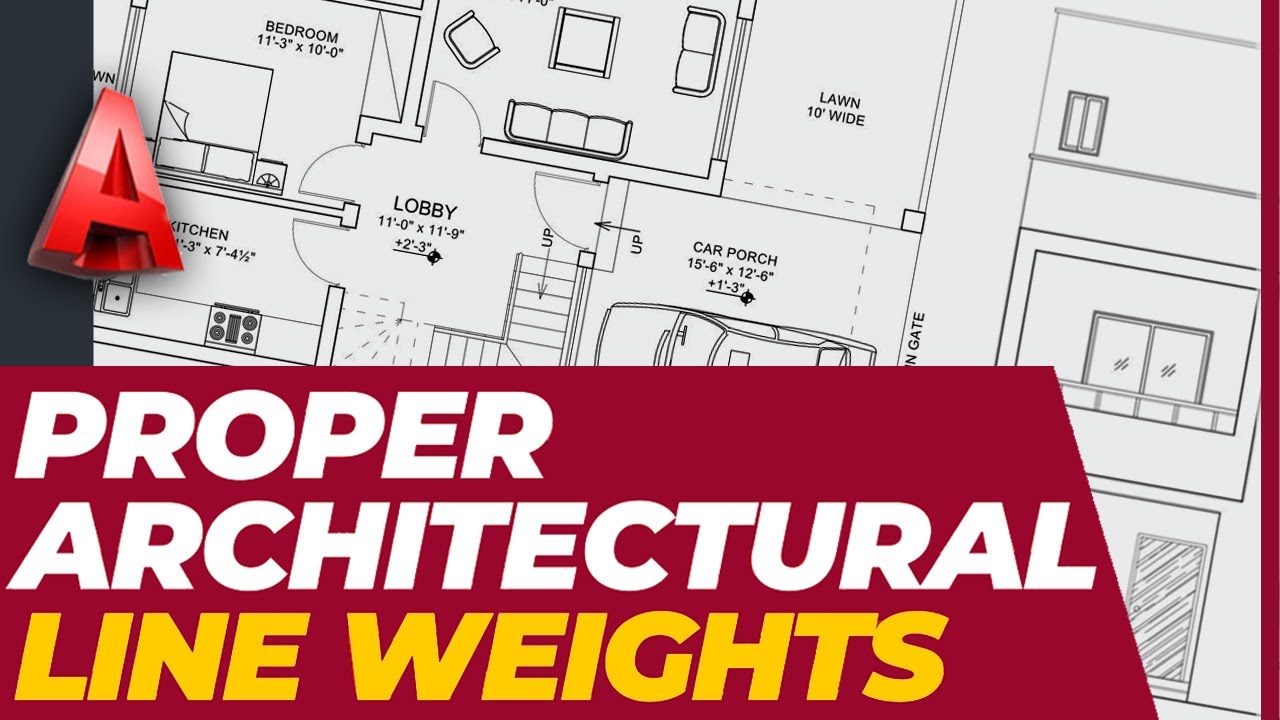
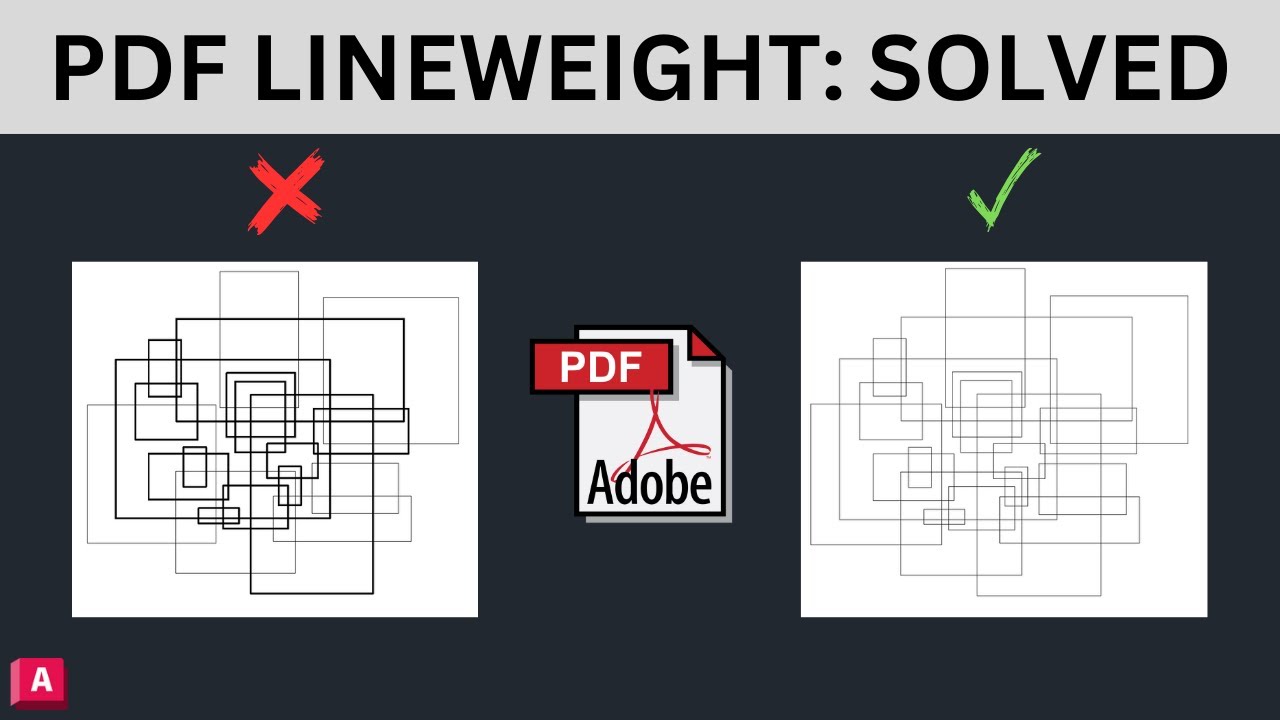
AutoCAD Line Weight Mastery: Control Thickness for ALL Objects (Lines, Polylines, Hatches & More!)
🙃 Donate Link: https://reymit.ir/behnamcad 🙏
hi
Unlock the full potential of your AutoCAD drawings with this complete guide to controlling object thickness! In this video, you'll learn professional techniques to manage line weights for every element in your designs:
✏️ What You'll Master:
Line Weight Fundamentals: How the system works for different object types
Global vs. Local Control: When to use Layer properties vs. Object properties
All Object Types Covered:
Basic Lines & Polylines
Hatches & Fills
Text & Dimensions
Blocks & Xrefs
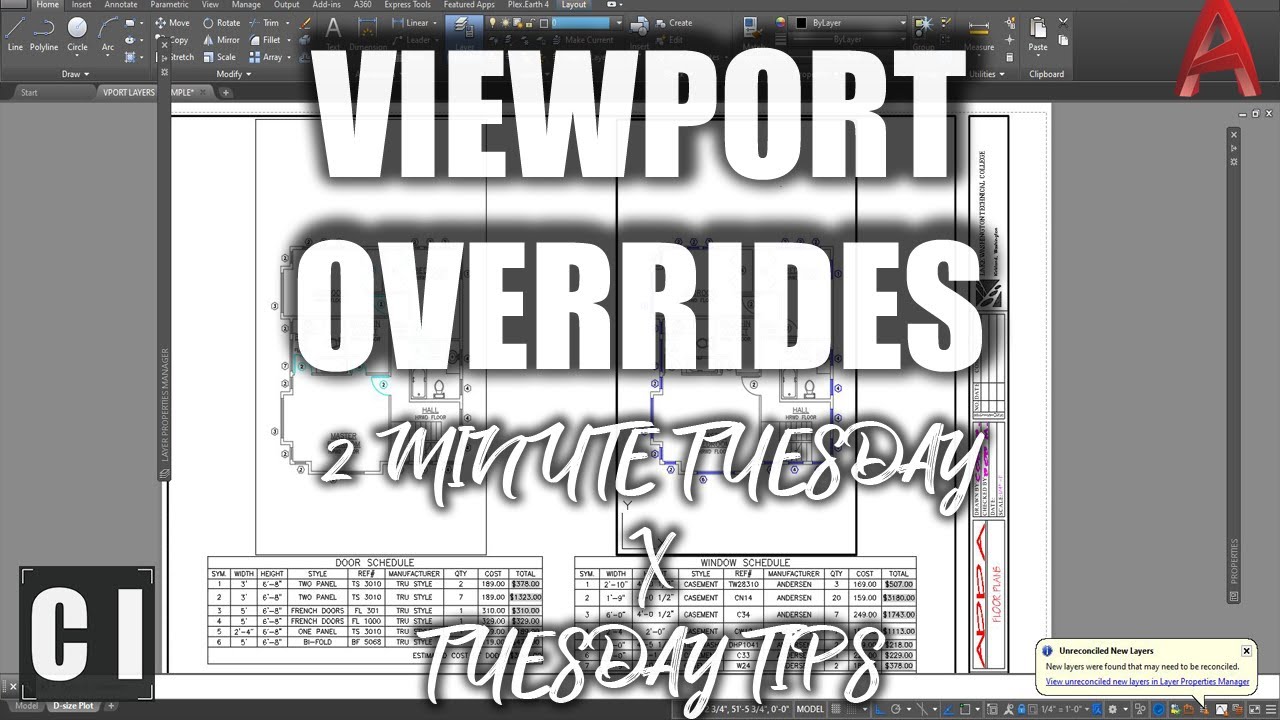
Viewport overrides
🛠 Pro Techniques Included:
Creating custom line weight presets
Solving common printing/scaling issues
Industry-standard weight recommendations for:
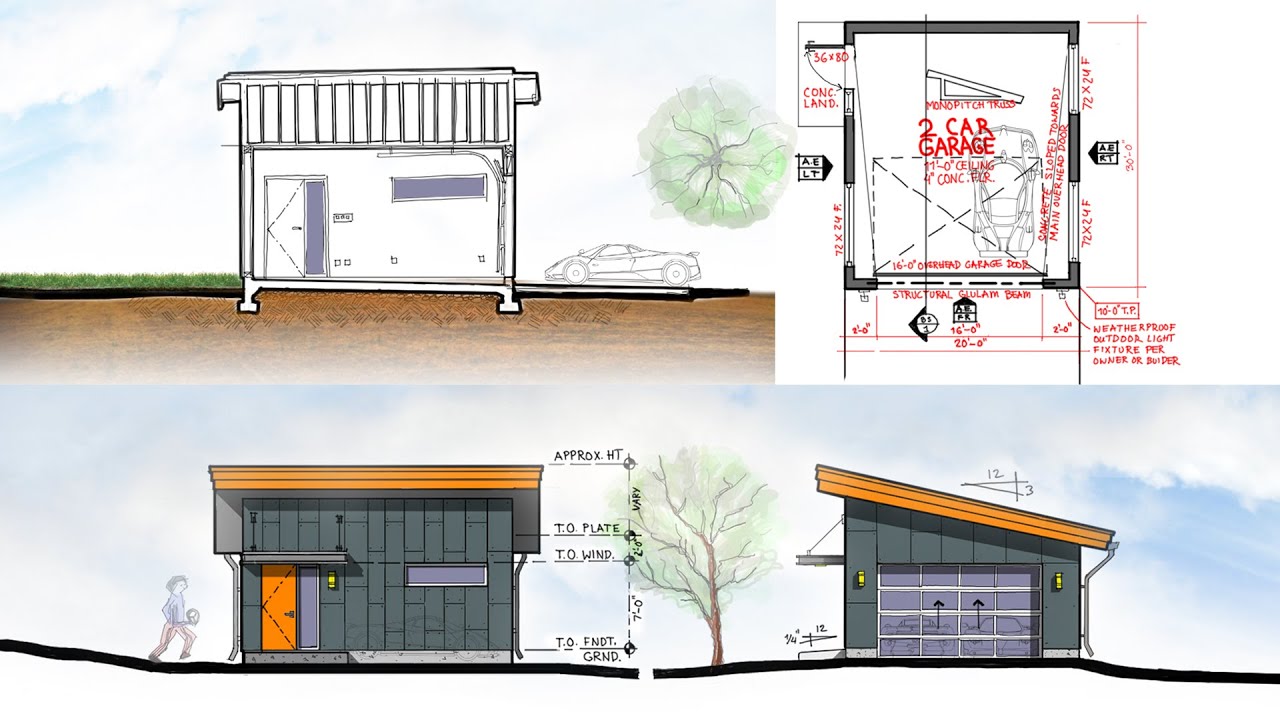
Architectural drawings
Mechanical engineering
Electrical schematics
💡 Bonus Sections:
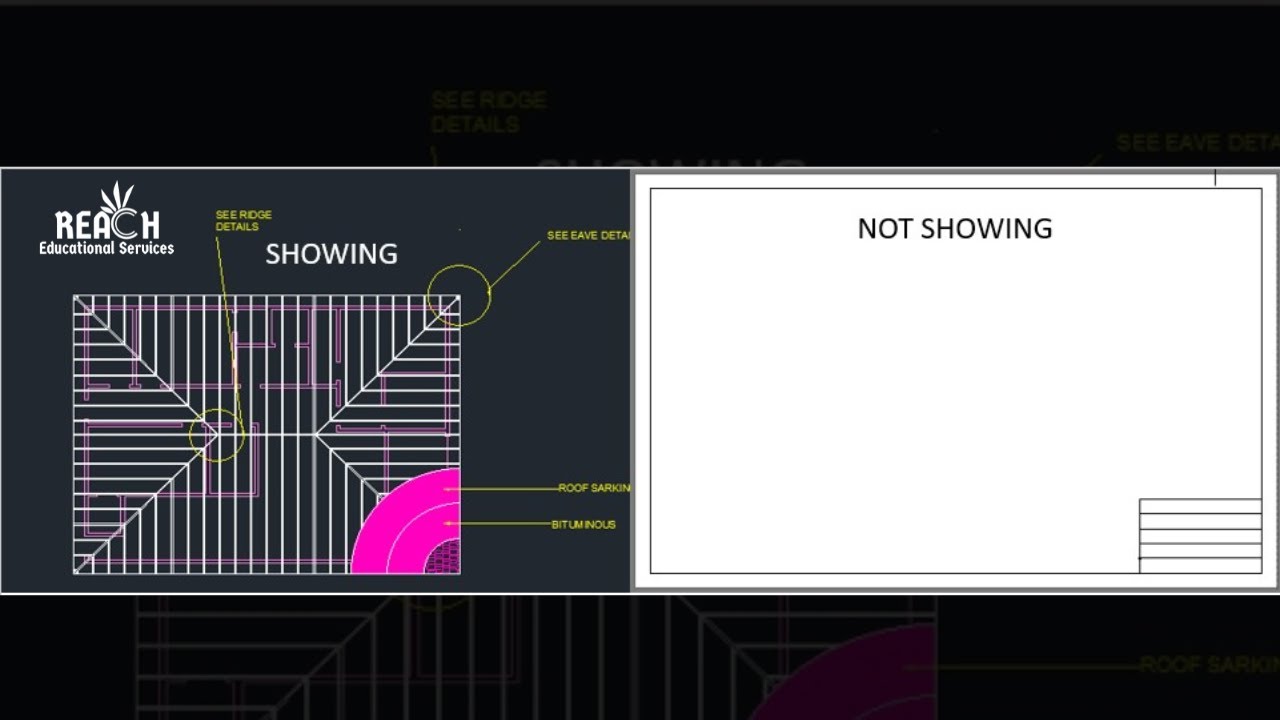
Why your lines might NOT appear thick (common fixes)
How to make line weights visible on screen properly
CTB vs. STB plot styles explained
Perfect For:
✔ AutoCAD beginners struggling with inconsistent line displays
✔ Intermediate users wanting to optimize their workflow
✔ Professionals preparing drawings for client presentations
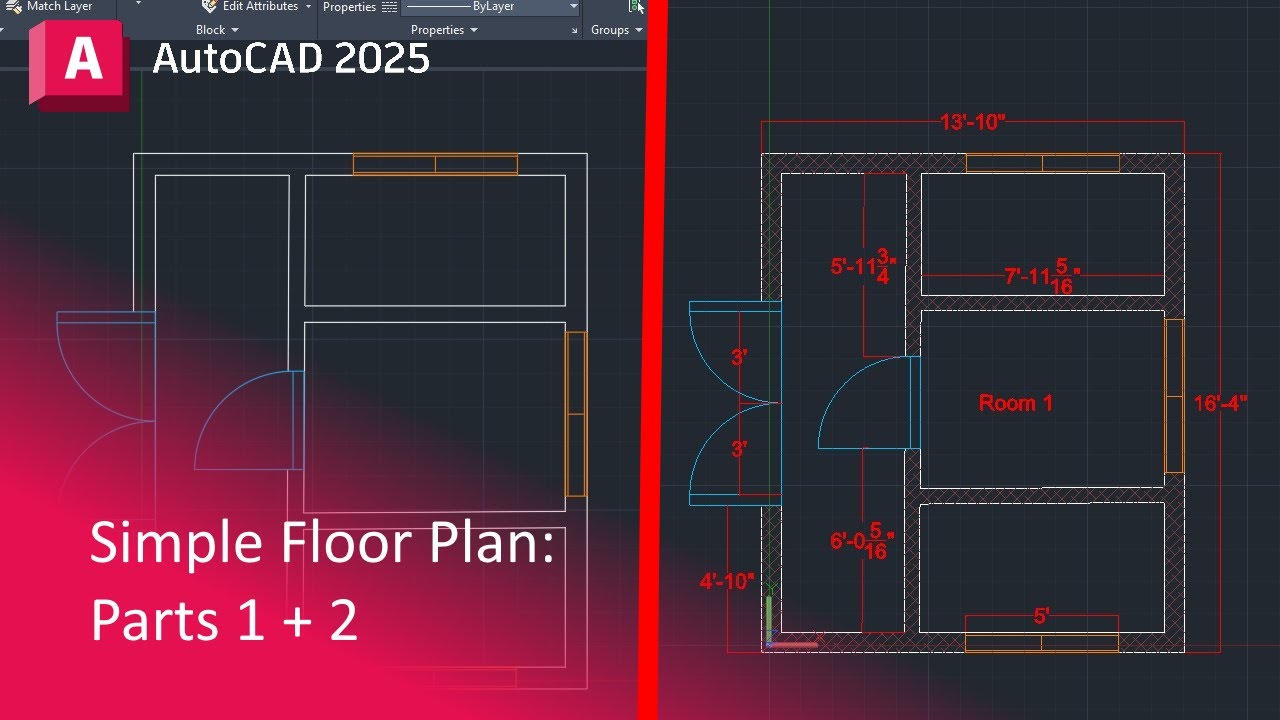
Software Shown: AutoCAD 2025 (Works in all recent versions)
Finally, I say that I,ll spend the utmost care and taste so that my educational videos will be useful for you. My only request is to subsecribe my channel & like my videos, and if you have any questions, make sure you comment to answer as soon as possible.
Thanks again. Be healthy and successful and wealthy.
#autocadlearning #autocadtutorials #lineweight_in_autocad
Повторяем попытку...

Доступные форматы для скачивания:
Скачать видео
-
Информация по загрузке: