How To Use Magic Eraser In Canva !
Автор: Paral Post
Загружено: 2025-08-13
Просмотров: 27
Описание:
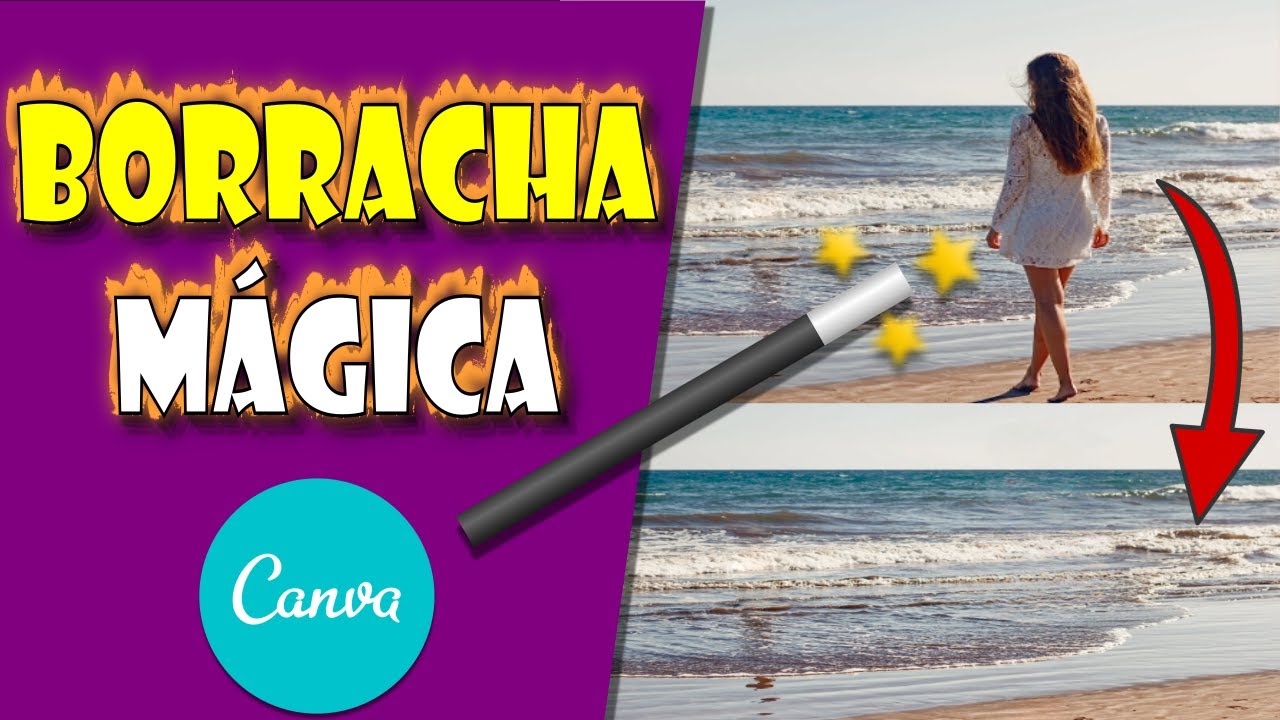
Using the Magic Eraser tool in Canva allows you to easily remove unwanted elements from an image, providing a clean and professional finish. This video explains how to use the Magic Eraser within Canva's interface, including the requirements and steps needed to access this feature.
To begin, open your Canva project and select the image you want to edit. Note that the Magic Eraser tool only works on still images and not on video elements. If you're working with a video, you'll need to upload a separate image to proceed.
Once the image is selected, click the 'Edit Photo' button located at the top of your screen. This will open the image editing panel. From here, navigate to the 'Magic Studio' section, which includes various AI-powered tools. In this section, locate the 'Magic Eraser' option.
Please note: Magic Eraser is a feature available only to Canva Pro users. If you do not already have a Pro subscription, you'll be prompted to start a free trial or subscribe. You'll need to enter valid payment information to activate the trial, even if you’re not charged immediately.
After unlocking the feature, click on 'Magic Eraser' and use your cursor to brush over the area you want to remove. The tool intelligently detects and removes the selected portion of the image, blending it with the background for a natural result. You can repeat this process as needed to refine the image.
This tool is particularly useful for removing backgrounds, blemishes, text, or objects from photos used in marketing materials, presentations, and social media content.
Timestamps:
0:00 Introduction
0:09 Opening a Canva project and selecting image
0:20 Accessing the Magic Studio
0:33 Switching from video to image
0:46 Magic Eraser availability and Pro requirement
1:04 Using the Magic Eraser tool
1:11 Conclusion
Hashtags:
\#CanvaMagicEraser #CanvaPro #PhotoEditing #CanvaTips #GraphicDesign #RemoveBackground #laptop #macbook
Повторяем попытку...

Доступные форматы для скачивания:
Скачать видео
-
Информация по загрузке:




![😲 Descubra como remover pessoas e objetos de suas imagens com a Borracha Mágica do Canva [INCRÍVEL!]](https://imager.clipsaver.ru/JgsAszic-Bo/max.jpg)





![Как я делаю ДЛИННЫЕ видео в Grok за 0₽? [ГАЙД 2026]](https://imager.clipsaver.ru/JqmsTdUdfeY/max.jpg)





