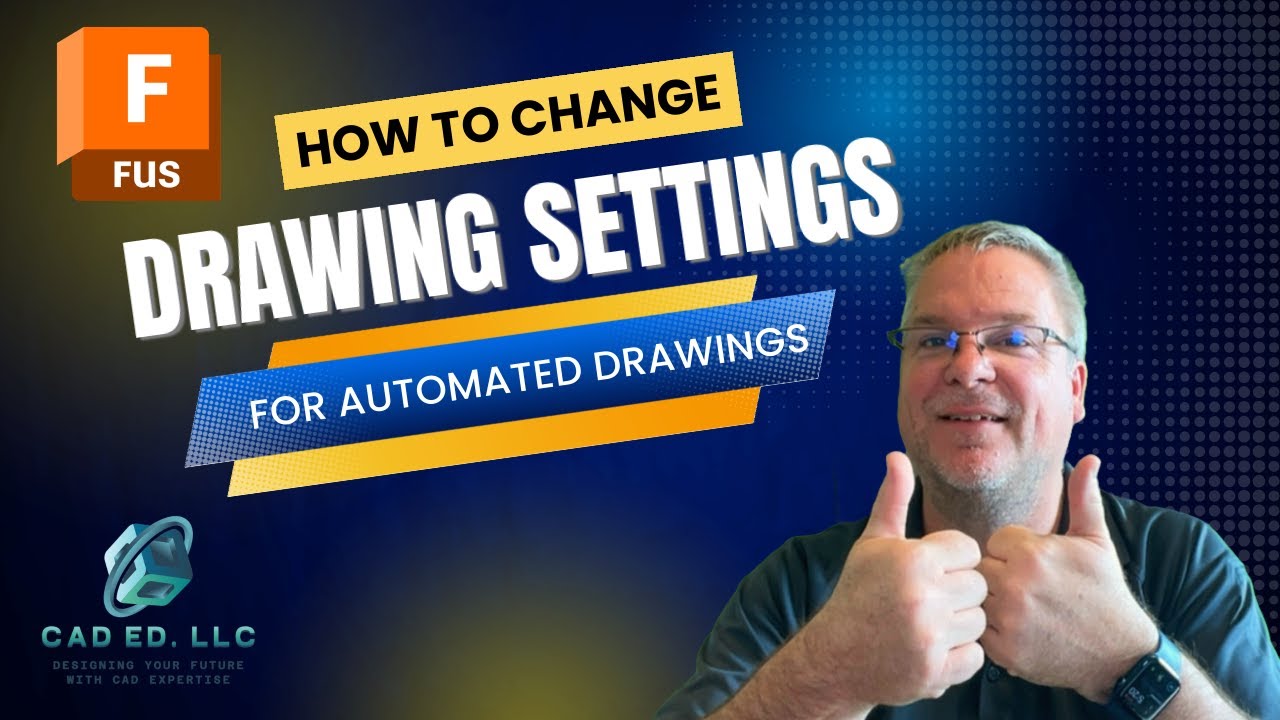
How do I edit a Title Block with text attributes
Автор: Brad Tallis
Загружено: 2026-01-29
Просмотров: 2561
Описание:
In this video, I show how to edit a Title Block in Fusion Drawings to add in Text Attributes to display Material, weight, and cost of the component. Learn how to customize or bring in an existing title block, insert in a custom logo, and add in attributes. I also cover how to create Drawing Templates that use your customized title block to speed up the creation of your drawing set.
Want to learn Fusion? Visit my webpage at cadedllc.com to learn more.
Don’t forget to like, comment, and subscribe for more Fusion tips and tricks!
#fusion #fusion360 #fusion360school #fusion360tutorial
00:00 - Intro
00:14 - Starting with a Template
01:08 - Edit Properties
01:35 - Edit Titleblock
03:06 - Insserting a logo
03:31 - Editing the Titleblock
04:52 - Adding a Text Attribute
07:43 - Modifying the Titleblock Template
11:26 - Creating a Drawing with the Template
13:03 - Investigating the Drawing
14:01 - Making slight changes
15:00 - Adding the Cost property
16:05 - Seeing the Cost Property update on Drawing
16:39 - Adding Attributes as regular text
17:33 - Conclusion
Повторяем попытку...

Доступные форматы для скачивания:
Скачать видео
-
Информация по загрузке: