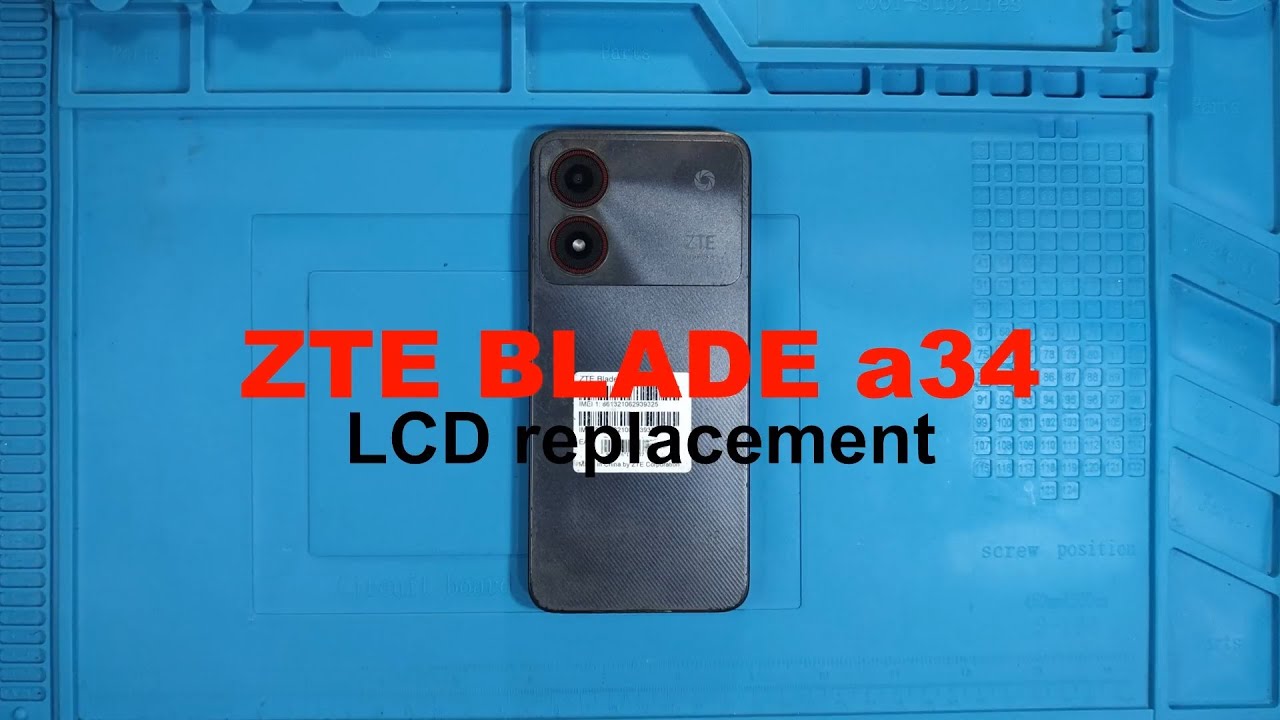
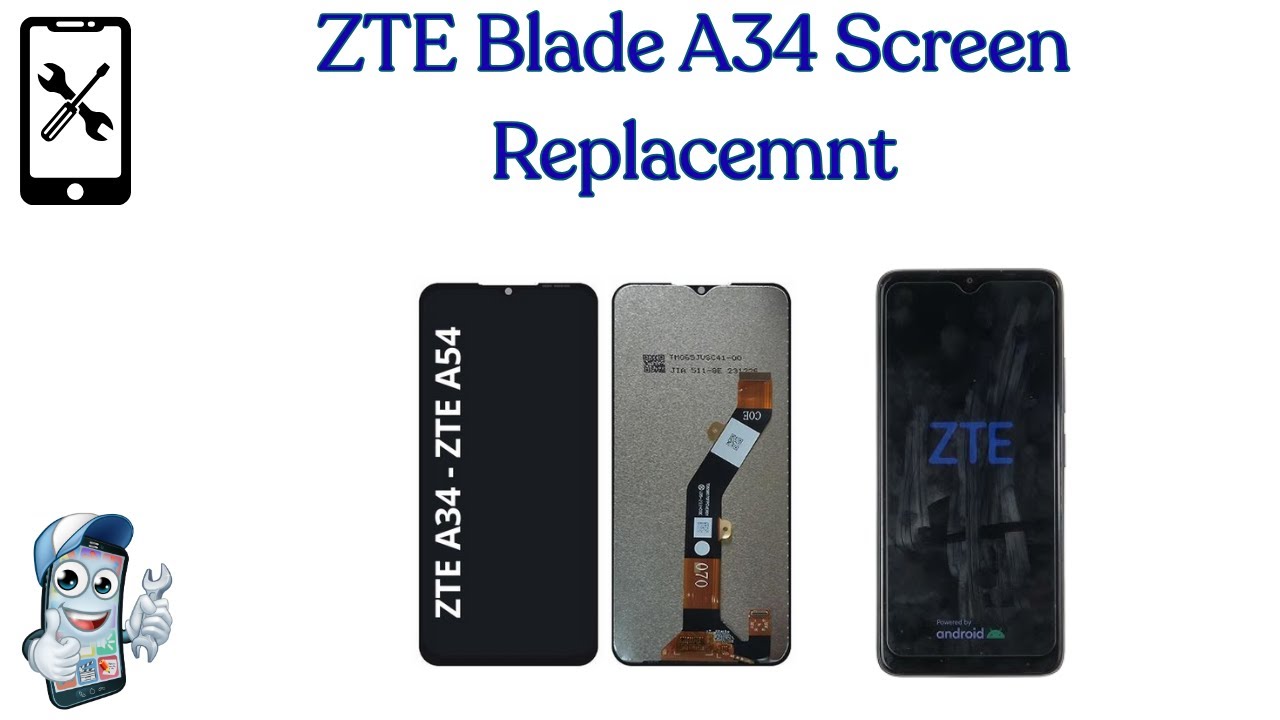
ZTE Blade A34 Screen Replacement
Автор: 7edge
Загружено: 2025-08-23
Просмотров: 468
Описание:
Summary Table
📱 Phone model covered: ZTE Blade A34 (works with similar A54 models)
🔧 Tools used: plastic pry tools, precision screwdriver set, tweezers, adhesive tape/glue
Step: What to Do
1. Procure:
Get a full LCD + digitizer assembly (with or without frame)
2. Test:
Verify the replacement screen works before installation
3. Disassemble:
Open the back, remove old screen
4. Replace:
Carefully swap in the new module; avoid cable damage
5. Reassemble:
Secure everything, power on, and test all functions.
⚡Pro Tips
Always power off your phone before repair
Handle flex cables carefully to avoid damage
Test Early: Always test the new screen before fully sealing the phone to avoid being stuck with a non-functional part.
Clean Environment: Work in a dust-free area and keep parts organized—small screws and fragile cables are easy to lose or damage.
Professional Help: If you're not confident, consider a repair shop. Many sellers strongly recommend professional installation to avoid damaging the display.
✅ By the end of this video, your ZTE Blade A34 will look and work like new again!
If you find this video helpful, don’t forget to like 👍, share, and subscribe for more smartphone repair tutorials.
📩 For questions or suggestions, drop a comment below.
#ZTEBladeA34 #ScreenReplacement #PhoneRepair #LCDReplacement
Повторяем попытку...
Доступные форматы для скачивания:
Скачать видео
-
Информация по загрузке: