ycliper

Популярное

Музыка Кино и Анимация Автомобили Животные Спорт Путешествия Игры Юмор

Интересные видео

2025 Сериалы Трейлеры Новости Как сделать Видеоуроки Diy своими руками

Топ запросов

смотреть а4 schoolboy runaway турецкий сериал смотреть мультфильмы эдисон
Скачать

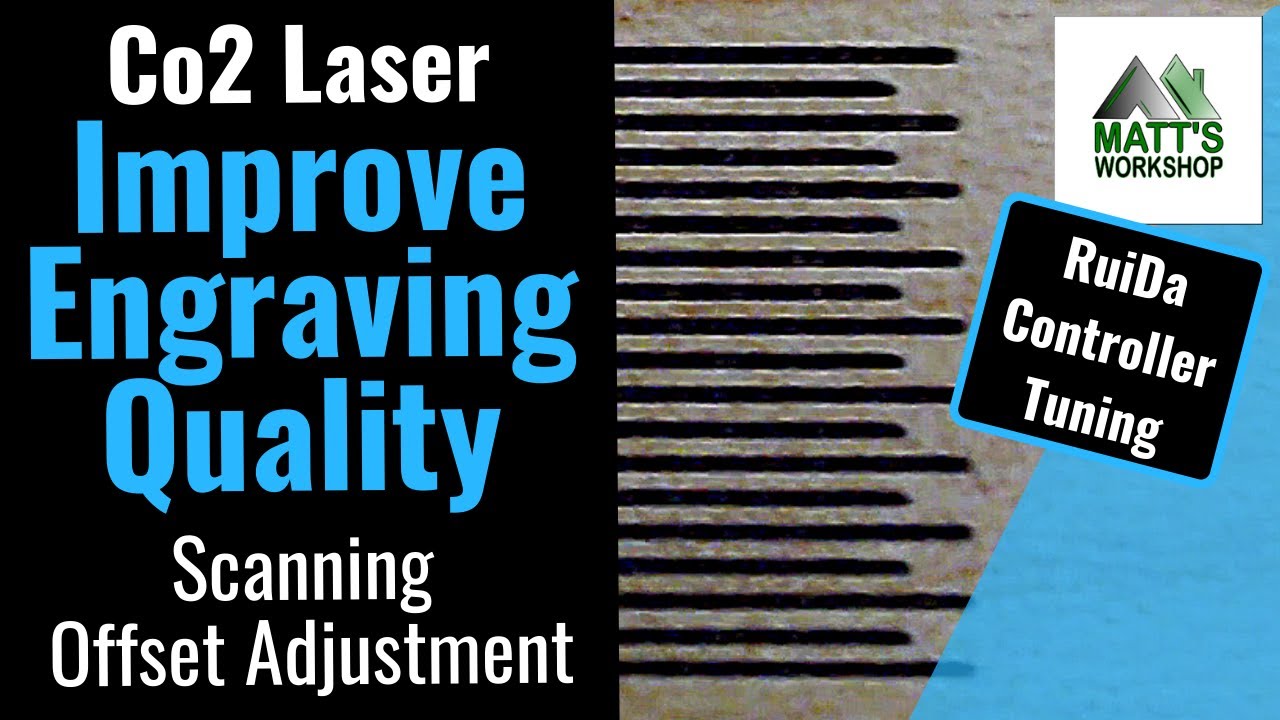
Improve Engraving Quality (Correct Scan Offset) on CNC Co2 Laser RD Works/LightBurn Software Config

Автор: MW Laser

Загружено: 2019-06-14

Просмотров: 59506

Описание: "When laser scans the graphics in two-way maybe cause the edge of the scanned graphics
uneven due to the relationship between the machine belt tensions. Therefore, increase backlash to correct it. It has the specific backlash for the certain speed. Generally, the faster the speed, the greater the backlash." (Ref: RD Works User Manual) - Note this is known as Scan Offset Adjustment. I use both terms, however there is a difference in backlash which I plan to discuss in a future video.
Laser Cutting Resources - https://amzn.to/2RNNCUj

Shop Co2 Laser On Amazon - https://amzn.to/2xg7fuY

In this video I explain how you can adjust the reverse offset feature (aka backlash) in RDWorks and LightBurn to improve the quality of your engraving at set speeds.

It is important to note that these fine tuning adjustments are only made to the engraving speeds that you use most and will need to be adjusted for every speed you use. For example if you engrave regularly at 300mm/sec and you make the adjustments for the speed of 300mm/sec these adjustments only take effect when 300mm/sec are used on a layer. That means if you change the engraving speed to 299 or 301mm/sec then the reverse offset adjustments are no longer in effect.
So with that in mind, let us look at how we go about adjusting and fine tuning these to our requirements.

I have set the line interval on this test to 0.5 mm so it separates the lines and you can see them more clearly.
If the backlash is not corrected it can produce poor quality engraving. Something to note is it common for the step distance to be greater for increasing speeds, for example a 600mm/second line has a greater step and therefore each speed will need to be fine tuned individually. So it is only necessary to fine tune these reverse offset adjustments for the engraving speeds that you use.

I hope this video is useful. If you have suggestions for other videos of tips and tricks on the Co2 Laser, send me an email (address below) and I will see if I can make time to produce one for that topic.

Recorded with a Logitech C922 - https://amzn.to/2NcR5Nw

Thanks for Visiting.
Until next time, take care
Cheers Matthew
(MW Laser)
Visit Matt's Workshop at MW Laser : https://mwlaser.com.au/
Instagram   / mattsworkshop  
Facebook   / mattsworkshopau  

== If you'd like to support my channel financially so I can continue to produce content you can do via PayPal here -- https://www.paypal.me/mattsworkshop -- Thank You ====

Any questions please feel free to email me [email protected] or leave a comment below.
NOTE: This is not a paid production or advertisement.

Не удается загрузить Youtube-плеер. Проверьте блокировку Youtube в вашей сети.
Повторяем попытку...
Improve Engraving Quality (Correct Scan Offset) on CNC Co2 Laser RD Works/LightBurn Software Config

Поделиться в:

Доступные форматы для скачивания:

Скачать видео

  • Информация по загрузке:

Скачать аудио

Похожие видео

Understanding Backlash & Scanning Reverse Interval (2018)

Understanding Backlash & Scanning Reverse Interval (2018)

Резка объекта, превышающего размер вашего лазерного стола. Простая настройка Lightburn. 😲 Крупног...

Резка объекта, превышающего размер вашего лазерного стола. Простая настройка Lightburn. 😲 Крупног...

Выбор линз для CO2-лазера и тестирование на рампе

Выбор линз для CO2-лазера и тестирование на рампе

E2 - Scanning Offset & Overscanning

E2 - Scanning Offset & Overscanning

Добавление внешнего воздуха к вашему CO2-лазеру сэкономит вам уйму времени!

Добавление внешнего воздуха к вашему CO2-лазеру сэкономит вам уйму времени!

Improve Engraving Quality | Correct Scanning Offset | CO2 Laser | AEON

Improve Engraving Quality | Correct Scanning Offset | CO2 Laser | AEON

Лазерная гравировка темных дизайнов без дополнительной мощности, пищевой соды или буры

Лазерная гравировка темных дизайнов без дополнительной мощности, пищевой соды или буры

Scanning Offset Adjustment for CO2 and Diode Lasers

Scanning Offset Adjustment for CO2 and Diode Lasers

Максимальная модернизация системы подачи воздуха для контроллеров CO2-лазера RUIDA 644X — станок ...

Максимальная модернизация системы подачи воздуха для контроллеров CO2-лазера RUIDA 644X — станок ...

Исправление размытых гравюр | Коррекция смещения сканирования Lightburn

Исправление размытых гравюр | Коррекция смещения сканирования Lightburn

How to Align Co2 Laser / Wattsan CNC Guide

How to Align Co2 Laser / Wattsan CNC Guide

CO2 Laser - Gravuren optimieren / Scan Offset

CO2 Laser - Gravuren optimieren / Scan Offset

Defocusing your laser for engraving and etching lines

Defocusing your laser for engraving and etching lines

Как провести тест на CO2-лазере — простой способ

Как провести тест на CO2-лазере — простой способ

Как ПРАВИЛЬНО гравировать акрил лазером | Учебные пособия LIT

Как ПРАВИЛЬНО гравировать акрил лазером | Учебные пособия LIT

Этот простой трюк с использованием светового выжигания придаст гравировке на монетах профессионал...

Этот простой трюк с использованием светового выжигания придаст гравировке на монетах профессионал...

[09] Контроллер RuiDa — Инструменты поставщика конфигурации — RD Works

[09] Контроллер RuiDa — Инструменты поставщика конфигурации — RD Works

Creating a Material Test Card using LightBurn - Project Walkthrough - OMTech

Creating a Material Test Card using LightBurn - Project Walkthrough - OMTech

Knowing your Monport Laser: How to adjust and align the mirrors on your Monport laser

Knowing your Monport Laser: How to adjust and align the mirrors on your Monport laser

Ramp Test and Optimal Focus for Co2 Laser

Ramp Test and Optimal Focus for Co2 Laser

© 2025 ycliper. Все права защищены.


  • Контакты
  • О нас
  • Политика конфиденциальности


Контакты для правообладателей: [email protected]