ycliper

Популярное

Музыка Кино и Анимация Автомобили Животные Спорт Путешествия Игры Юмор

Интересные видео

2025 Сериалы Трейлеры Новости Как сделать Видеоуроки Diy своими руками

Топ запросов

смотреть а4 schoolboy runaway турецкий сериал смотреть мультфильмы эдисон
Скачать

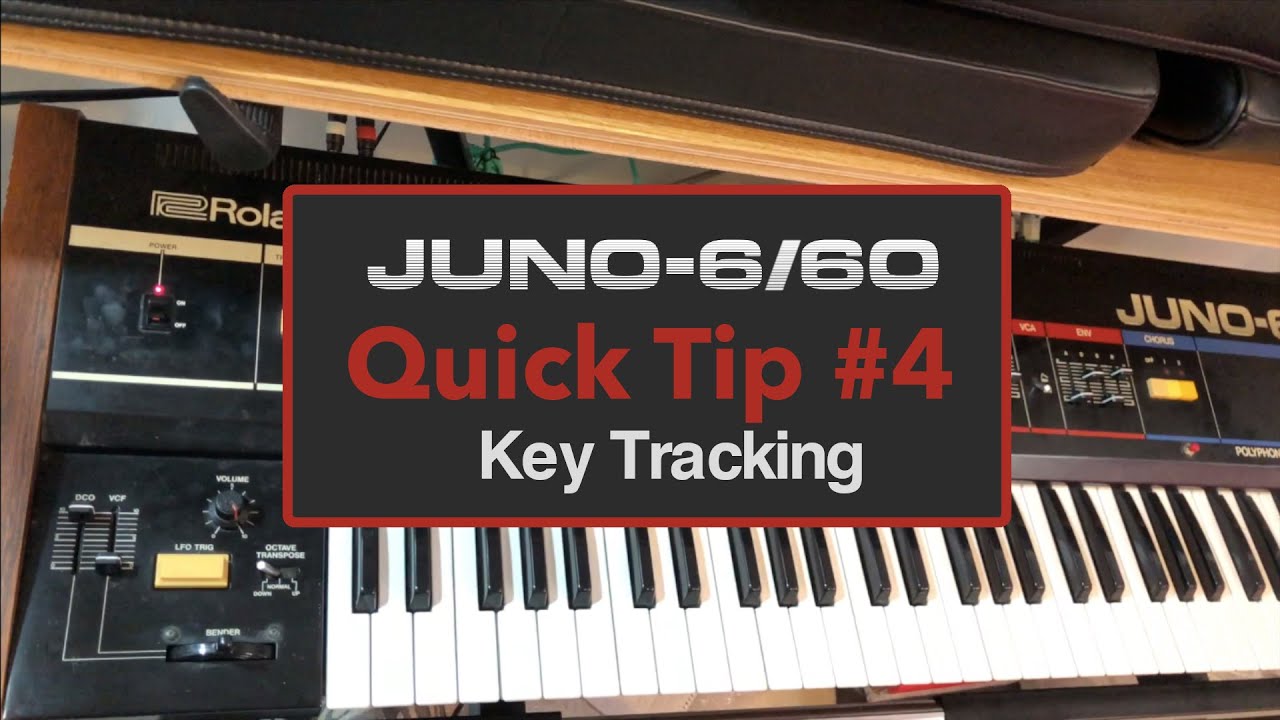
Juno 6/Juno 60 Quick Tip #4 - How to use keyboard tracking effectively

Автор: Go Robot

Загружено: 2020-06-18

Просмотров: 1405

Описание: In this video series, I'll share some quick tips and tricks for getting more out of your Juno 6/Juno 60 synthesizer. In this video, I'll show you how to use keyboard tracking more effectively by tuning the resonance on the filter.

With keyboard tracking at maximum, it's quite easy for synths to sound off with a high resonance because some notes pick out more overtones than others. The key trick is to tune the filter so that the resonant peak fits relative to the fundamental note. It's good to choose octaves, 4ths, or 5ths for this. By doing this, the resonant note supports the main sound which helps to sit the synth in the mix and gives it a sense of space. This can also be used to generate vowel, bell, and whistle type sounds.

On the Juno 6/Juno 60 synths, the filter follows the notes on the keyboard if you set the tracking amount at maximum. The filter is a bit noisy and unstable so it takes some effort to tune properly, but it's well worth it!

Не удается загрузить Youtube-плеер. Проверьте блокировку Youtube в вашей сети.
Повторяем попытку...
Juno 6/Juno 60 Quick Tip #4 - How to use keyboard tracking effectively

Поделиться в:

Доступные форматы для скачивания:

Скачать видео

  • Информация по загрузке:

Скачать аудио

Похожие видео

MGT #001 | FIXING MY JUNO-6

MGT #001 | FIXING MY JUNO-6

Why Do I Love the Juno-6?

Why Do I Love the Juno-6?

Чем ОПАСЕН МАХ? Разбор приложения специалистом по кибер безопасности

Чем ОПАСЕН МАХ? Разбор приложения специалистом по кибер безопасности

Synth Party - Roland Juno 60

Synth Party - Roland Juno 60

Go Robot - Smoke

Go Robot - Smoke

Erica Synths DB-01 Quick Tip: Filter Tracking

Erica Synths DB-01 Quick Tip: Filter Tracking

A quick Juno 106 and 60 comparison

A quick Juno 106 and 60 comparison

Почему любители часто круче «профессионалов»?

Почему любители часто круче «профессионалов»?

Что я хотел бы знать, когда начал играть на фортепиано

Что я хотел бы знать, когда начал играть на фортепиано

Roland Juno-6 Synth Tutorial with Andrew Kingslow

Roland Juno-6 Synth Tutorial with Andrew Kingslow

Roland Juno 60 - sweet spots

Roland Juno 60 - sweet spots

SUNO.AI Как стереть цифровой след

SUNO.AI Как стереть цифровой след

Roland Juno 6 resonant pad

Roland Juno 6 resonant pad

Как Путин накачал НАТО оружием и деньгами

Как Путин накачал НАТО оружием и деньгами

Ace of Base - Happy Nation (Cover) | Arturia KeyLab Essential mk3

Ace of Base - Happy Nation (Cover) | Arturia KeyLab Essential mk3

Roland Juno 60 Repair (Buttons and Arpeggiator) and some other stuff

Roland Juno 60 Repair (Buttons and Arpeggiator) and some other stuff

The Roland Juno-6: Envelope, Chorus, etc.

The Roland Juno-6: Envelope, Chorus, etc.

ROLAND JUNO 6 - LFO TRIG BUTTON REPAIR AND BASIC CALIBRATION

ROLAND JUNO 6 - LFO TRIG BUTTON REPAIR AND BASIC CALIBRATION

Deepmind Patch Bank // Juno 106 Factory Presets

Deepmind Patch Bank // Juno 106 Factory Presets

Juno 6/Juno 60 Quick Tip #1 - How to enter mono/unison mode

Juno 6/Juno 60 Quick Tip #1 - How to enter mono/unison mode

© 2025 ycliper. Все права защищены.


  • Контакты
  • О нас
  • Политика конфиденциальности


Контакты для правообладателей: [email protected]