How to keep super steady feature on in video mode on Samsung Galaxy S24 Ultra
Автор: S-Series School
Загружено: 2024-10-10
Просмотров: 190
Описание:
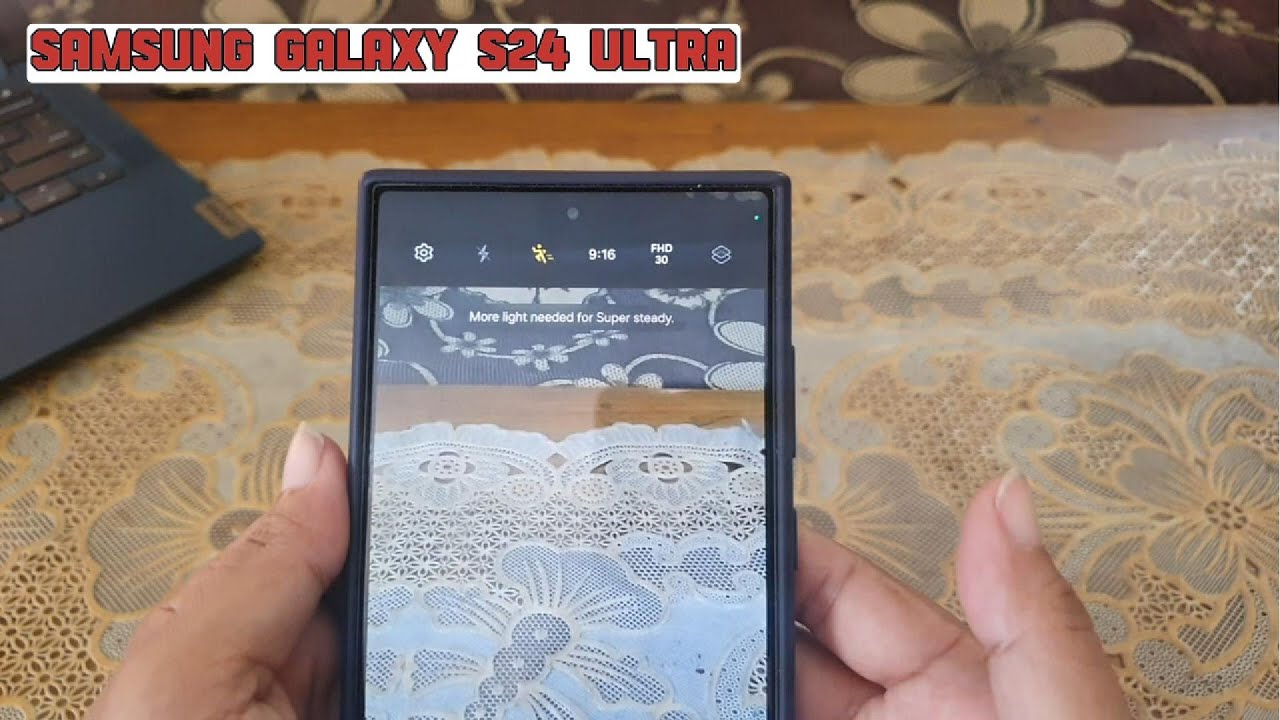
In this video, you will find the steps on how to keep super steady feature on in video mode on Samsung Galaxy S24/S24+/S24 Ultra.
To keep super steady feature on in video mode on Samsung Galaxy S24 Ultra, you have to keep the setting for the super steady on the camera app by using the following steps:
Open camera app.
Tap the settings icon at the top left.
Under General section, tap "Settings to keep".
Tap the grey on/off switch next to "Super steady" until the switch turns blue to turn it on.
With this setting, when you're in video mode and you enable the super steady feature, this feature will stay on even after you close the camera.
This video uses Samsung Galaxy S24 Ultra SM-S928B/DS International version runs with Android 14 (Upside Down Cake)
#galaxys24ultra #samsung #samsungtrainer
----------------------------------------------------------------------------------------------------------------------
You can join to our channel membership through this link to get extra benefits : https://www.youtube.com/@cakwin22/join
Повторяем попытку...
Доступные форматы для скачивания:
Скачать видео
-
Информация по загрузке: