Windows Terminal: Finally!
Автор: David Bombal
Загружено: 2020-06-26
Просмотров: 395552
Описание:
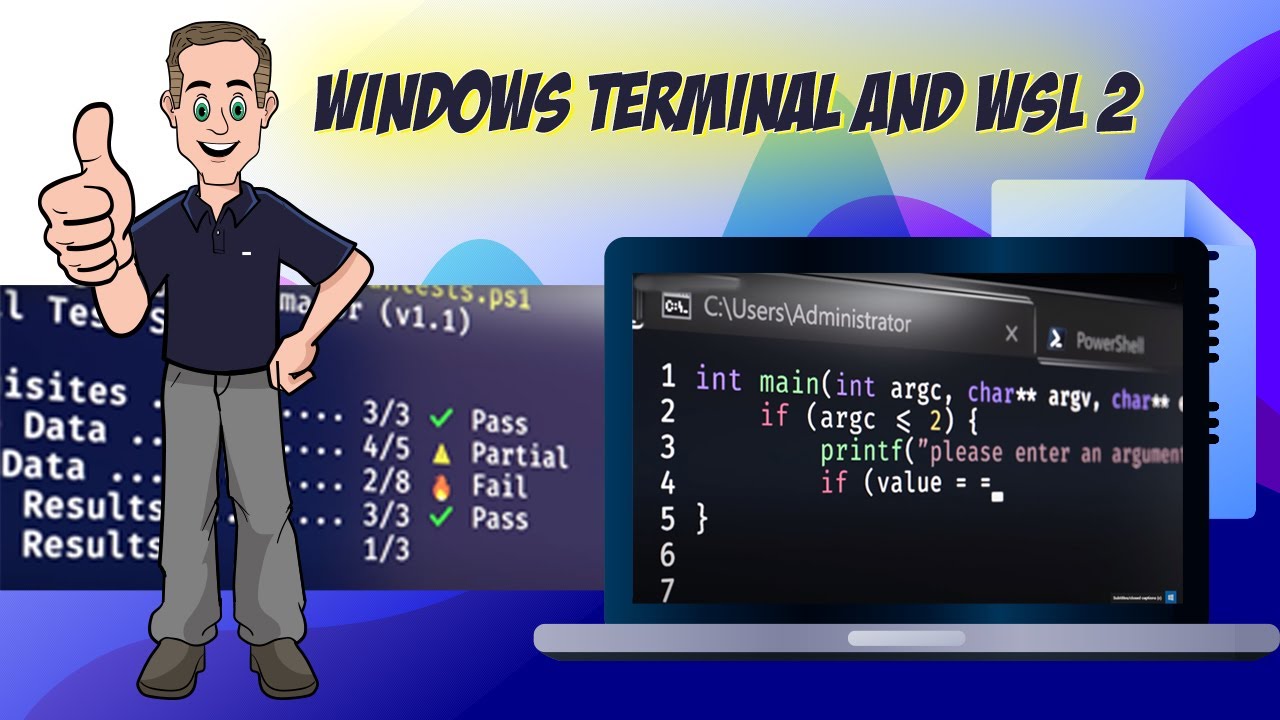
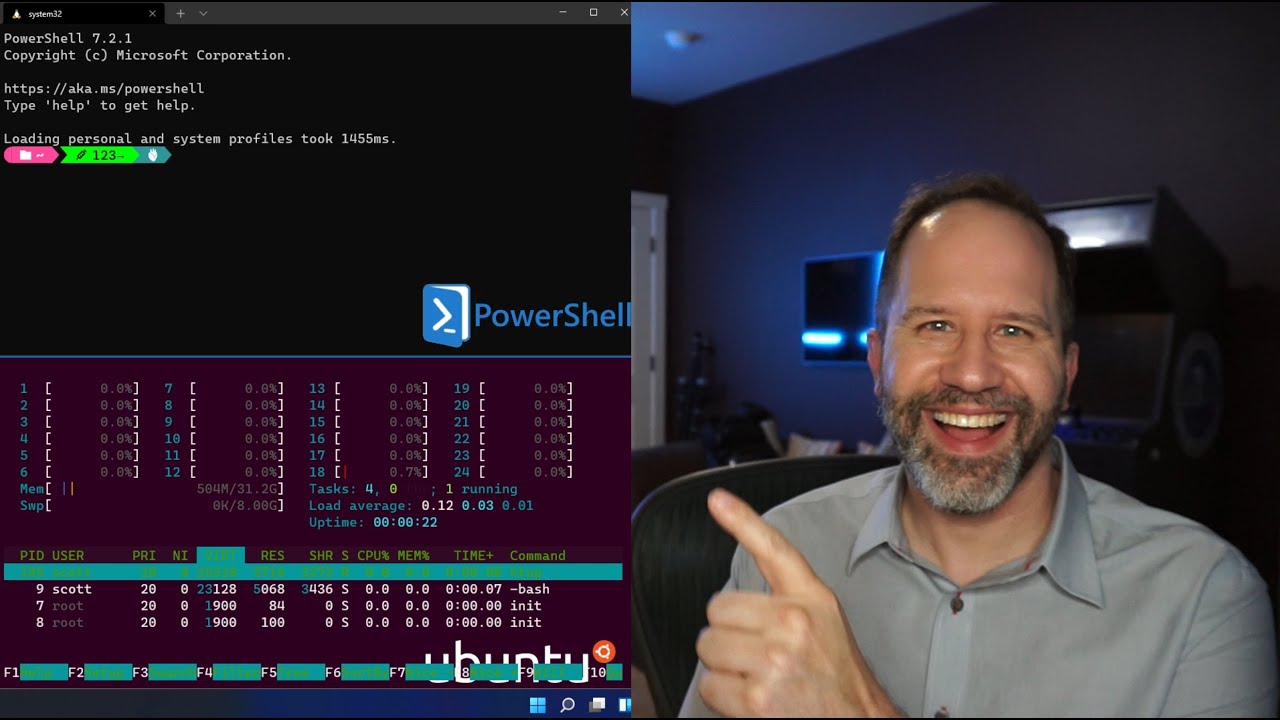
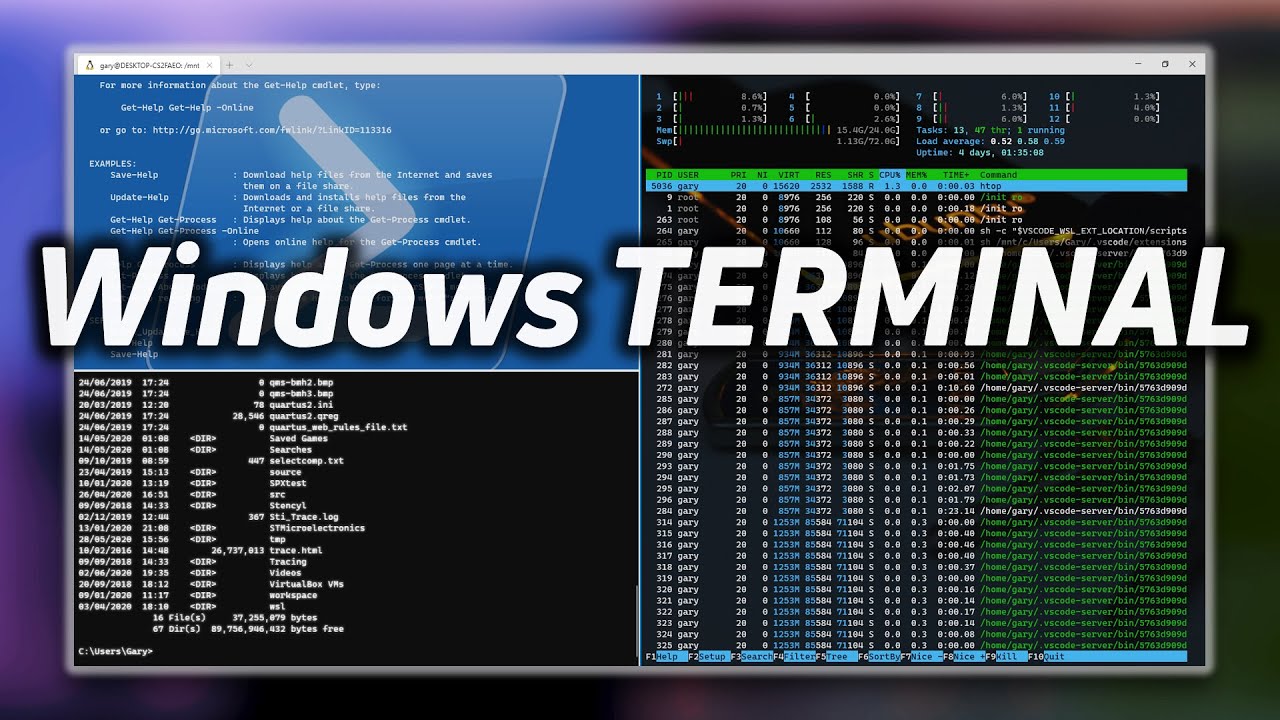
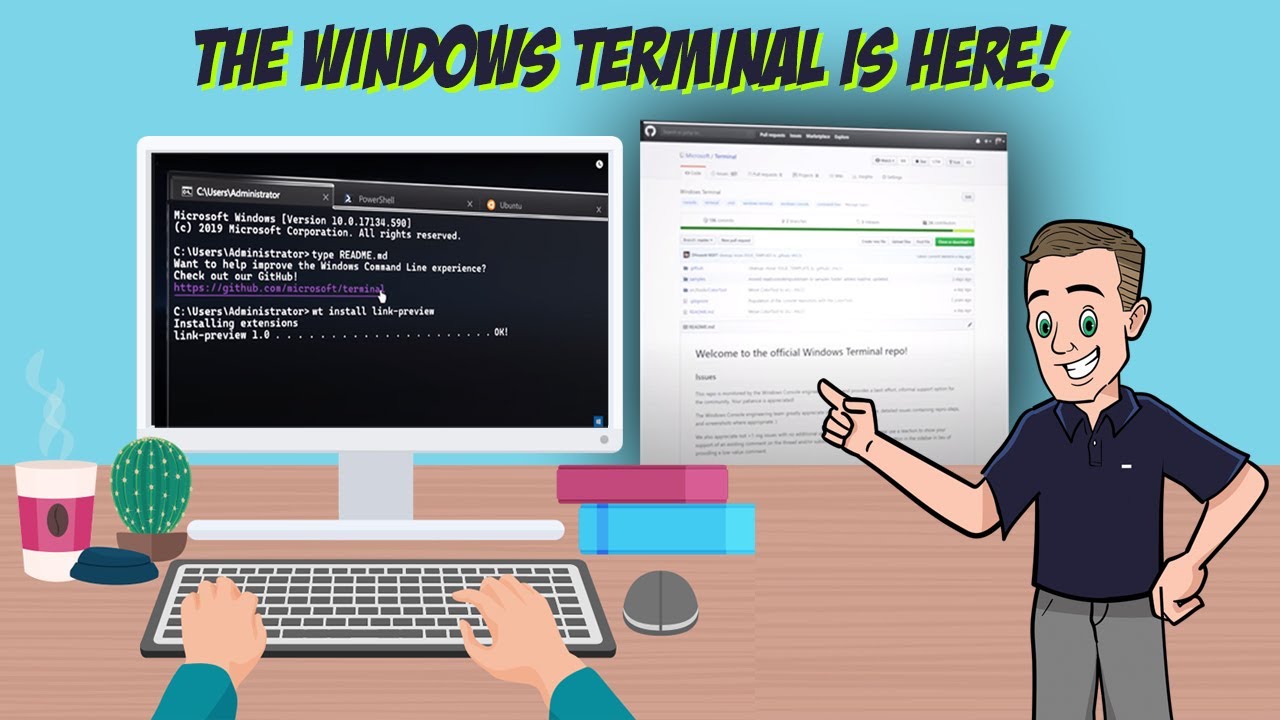
Microsoft have released a free, tabbed terminal application that allows you to use PowerShell, Command Prompt, Linux, SSH and much more! This is a great application and I think it replaces all those old or expensive options on the market! No need to use Putty anymore for SSH or Telnet. No need to pay huge amounts of money for other applications unless you really need specific functionality. Fantastic to now see an OpenSource Terminal application released in 2020.
It's so easy now to have a tabbed application that supports Powershell, Command Prompt, Azure, WSL 2, SSH, Telnet and other applications.
Windows Terminal supports a lot of customization - you can change fonts, colors, background images and a whole bunch of other options.
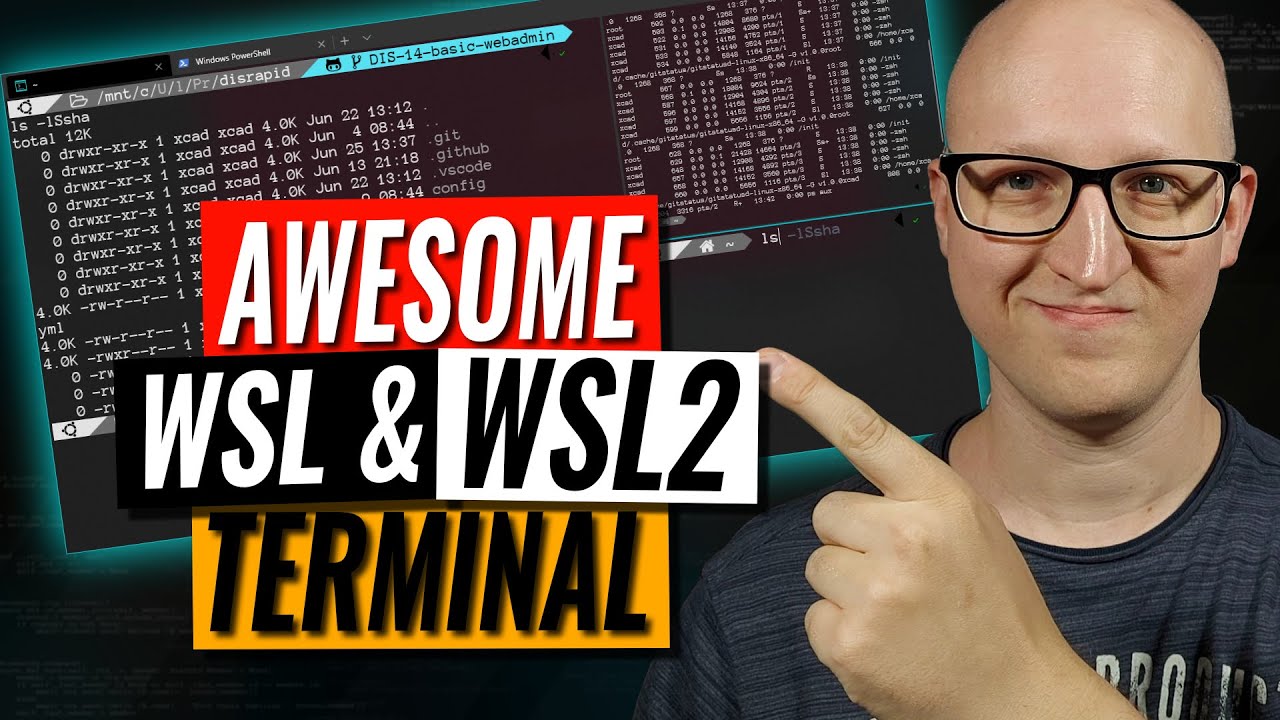
wsl2 is a fantastic Microsoft Windows 10 development: You can run Linux directly on Windows using the windows subsystem for linux. In this video I demonstrate ubuntu 20.04 and 18.04 using wsl2.
Menu:
Overview: 0:00
Physical Device: 1:24
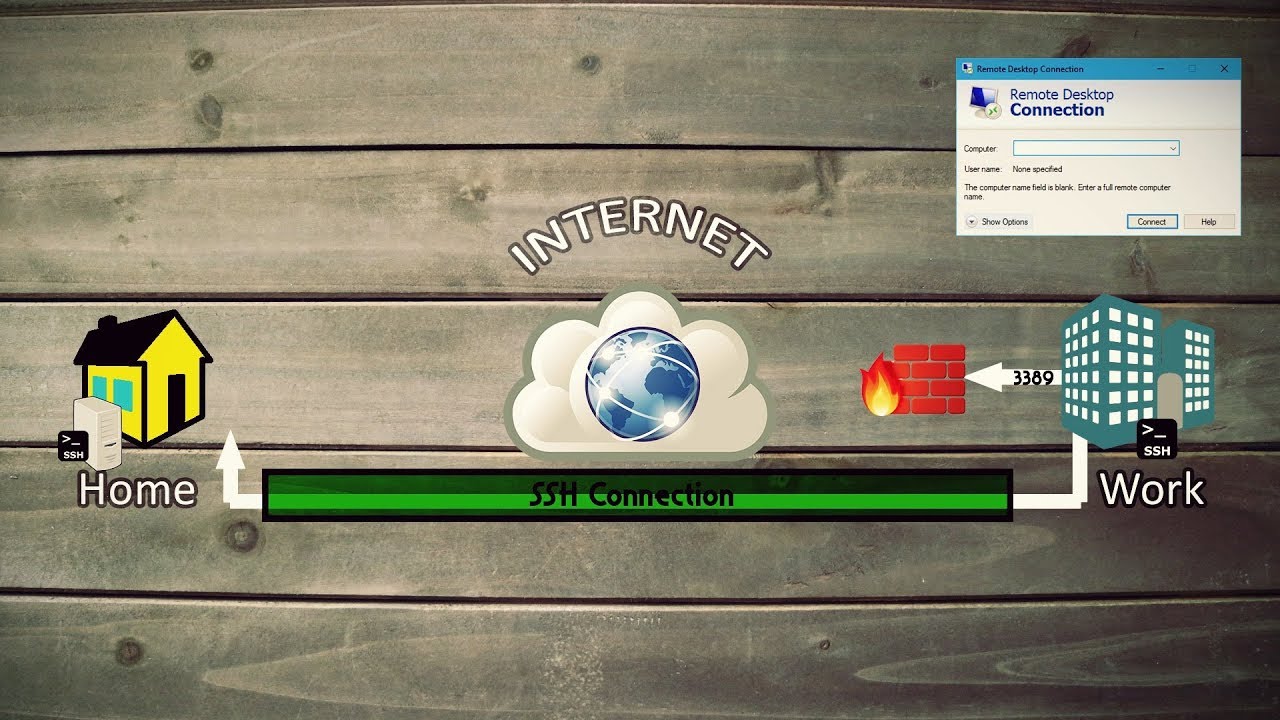
SSH in the bad old days 1:38
SSH in Windows 10: 2:22
PowerShell: 2:49
Windows Terminal Overview: 3:02
Windows Terminal SSH Tab: 4:40
Windows Terminal Telnet Tab: 5:30
Background image: 5:50
Use WSL 2 Ubuntu to SSH: 6:15
Shortcuts: 7:15
Terminal Settings: 8:39
Terminal SSH configuration: 12:04
Copy text automatically: 16:00
Previous videos:
Windows Terminal and WSL 2: • Windows Terminal and WSL 2 tips
WSL 2 getting started: • WSL 2: Getting started
WSL2 and Docker getting started: • WSL 2 with Docker getting started
Documentation:
Windows Terminal: https://docs.microsoft.com/en-us/wind...
Window Terminal Introduction: https://devblogs.microsoft.com/comman...
Windows Terminal GitHub: https://github.com/microsoft/terminal
What is WSL? https://docs.microsoft.com/en-us/wind...
WSL documentation: https://docs.microsoft.com/en-us/wind...
WSL 2 Announcement: https://devblogs.microsoft.com/comman...
==============================
My custom settings:
==============================
{
// Make changes here to the powershell.exe profile.
"guid": "{61c54bbd-c2c6-5271-96e7-009a87ff44bf}",
"name": "Windows PowerShell",
"commandline": "powershell.exe",
"hidden": false
},
{
"name": "Windows PowerShell MyColors",
"commandline": "powershell.exe",
"hidden": false,
"colorScheme": "Campbell Powershell",
"icon": "c:\\temp\\test.ico"
},
{
// Make changes here to the cmd.exe profile.
"guid": "{0caa0dad-35be-5f56-a8ff-afceeeaa6101}",
"name": "Command Prompt",
"commandline": "cmd.exe",
"hidden": false
},
{
"guid": "{07b52e3e-de2c-5db4-bd2d-ba144ed6c273}",
"hidden": false,
"name": "Ubuntu-20.04",
"source": "Windows.Terminal.Wsl"
},
{
"guid": "{c6eaf9f4-32a7-5fdc-b5cf-066e8a4b1e40}",
"hidden": false,
"name": "Ubuntu-18.04",
"source": "Windows.Terminal.Wsl"
},
{
"guid": "{2c4de342-38b7-51cf-b940-2309a097f518}",
"hidden": false,
"name": "Ubuntu",
"source": "Windows.Terminal.Wsl"
},
{
"guid": "{b453ae62-4e3d-5e58-b989-0a998ec441b8}",
"hidden": false,
"name": "Azure Cloud Shell",
"source": "Windows.Terminal.Azure"
},
{
"hidden": false,
"name": "SSH to Cisco Nexus",
"tabTitle": "SSH to Cisco Nexus",
"commandline": "ssh [email protected] -p 8181"
},
{
"hidden": false,
"name": "SSH to Cisco 1941",
"tabTitle": "SSH to Cisco 1941",
"commandline": "ssh -c aes256-cbc [email protected]",
"backgroundImage": "c:\\temp\\1941v3.jpg",
"backgroundImageStretchMode": "none",
"backgroundImageAlignment": "bottomRight",
"backgroundImageOpacity": 0.5
},
{
"hidden": false,
"name": "Ubuntu 20.04 SSH to Cisco 1941",
"tabTitle": "Ubuntu 20.04SSH to Cisco 1941",
"commandline": "wsl -d Ubuntu-20.04 ssh -oKexAlgorithms=+diffie-hellman-group1-sha1 -c aes128-cbc [email protected]"
},
{
"hidden": false,
"name": "Telnet to Cisco 1941",
"tabTitle": "Telnet to Cisco 1941",
"commandline": "telnet 192.168.1.249"
}
==============================
Windows Terminal
Microsoft Windows Terminal
Microsoft
WSL2
Ubuntu 20.04
WSL 2
WSL 1
Ubuntu 18.04
windows subsystem for linux
#windowsterminal #wsl2 #linux
Повторяем попытку...
Доступные форматы для скачивания:
Скачать видео
-
Информация по загрузке: