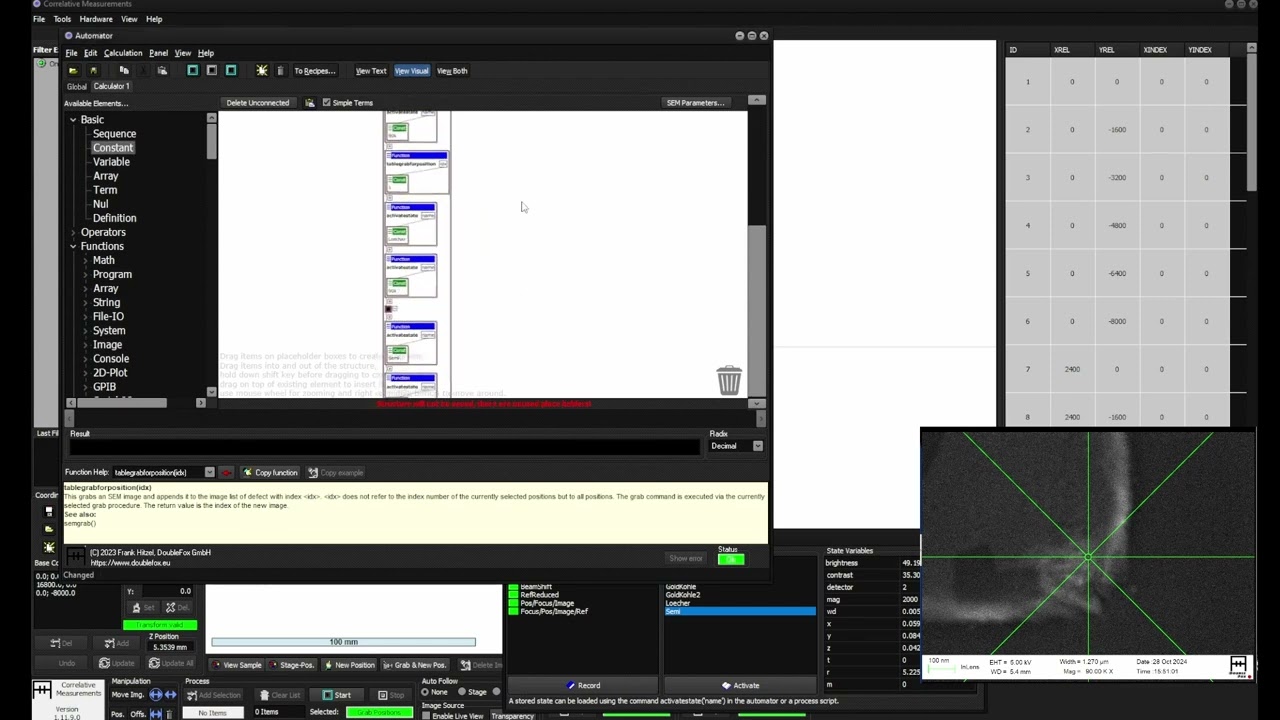
CorrMeas Tutorial: Automated Imaging with a Scanning Electron Microscope utilizing GDS II layouts
Автор: Frank Hitzel
Загружено: 2025-02-14
Просмотров: 11893
Описание:
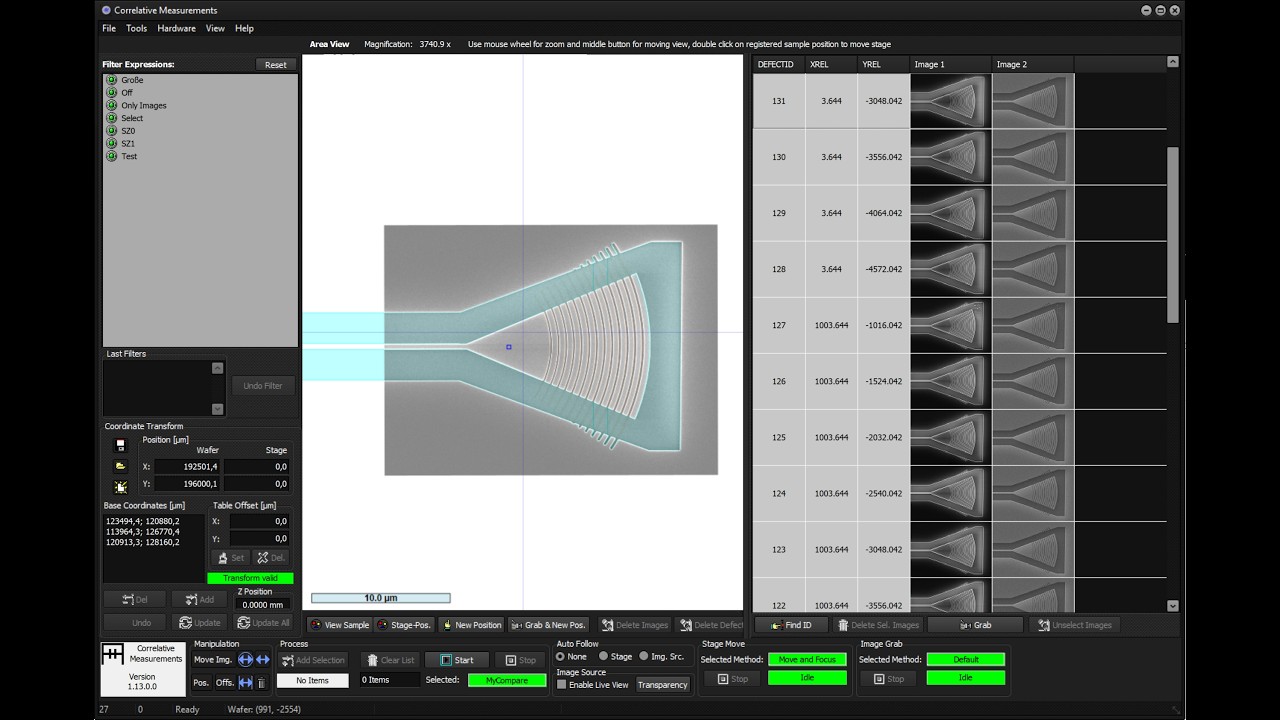
This is a tutorial video showing how to work with GDS II layout files using the DoubleFox CorrMeas Automation Software on a Zeiss GeminiSEM Scanning Electron Microscope. The video shows how to do alignment, automatic position improvement by creating virtual images from the GDS layout and automatic image comparison between virtually created GDS II images and SEM images.
Using virtual image creation from GDS files can extremely increase working speed, as not for every different feature individual reference images and comparison images have to be created. Using virtual images, one can position everywhere with high precision just selecting the target position, at least as long as structures can at all be identified.
The sample was kindly provided by the Novo Nordisk Foundation Quantum Computing Programme.
For more information about the Correlative Measurements software, visit our web site at: https://www.corrmeas.com
00:00 Introduction
02:44 Coordinate System Alignment
11:07 Basic Automated Imaging
17:27 Improving Position Accuracy by Using Virtual Reference Images
30:49 Automatic Image Comparison to the GDS II Layout
Повторяем попытку...
Доступные форматы для скачивания:
Скачать видео
-
Информация по загрузке:









![Почему взрываются батарейки и аккумуляторы? [Veritasium]](https://imager.clipsaver.ru/a3-3R9zwyGY/max.jpg)