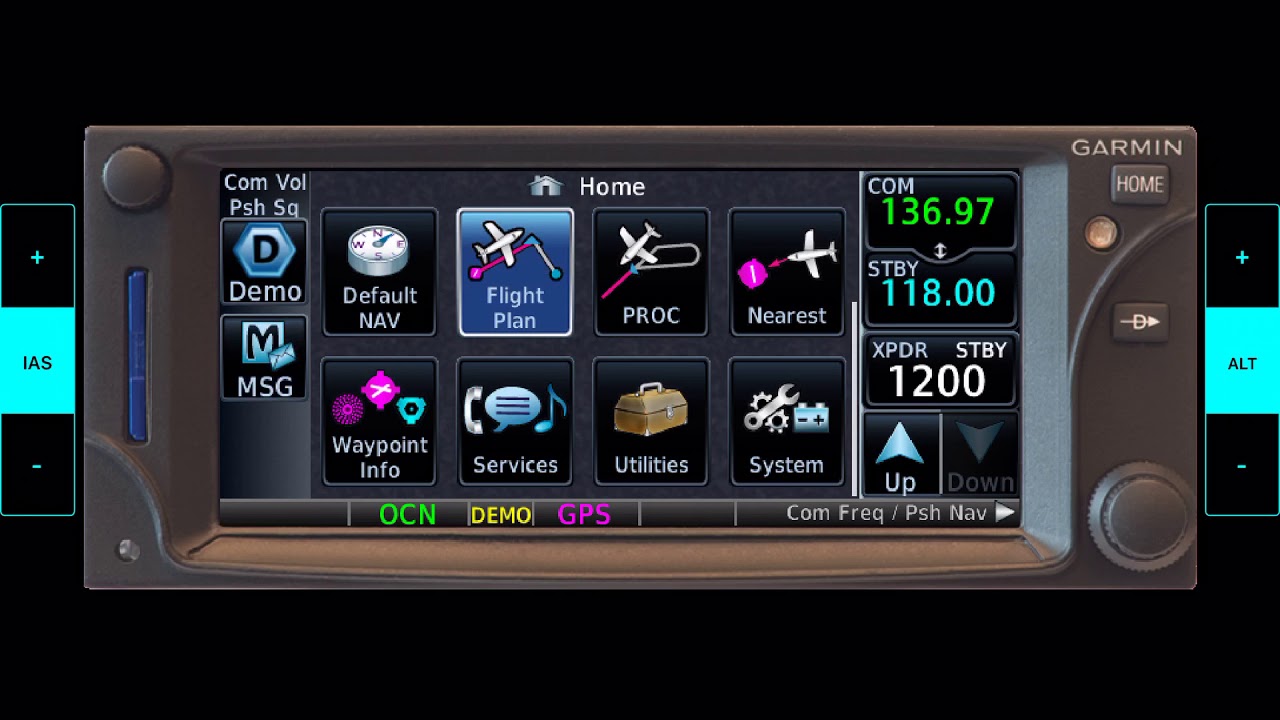
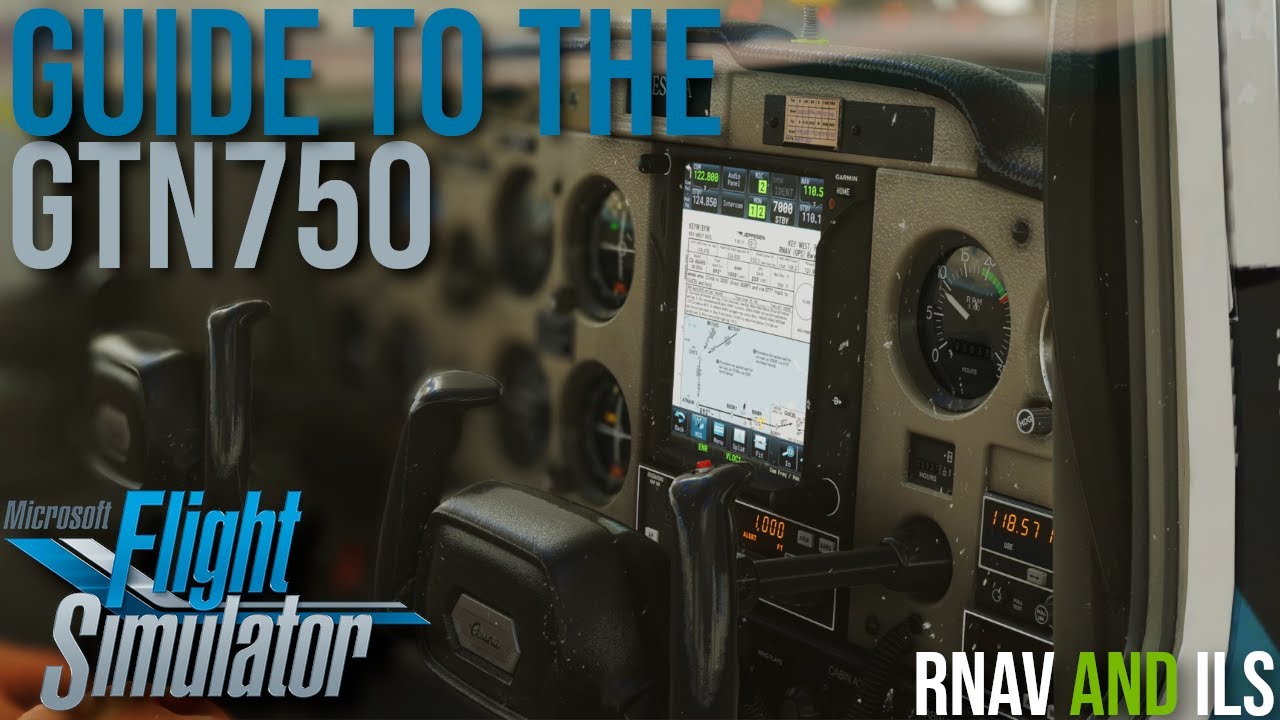
Garmin GTN 750: How to Create User Waypoints (All 4 Methods)
Автор: Cam Carr
Загружено: 2025-03-15
Просмотров: 1980
Описание:
Master creating user waypoints on your Garmin GTN 750! In this comprehensive tutorial, we'll explore all four methods for adding custom waypoints, empowering you with greater flexibility and precision in your flight planning.
Whether you need to mark a specific location, create a personal landing spot, or import a list of waypoints, this video has you covered. We'll walk through each method step-by-step:
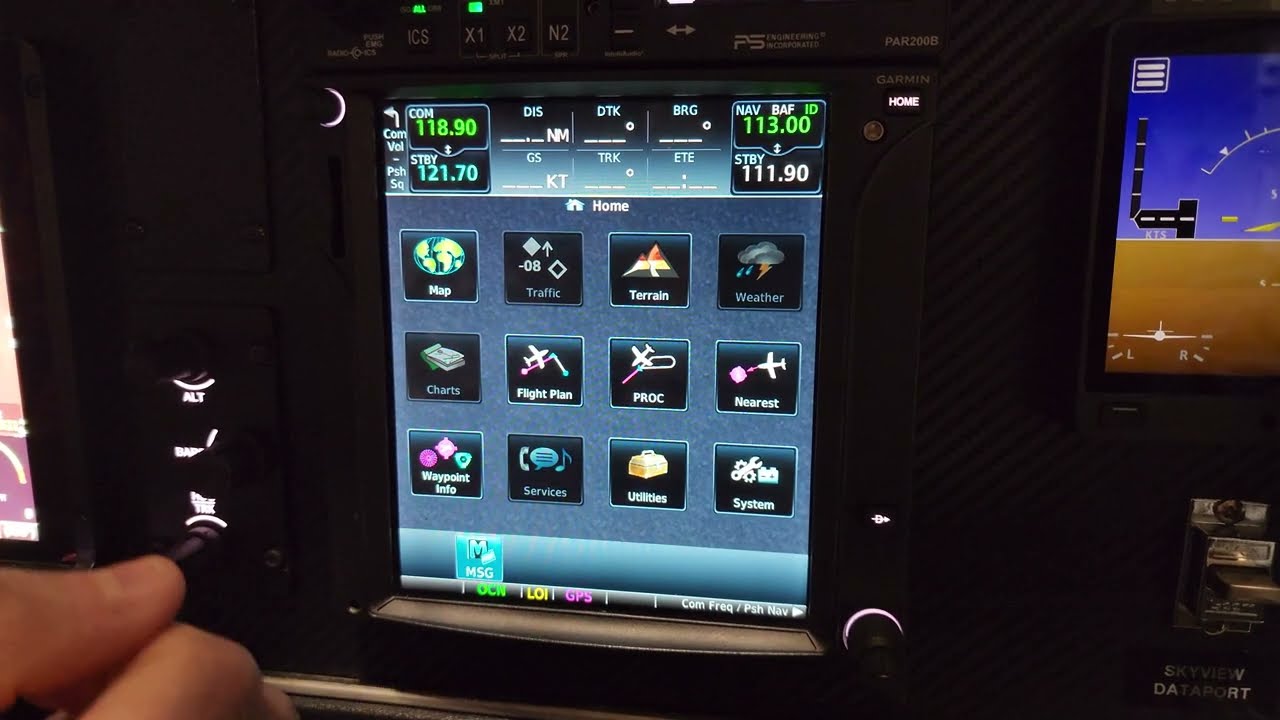
Manual Input: Learn how to directly enter waypoint coordinates.
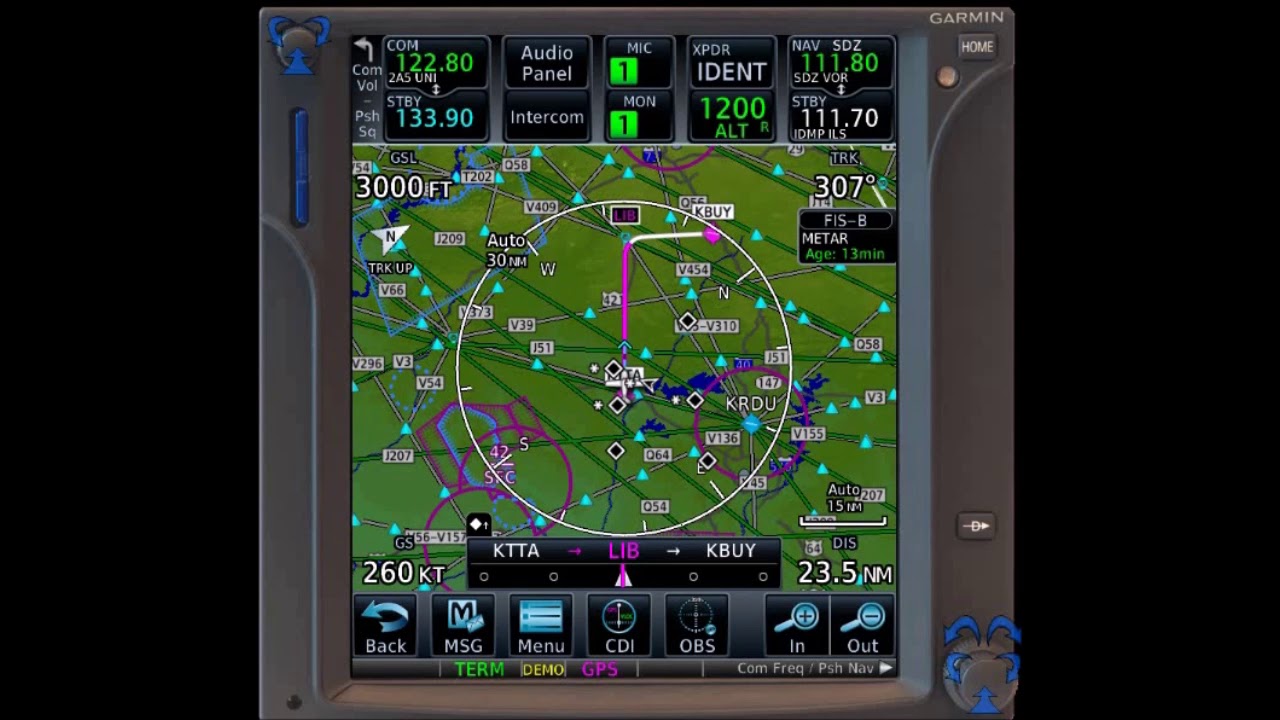
From Panning Mode: Discover how to create waypoints directly from the map.
Lat/Lon From Apple Maps: Effortlessly transfer coordinates from Apple Maps to your GTN 750.
Mass Import Using Excel: Streamline your workflow by importing multiple waypoints at once using an Excel spreadsheet.
This guide is perfect for pilots of all experience levels looking to maximize the functionality of their GTN 750. Enhance your navigation skills and take your flight planning to the next level!
Chapters:
0:00 - Introduction
0:24 - Manual Input
3:27 - From Panning Mode
3:52 - Lat/Lon From Apple Maps
6:05 - Mass Import Using Excel
Повторяем попытку...

Доступные форматы для скачивания:
Скачать видео
-
Информация по загрузке: