ycliper

Популярное

Музыка Кино и Анимация Автомобили Животные Спорт Путешествия Игры Юмор

Интересные видео

2025 Сериалы Трейлеры Новости Как сделать Видеоуроки Diy своими руками

Топ запросов

смотреть а4 schoolboy runaway турецкий сериал смотреть мультфильмы эдисон
Скачать

Xiaomi Redmi Airdots Hard Reset and pairing

Автор: fjpinto18

Загружено: 2019-10-27

Просмотров: 467388

Описание: Bought at
http://bit.ly/2pbUGQf
http://bit.ly/2mhSJQV
http://bit.ly/2OIpov8


Xiaomi Redmi Airdots TWS bluetooth 5.0 Earphone DSP Noise Cancelling - Black - www.banggood.com
   • Xiaomi Redmi Airdots TWS bluetooth 5.0 Ear...  


Lenovo P8 (TAB3 8 Plus) Tablet - P8 TB 8703F - WIFI VERSION - DEEP BLUE - www.gearbest.com
   • Lenovo P8 (TAB3 8 Plus) Tablet - P8 TB 870...  
Bought at
https://bit.ly/2ycyVoy


AirDots problem with connection to each other SOLVED

After buying 3 pairs of headphones in Beijing xiaomi shop on one pairs of Airdrops problem with only one headphone connection appears. I go to xiaomi store for help to solve this problem but only thing they wanna do, was clicking everything on headphones and told me that it's out of stock and they can give me refund becouse it's manufacture problem and they can't solve it. Of course I don't agree and with one pair working and one not working I spend few hours to find how it's work and a way to resolve the problem.

Procedure : STEP_1. Put your Airdrops in the box, make sure that its charged. Delete airdots from your device.

STEP_2. Take out both of your Airdrops from box

STEP_3. Turn off both of Airdrops by pressing and keeping button on it for 5 seconds (until you see red light)

STEP_4. Perform 2 kind of reset (reset of stored Bluetooth device and reset of connection between both Airdrops headphones) To make this reset, press and hold button on both airdrops for 20seconds (headphone have to blink after 10seconds and 20seconds) don't release the buttons until you don't see second blinking.

STEP_5. Turn on your Airdrops by pressing and holding button on both of it for 5seconds or put it in box and take it out. (when you take it out from box they will automatically turn on).

After done restart, on right headphone you have to see blinking white light but on left one you have to see no light. It's mean that there is connection between headphone, and right headphone is waiting for connection with phone.

STEP_6. Enjoy

Edit_1 Im sure about point 4 bevouse it's in original instruction. First reset (first 10 seconds of holding, removes saves devices in AirDots) Second reset (next 10 seconds of holding (totally 20sec) restart connection between pair of AirDots).

Probably it will be enought to perform this reset only on left one headphone becouse I think that left one have problem with connection but it's only supposition. So u have to perform the same reset of both headphones to make sure that it will work.

  / airdots_problem_with_connection_to_each_other  

Не удается загрузить Youtube-плеер. Проверьте блокировку Youtube в вашей сети.
Повторяем попытку...
Xiaomi Redmi Airdots Hard Reset and pairing

Поделиться в:

Доступные форматы для скачивания:

Скачать видео

  • Информация по загрузке:

Скачать аудио

Похожие видео

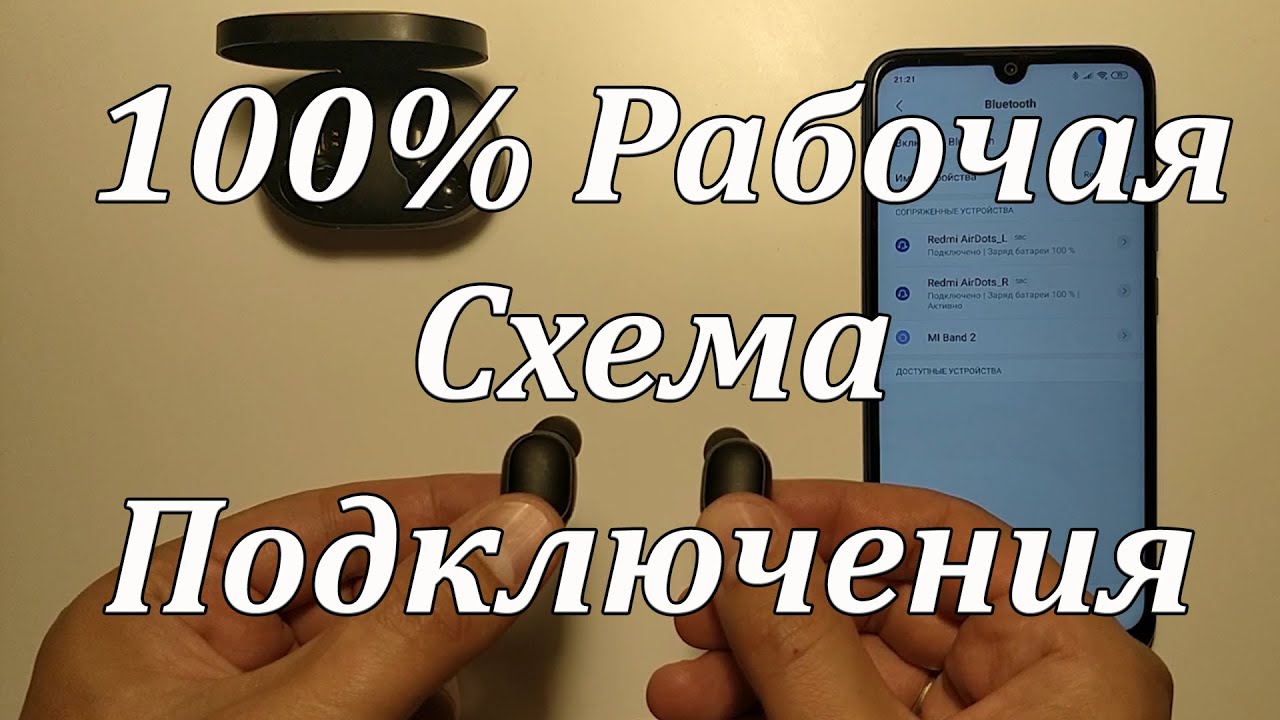
Не работает один наушник Как сделать Наушники xiaomi

Не работает один наушник Как сделать Наушники xiaomi

Lady Gaga - Always Remember Us This Way (from A Star Is Born) (Official Music Video)

Lady Gaga - Always Remember Us This Way (from A Star Is Born) (Official Music Video)

Akrapovic BMW M5 Stingray - Wild Sedan from Ramon Performance

Akrapovic BMW M5 Stingray - Wild Sedan from Ramon Performance

Xiaomi Earbuds и Redmi Airdots - если не работает один наушник. Как сбросить настройки на заводские.

Xiaomi Earbuds и Redmi Airdots - если не работает один наушник. Как сбросить настройки на заводские.

Redmi AirDots работают по отдельности - Синхронизация наушников

Redmi AirDots работают по отдельности - Синхронизация наушников

«Заблокируем всё — появится свой WeChat». Почему это миф

«Заблокируем всё — появится свой WeChat». Почему это миф

Отроки во Вселенной фильм фантастика (1974)

Отроки во Вселенной фильм фантастика (1974)

Как СБРОСИТЬ / СОПРЯЖИТЬ Xiaomi Redmi AirDots (наушники) друг с другом | Гид

Как СБРОСИТЬ / СОПРЯЖИТЬ Xiaomi Redmi AirDots (наушники) друг с другом | Гид

27 САМЫХ НОВЫХ ТОВАРОВ с АЛИЭКСПРЕСС 2026, Полезные ГАДЖЕТЫ От Которых Точно ОФИГЕЕШЬ + КОНКУРС

27 САМЫХ НОВЫХ ТОВАРОВ с АЛИЭКСПРЕСС 2026, Полезные ГАДЖЕТЫ От Которых Точно ОФИГЕЕШЬ + КОНКУРС

Всего 10 минут на сковороде! Когда у меня есть несколько минут и хочется чего-нибудь вкусного! # 318

Всего 10 минут на сковороде! Когда у меня есть несколько минут и хочется чего-нибудь вкусного! # 318

Prezioso & Marvin - The Riddle (Dopedrop Bootleg) [Bass Boosted]

Prezioso & Marvin - The Riddle (Dopedrop Bootleg) [Bass Boosted]

БИТВА ГОДА GALAXY S26 ULTRA vs IPHONE 17 PRO MAX

БИТВА ГОДА GALAXY S26 ULTRA vs IPHONE 17 PRO MAX

Обзор Galaxy S26 Ultra — первый антишпионский телефон! Бомба!

Обзор Galaxy S26 Ultra — первый антишпионский телефон! Бомба!

✅🔥FM-Приемник за 350р с Вайлдберрис - Хорошее преобретение?

✅🔥FM-Приемник за 350р с Вайлдберрис - Хорошее преобретение?

Как исправить проблему с подключением наушников друг к другу — РЕШЕНО

Как исправить проблему с подключением наушников друг к другу — РЕШЕНО

EOS 70D Training Video: Part 1 - Camera Hardware

EOS 70D Training Video: Part 1 - Camera Hardware

Я створив ПК, який не міг купити

Я створив ПК, який не міг купити

Upgrade Your Headphones by Making it Wireless

Upgrade Your Headphones by Making it Wireless

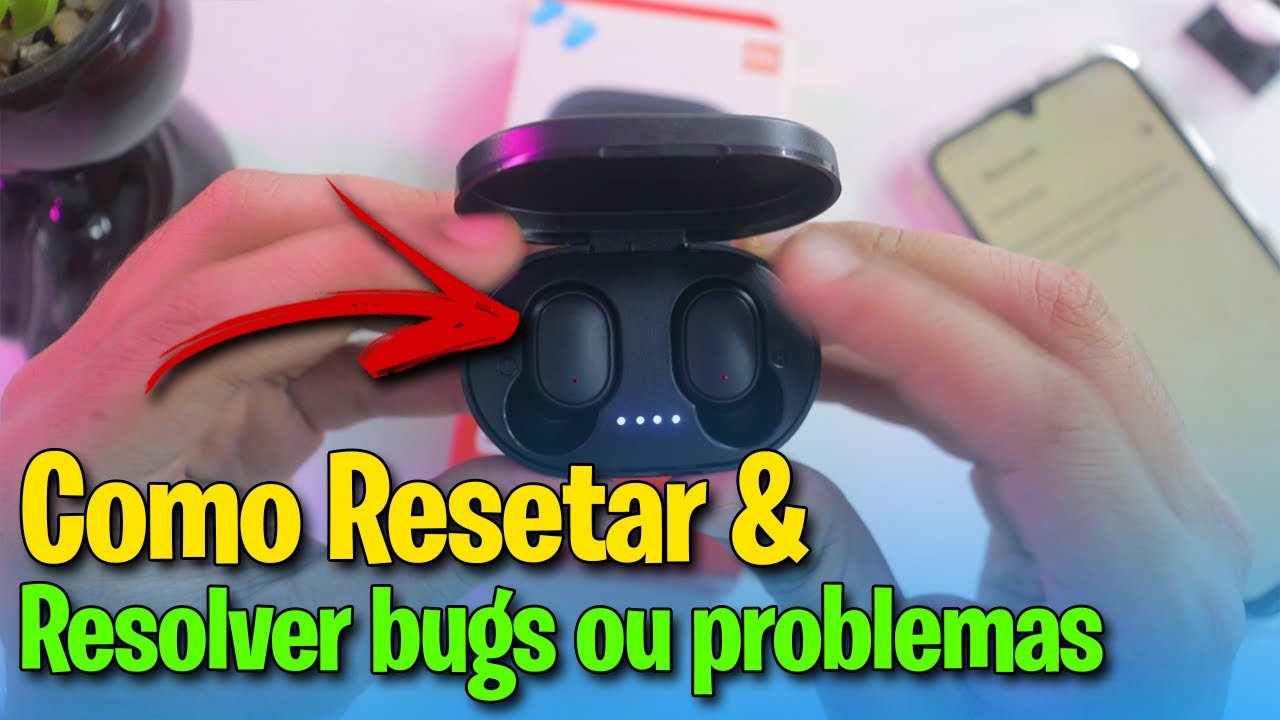
✅Como RESETAR FONE BLUETOOTH REDMI AIRDOTS e RESOLVER PROBLEMAS ou BUGS

✅Como RESETAR FONE BLUETOOTH REDMI AIRDOTS e RESOLVER PROBLEMAS ou BUGS

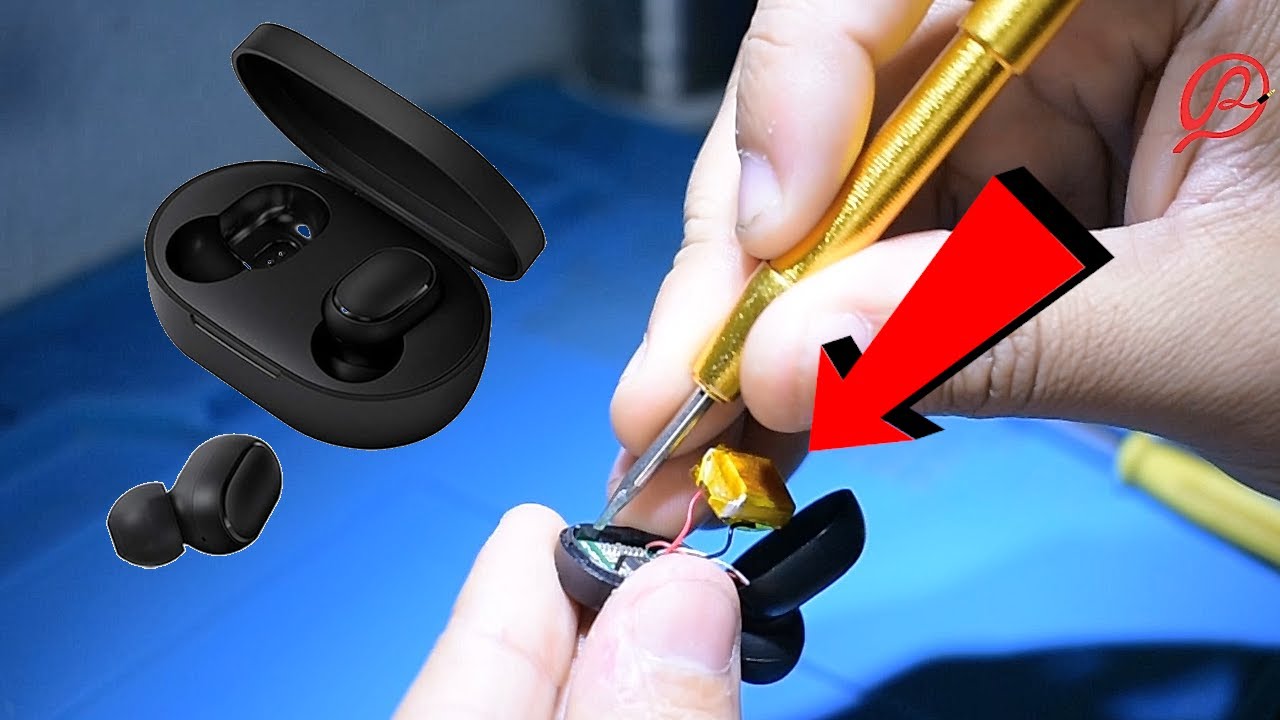
Como reparar airdots redmi xiaomi

Como reparar airdots redmi xiaomi

© 2025 ycliper. Все права защищены.


  • Контакты
  • О нас
  • Политика конфиденциальности


Контакты для правообладателей: [email protected]