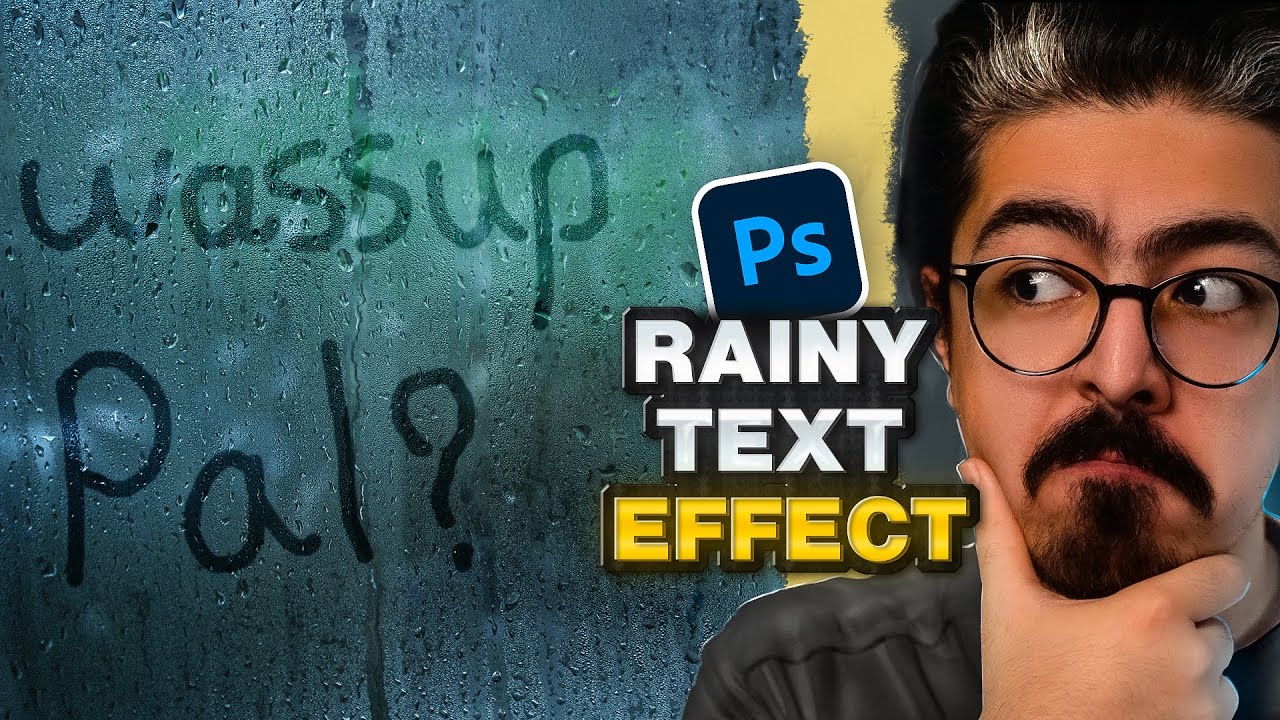
How to Unlock the SECRET KNOCK OUT TOOL in Photoshop
Автор: Photoshop Tutorials Pejiz
Загружено: 2024-11-14
Просмотров: 3365
Описание:
learn how to create a(Knock Out Layer)Text Cutout Effect in Photoshop. As its name suggests, it ‘knocks-out’ the contents of a particular layer from the layers below.
#PhotoshopTutorial #PhotoshopTutorials #Photoshop_Tutorial #PhotoEditing #PhotoshopTricks #GraphicDesign #Photoshop #Knockoutlayer
How to Knock Out Layer Photoshop, Adobe Photoshop Tutorial, Knock Out Text, Cutout Text Effect, Photoshop Tutorials For Beginners
Chapters:
00:00 Unlock The Secret Tool
1:41 Rectangle Tool
4:21 Photoshop Tutorials For you
---------------------------------------My Another Tutorials----------------------------------------
How to Change Background Color in Photoshop (Quick & Easy!)
• How to Change Background Color in Photosho...
How to Add Puffy Effect in Photoshop for Wedding Photographers
• How to Add Puffy Effect in Photoshop for W...
▽ Connect with Me:
📘 Facebook ► / pejizps
📸 Instagram ► / pejizps
📌 Pinterest ► / pejizps
► DOWNLOADS:
Photo by Yeshi Kangrang on Unsplash: https://unsplash.com/photos/person-si...
Disclaimer: All images used in this tutorial are for educational purposes only and fall under fair use guidelines. The images have been significantly modified or are royalty-free. This video aims to teach [Photo Editing Techniques / Graphic Designing] in Photoshop. If you are the rightful owner of any image and believe its use infringes on your copyright, please contact me immediately.
Повторяем попытку...

Доступные форматы для скачивания:
Скачать видео
-
Информация по загрузке: