Itel A27 Network Problem Solution | No Service, Emergency Call Only, SIM Network Repair
Автор: BROTHERS MOBILE ZONE
Загружено: 2025-08-28
Просмотров: 293
Описание:
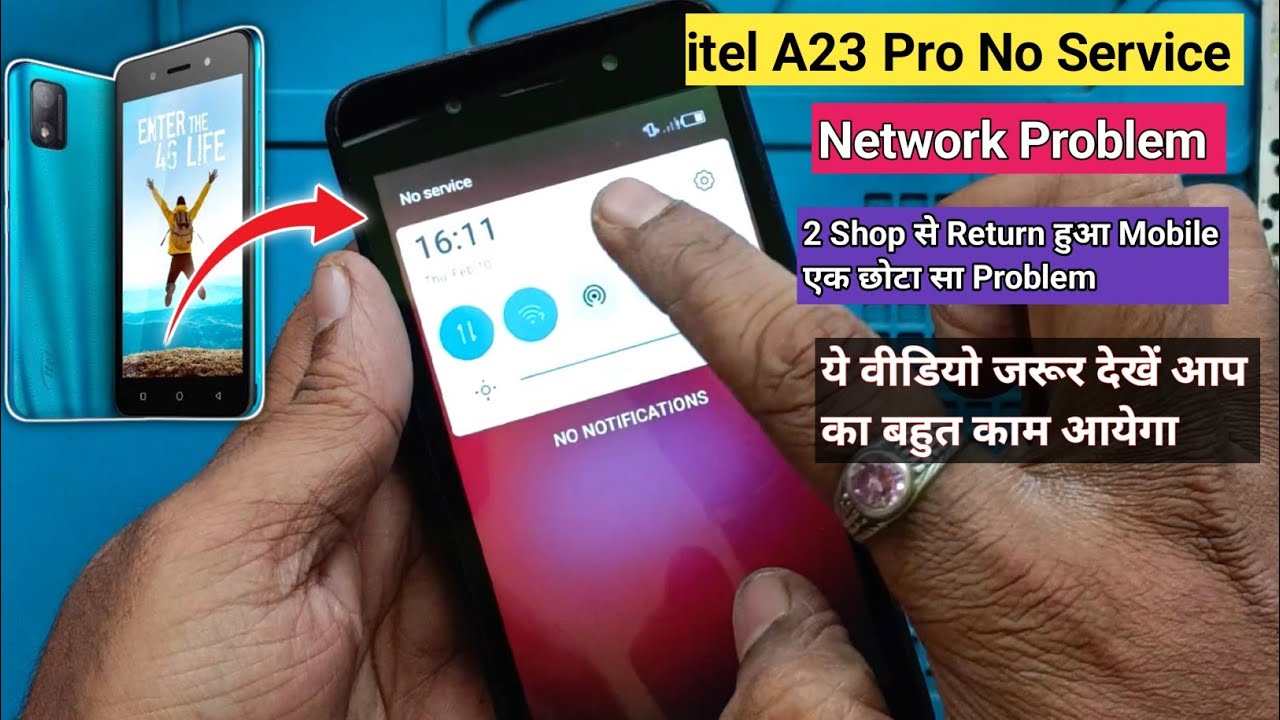
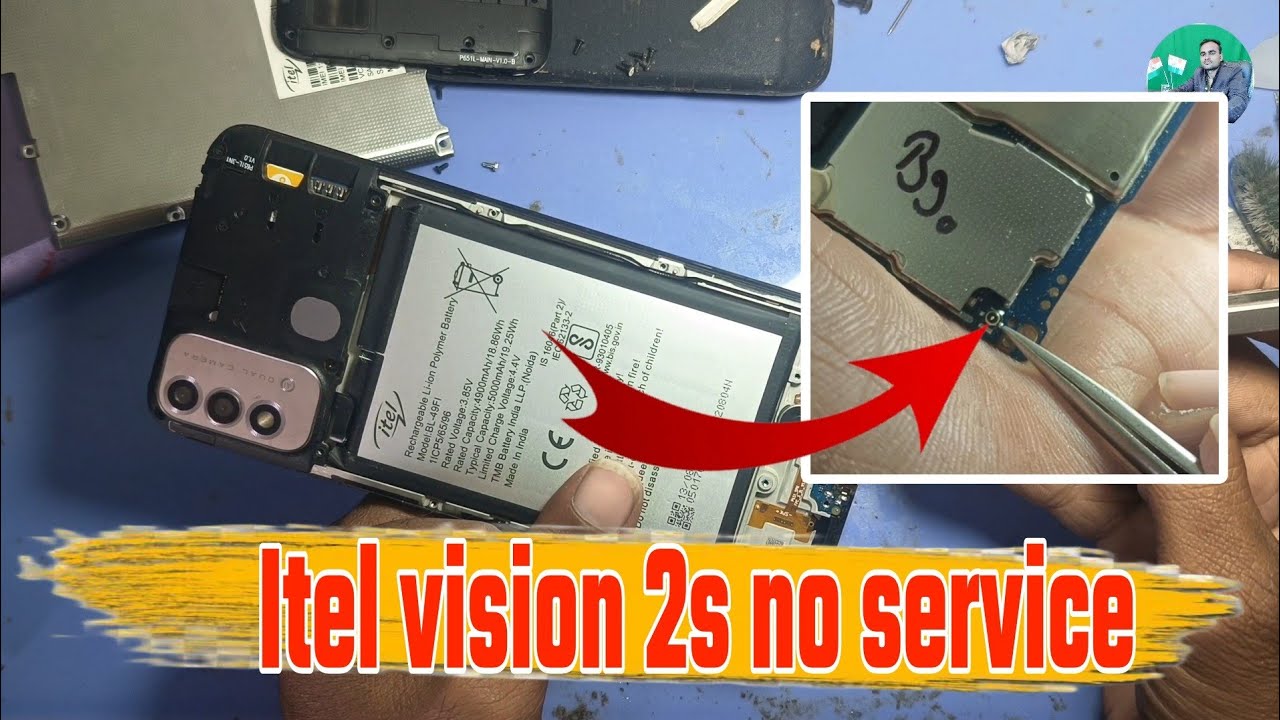
In this video, we explain the Itel A27 network problem solution step by step. If your Itel A27 shows no service, emergency call only, or SIM not working, this hardware repair guide will help. We cover network IC check, antenna jumper ways, SIM network troubleshooting, and how to repair common signal issues. Learn how to fix no network, weak signal, or dropping calls in your Itel A27 easily. Watch till the end for complete hardware repair guidance in Urdu Hindi.
📌 Step by Step Guide (30 Steps)
Power off the Itel A27.
Remove back cover safely.
Take out battery (if removable).
Remove SIM tray.
Open all screws.
Separate motherboard carefully.
Check SIM card for damage.
Clean SIM contacts with isopropyl alcohol.
Reinsert SIM and test.
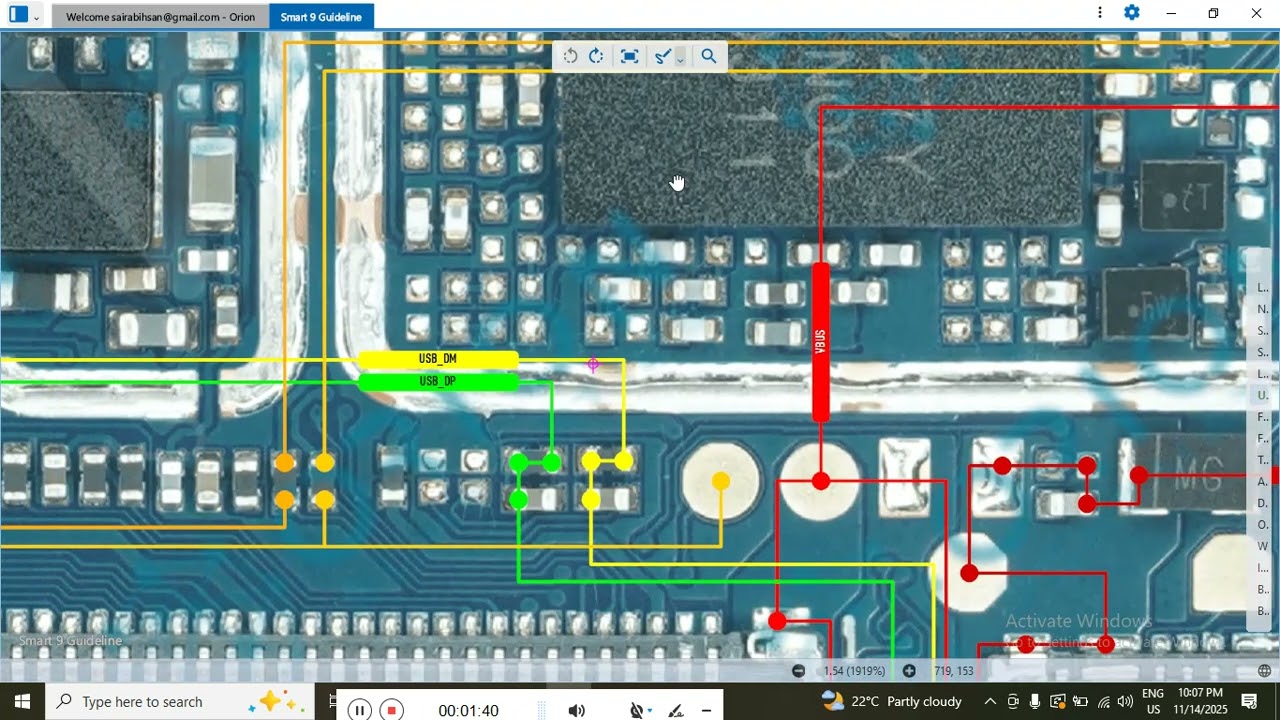
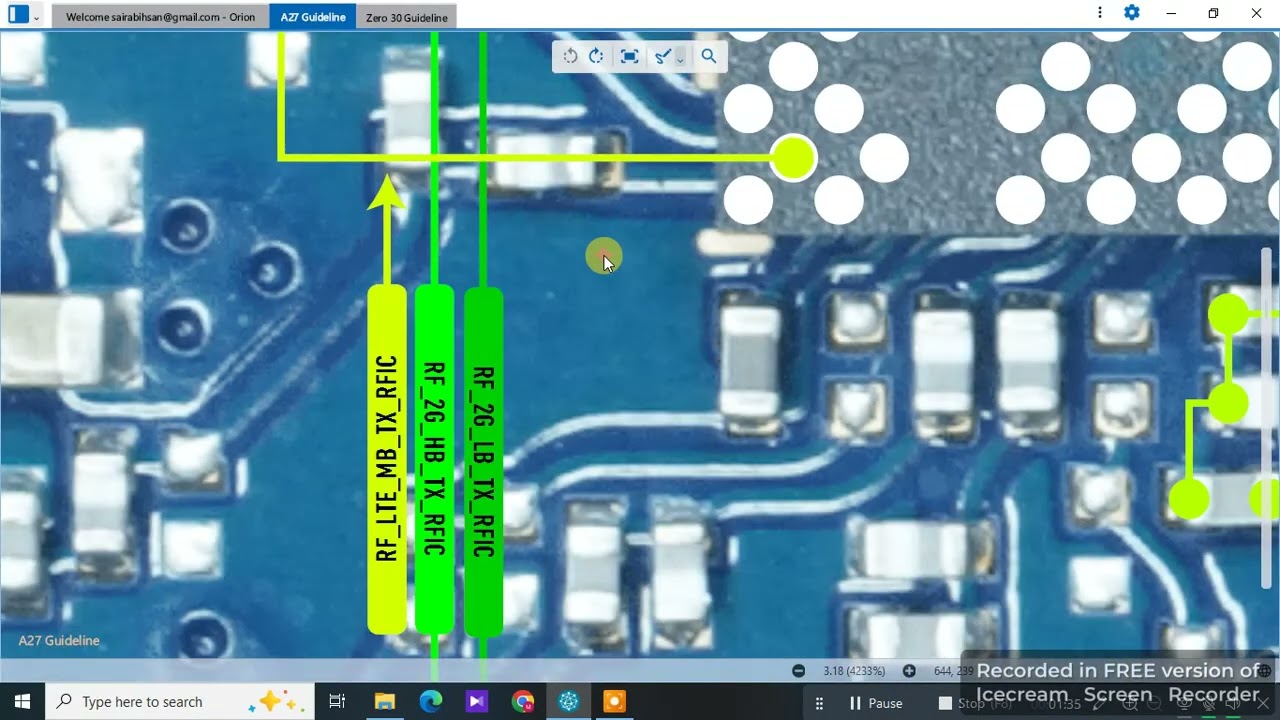
If still no network, check antenna line.
Inspect antenna connector for damage.
Resolder antenna connector if loose.
Check PFO/Network IC area for corrosion.
Use magnifier to inspect jumper lines.
Test signal path with multimeter.
If path broken, apply jumper wire.
Reheat network IC gently with hot air.
Replace damaged IC if needed.
Clean entire board again.
Assemble motherboard back into frame.
Connect battery and test network.
If still no service, recheck SIM slot pins.
Jumper broken SIM pins to network line.
Verify IMEI is valid (*#06#).
If IMEI missing, repair via software tool.
Reboot and test with another SIM.
Perform manual network search.
Ensure 2G/3G/4G settings are correct.
Check call quality and stability.
Finalize assembly and close the phone.
📌 Hashtags
#ItelA27 #NetworkProblem #NoService #EmergencyCallOnly #SIMNetworkRepair #MobileRepair #HardwareSolution #ItelRepair #UrduHindi
Повторяем попытку...
Доступные форматы для скачивания:
Скачать видео
-
Информация по загрузке: