How to Check Your VO2 Max on iPhone
Автор: HardReset.Info
Загружено: 2026-01-25
Просмотров: 19
Описание:
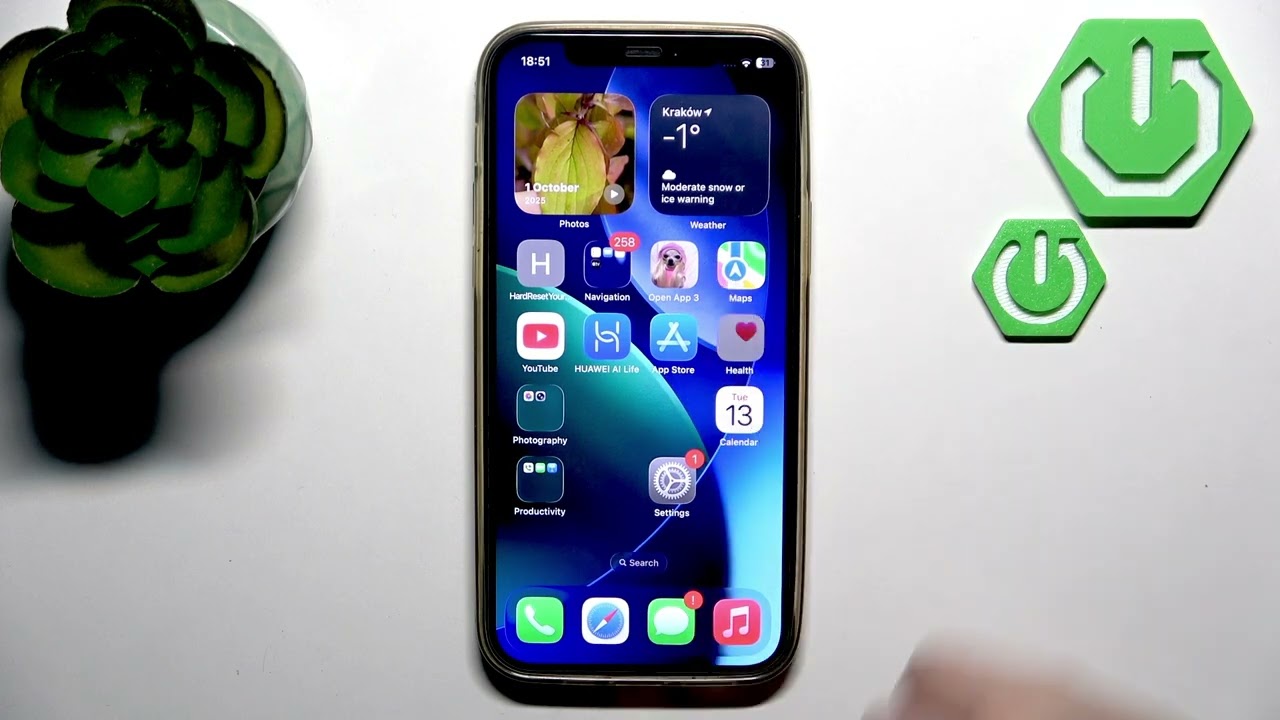
In this video we show how to check your VO2 max using the Apple Health app on your iPhone. Note: the iPhone itself does not measure VO2 max — this data comes from your Apple Watch. You will learn how to give Health permission to read Apple Watch data, where to find Cardio Fitness and VO2 max in the Health app, and how to add values manually or view daily, weekly, monthly and yearly averages. This guide works for iPhone users who pair an Apple Watch and want to monitor cardio fitness with Apple Health.
How to check VO2 max on iPhone using the Apple Health app?
How to enable Apple Health access to Apple Watch data on iPhone?
How to manually add VO2 max value in Apple Health on iPhone?
0:00 Intro and what this video covers
0:07 Important note — iPhone does not measure VO2 max
0:16 Use Apple Watch for VO2 max data
0:28 Enable Health permissions: Settings → Privacy & Security → Health → Apple Watch
0:47 Open the Health app and tap Search
0:54 Go to Heart → Cardio Fitness to view VO2 max
1:06 How to add VO2 max manually and view averages (day/week/month/6 months/year)
1:36 Wrap up and subscribe
#AppleHealth #iPhone #VO2Max #AppleWatch
Find out more:
https://www.hardreset.info/devices/ap...
Follow us on Instagram ► / hardreset.info
Like us on Facebook ► / hardresetinfo
Tweet us on Twitter ► / hardreseti
Support us on TikTok ► / hardreset.info
Use Reset Guides for many popular Apps ► https://www.hardreset.info/apps/apps/
Повторяем попытку...
Доступные форматы для скачивания:
Скачать видео
-
Информация по загрузке: