Скачать
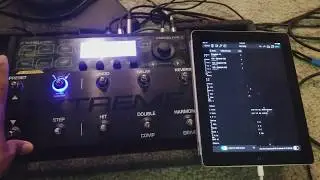
Voicelive 3 Extreme and BeatBuddy setup.
Автор: Simon Duffy
Загружено: 2015-12-13
Просмотров: 50117
Описание:
This video explains how to connect a Voicelive Extreme 3 and a BeatBuddy, so that the BeatBuddy controls the looper and you can hear the BeatBuddy in the output, be that to a PA or to headphones.
It is important to note at 1:45ish, that as well as midi tempo being switched to 'on', immediately to the left on the screen under 'source' it says 'midi ports'. This needs to be changed from the default 'usb'. I would have put that in the video, but I'm hopeless at this video lark!
Any queries or questions, let me know and I'll do what I can to help.
Не удается загрузить Youtube-плеер. Проверьте блокировку Youtube в вашей сети.
Повторяем попытку...
Повторяем попытку...

Доступные форматы для скачивания:
Скачать видео
-
Информация по загрузке: