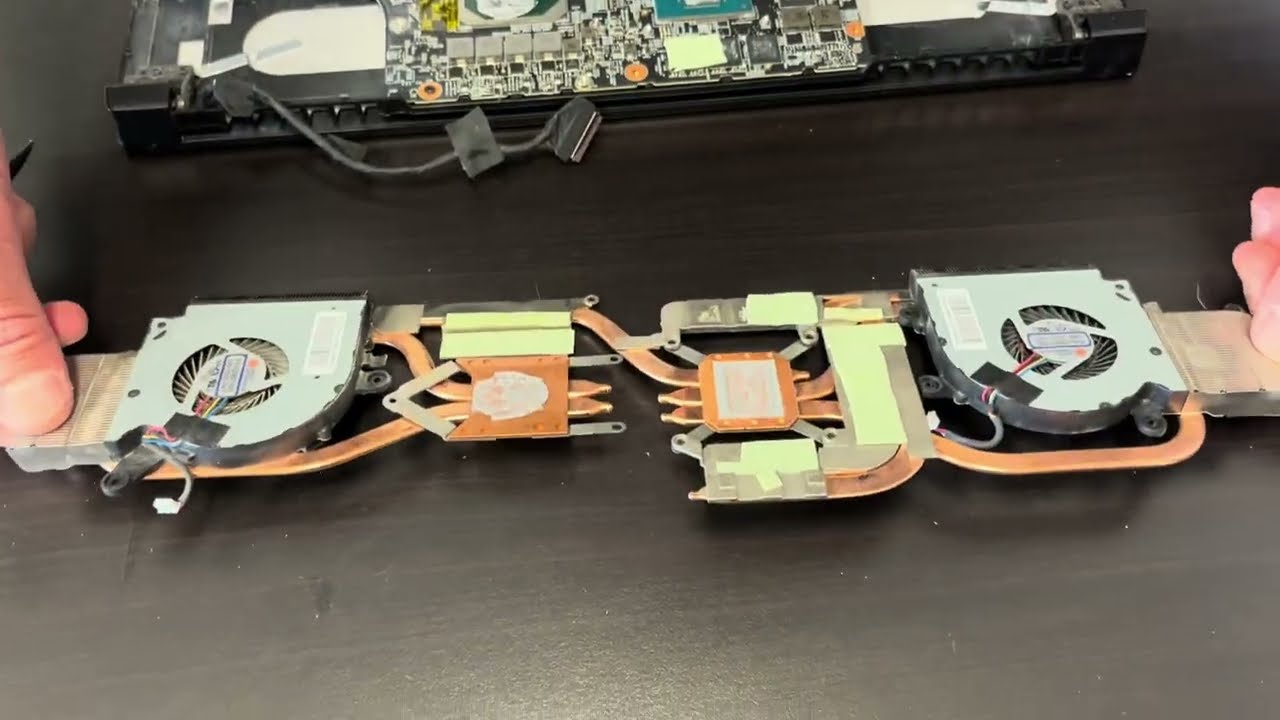
DIY Cooling Fans Repair MSI Gaming Laptop. Fix overheating. Replace noisy fan. Complete instructions
Автор: SellBroke
Загружено: 2025-04-25
Просмотров: 9276
Описание:
In this video we sow how to easily replace noisy dual fans in a MSI GL75 gaming laptop. Complete guide to fix for an overheating system.
0:20 Test 0:40 Unscrew bottom screws 1:35 Pry bottom off 2:07 Take bottom off 2:20 Unplug battery 2:33 Unscrew heatsink and fan screws 4: 25 Unplug video cable 4:02 Take off the heatsink 5:12 Take out old fan #1 5:53 Install new fan #1 6:51 Take out old fan #2 7:30 Clean Heatsink 7:36 Install new fan #2 8:40 Apply Thermal/Cooling Paste 9:30 Install heatsink assembly back 9:35 Connect video cable 13:01 Plug in battery 13:12 Connect Power 13:16 Test 13:43 Put back bottom case and screws
Full article: https://sellbroke.com/2025/05/06/diy-...
Sell used or broken laptop at: https://sellbroke.com/
Buy laptop parts: https://www.gotlaptopparts.com/
Repair laptop at https://laptopreno.com/
Повторяем попытку...
Доступные форматы для скачивания:
Скачать видео
-
Информация по загрузке: