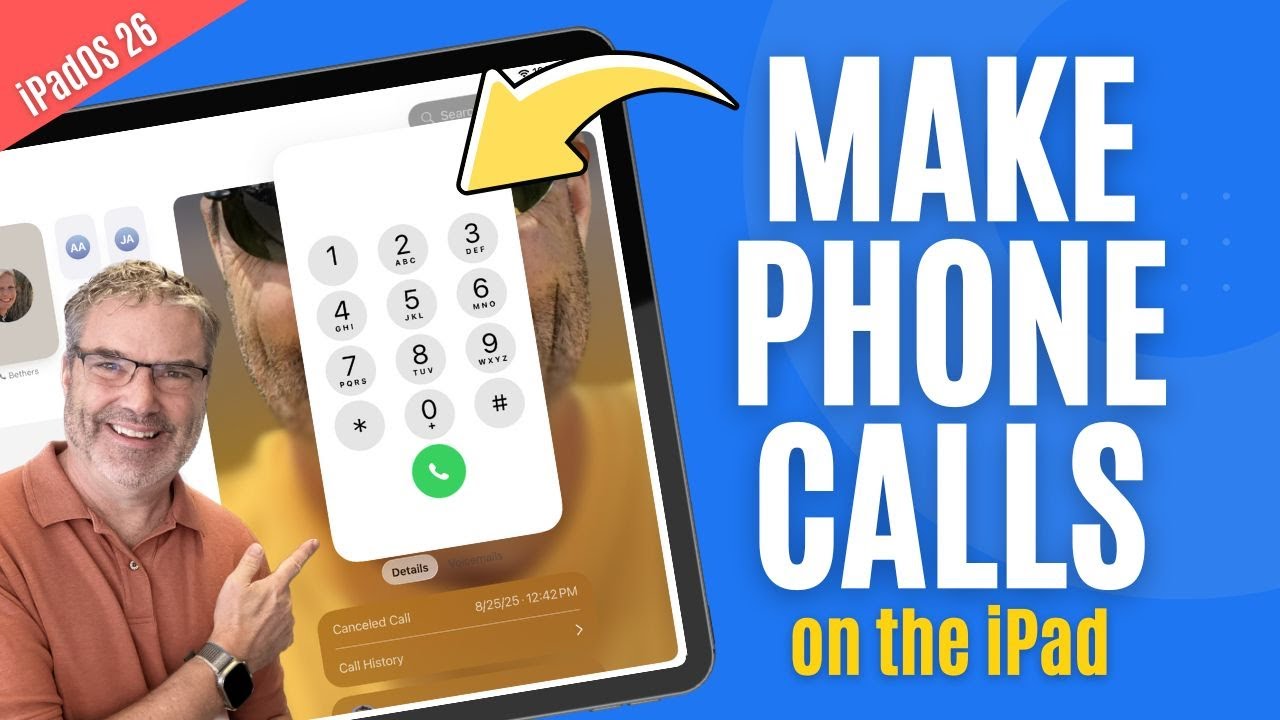
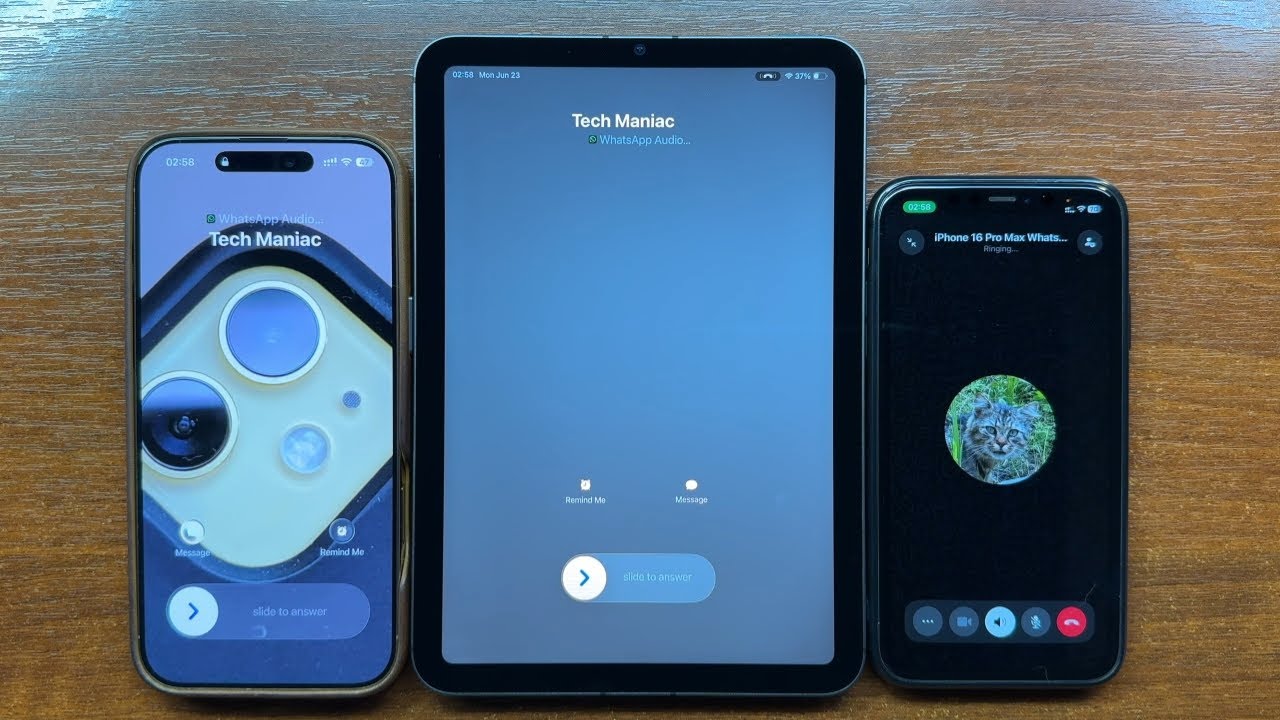
How To Make & Receive Phone Calls on Your iPad
Автор: MacCrunch
Загружено: 2025-10-23
Просмотров: 4930
Описание:
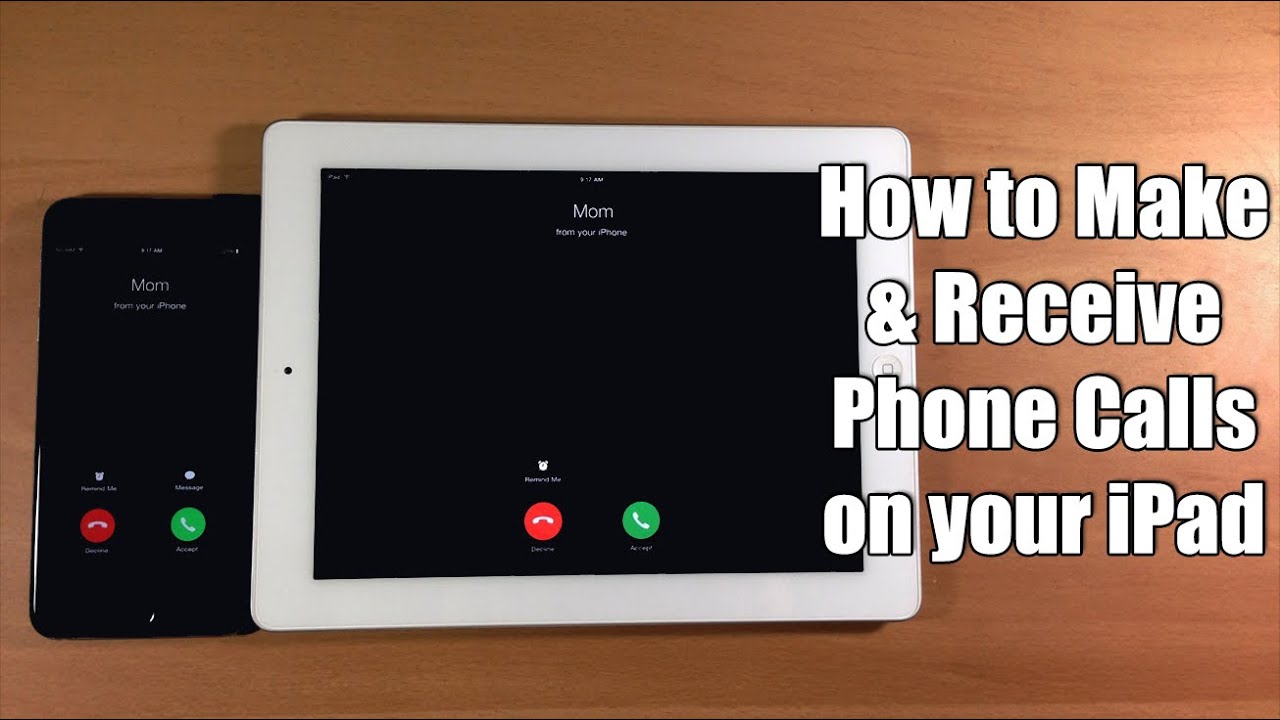
In this video, I’m showing you How To Make & Receive Phone Calls on Your iPad so you can answer and dial right from the bigger screen without scrambling to find your iPhone. If your phone is in another room, charging, dead, or you’re in the middle of work or class, missing calls gets frustrating fast. You lose time, you break focus, and sometimes you miss something important. This guide keeps it simple, explains what’s going on behind the scenes, and helps you set everything up the right way. Stick around to watch the step-by-step so you can fix it once and move on.
We’ll walk through Apple’s built-in options first, because most people just want iPhone calls to iPad with minimal fuss. I’ll show you how to sync iPhone call in iPad using “Calls on Other Devices,” how Wi‑Fi Calling works when your carrier supports it, and when to use FaceTime Audio. If you’re curious how to receive phone calls on iPad without relying on your iPhone at all, I’ll also explain the cleanest ways to use services like Google Voice or other VoIP apps so you can dial real numbers from your tablet.
A lot of you ask, can iPad receive phone calls? The short answer is yes, and it’s easier than you think. If you’ve wondered, can I receive phone calls on my iPad or how does my iPad receive phone calls, it comes down to a few settings: same Apple ID on both devices, Wi‑Fi on, and permission for your iPad to make and receive calls through your iPhone. I’ll quickly show where those toggles live so you don’t get lost in menus, and we’ll place a test call together to prove it’s working.
Compatibility-wise, you’re covered. Whether you’re on an iPad 6th generation or iPad 9th generation, an iPad Pro, Air, or mini, the process is basically the same. If you came here searching how to receive phone calls on iPad Pro specifically, or you’re curious about iPad 6th generation phone calls and iPad 9th generation phone calls, you’ll see the exact screens and what to tap. I’ll also point out a couple of differences to watch for depending on your carrier and software version.
Here’s the quick preview so you know what to expect without spoiling the whole tutorial. On your iPhone, we’ll enable Calls on Other Devices, choose your iPad, and confirm the prompt. On your iPad, we’ll verify FaceTime is signed in and that “Calls from iPhone” is enabled so you can receive calls on iPad instantly. After that, I’ll show you how to make a quick outgoing call to confirm audio, mic, and speaker settings are good.
No iPhone nearby? I’ll cover how to make phone calls on iPad without iPhone using Wi‑Fi Calling where it’s supported, and I’ll explain the difference between Wi‑Fi Calling and pure internet calling. We’ll compare FaceTime Audio, carrier Wi‑Fi Calling, and third‑party apps so you know which option fits your situation. If you only care about how to receive calls in iPad for your Apple ID contacts, FaceTime Audio may be all you need. If you want your actual phone number to ring, we’ll focus on iPhone calls to iPad and the Wi‑Fi Calling route.
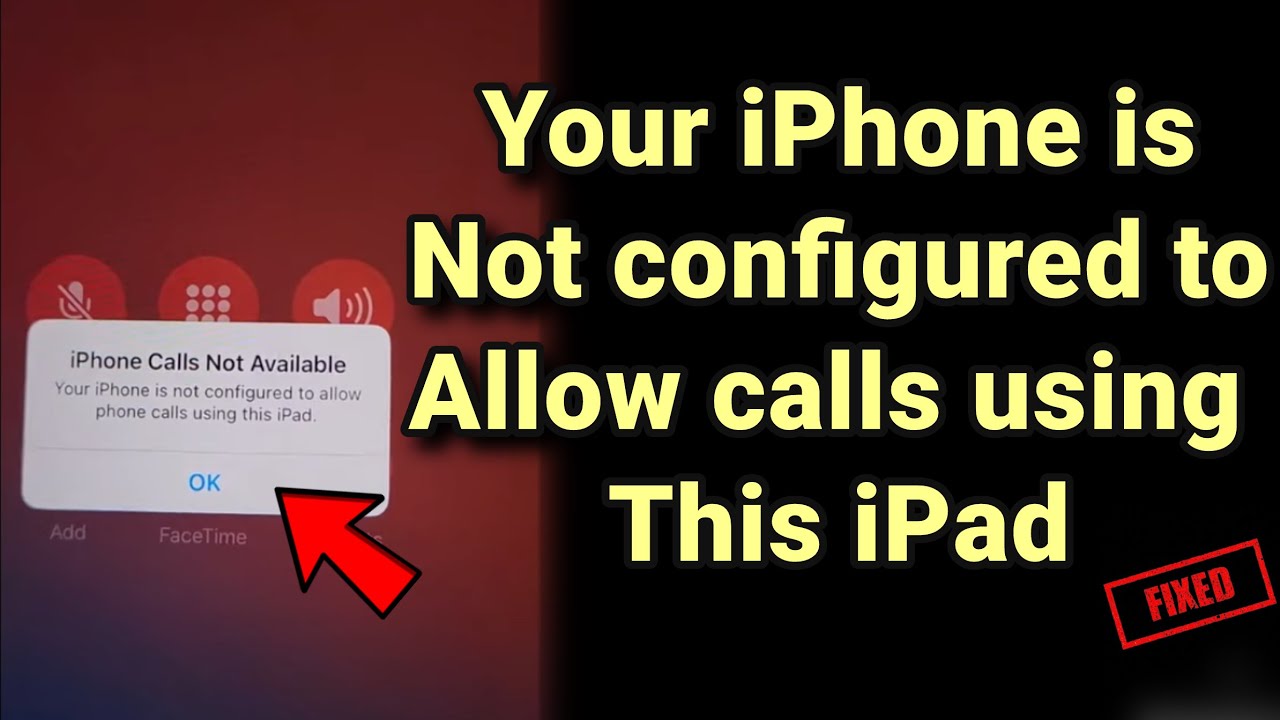
If something doesn’t work, don’t worry. I’ll troubleshoot the common blockers, like the wrong Apple ID, Focus or Do Not Disturb silencing calls, or being on different Wi‑Fi networks. You’ll see how to quickly re-authenticate, what to do when sync call in iPad doesn’t appear, and how to test step by step so you know exactly where the issue is. By the end, you’ll know how to receive phone calls on iPad the reliable way and what to try next if your carrier or setup is a little different.
If this sounds like what you need, hit play and follow along. By the end of the video, you’ll be confident with How To Make & Receive Phone Calls on Your iPad, whether you’re using Continuity with your iPhone or going fully independent with Wi‑Fi Calling or VoIP. Drop a comment with your iPad model and carrier if you get stuck—I’ll help you figure it out. And if this helped, a quick like lets me know to make more iPad fixes like this.
#ipad #ipadtips #ipadtutorial #ipadtricks #howto
Повторяем попытку...
Доступные форматы для скачивания:
Скачать видео
-
Информация по загрузке: