How to Install Canva on Windows 11 Without Microsoft Store
Автор: TechTeecha
Загружено: 2026-06-23
Просмотров: 166
Описание:
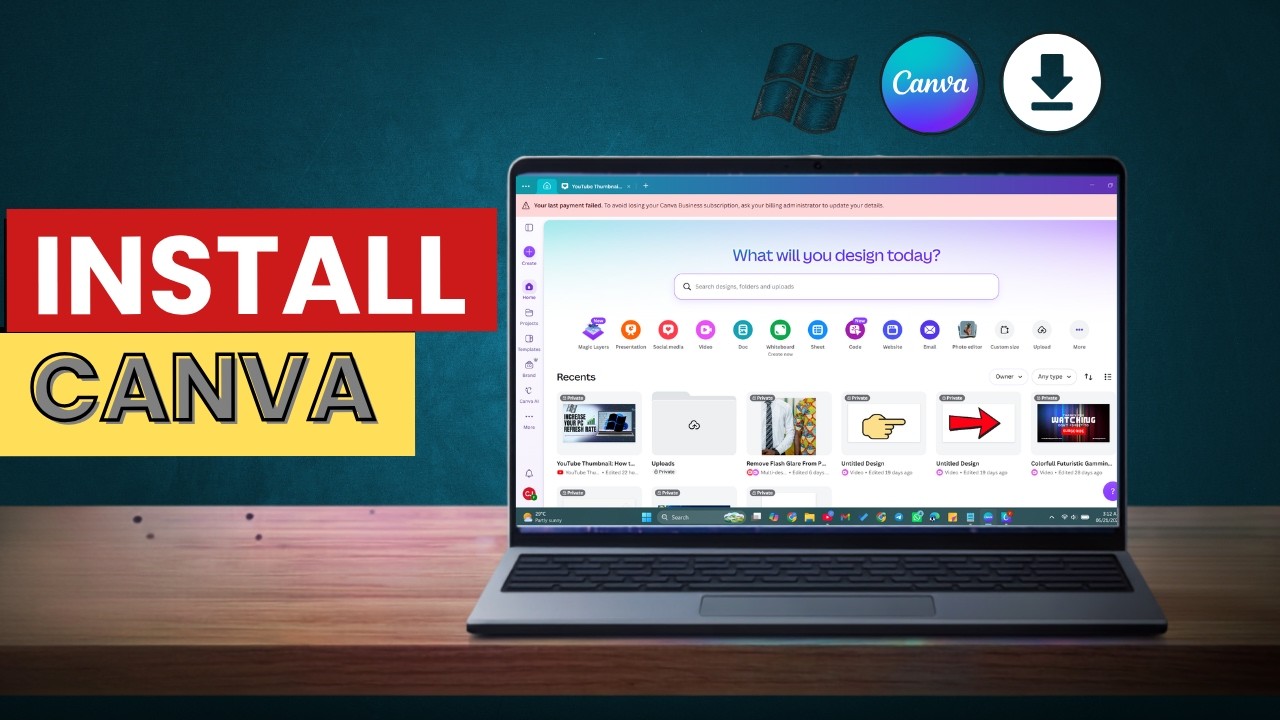
Want quick access to Canva on your PC without opening a browser tab every time? In this tutorial, I'll show you how to install Canva on your Windows PC using Google Chrome's built-in app installation feature.
By installing Canva as a desktop app, you can launch it directly from your desktop, taskbar, or Start menu for a faster and more convenient editing experience.
In this video, you'll learn:
✔ How to open Canva in Google Chrome
✔ How to install Canva as a desktop app
✔ How to create a Canva shortcut on your PC
✔ How to pin Canva to your taskbar
✔ Benefits of using Canva as a desktop application
This method is simple, free, and works on Windows 11 and most modern Windows PCs.
If you found this tutorial helpful, don't forget to like, subscribe, and turn on notifications for more PC tips, Windows tutorials, and Canva guides.
#Canva #Windows11 #PCTips #CanvaTutorial #TechTips #WindowsTutorial #GraphicDesign #CanvaDesign
Keep rising.
Повторяем попытку...
Доступные форматы для скачивания:
Скачать видео
-
Информация по загрузке: