ycliper

Популярное

Музыка Кино и Анимация Автомобили Животные Спорт Путешествия Игры Юмор

Интересные видео

2025 Сериалы Трейлеры Новости Как сделать Видеоуроки Diy своими руками

Топ запросов

смотреть а4 schoolboy runaway турецкий сериал смотреть мультфильмы эдисон
Скачать

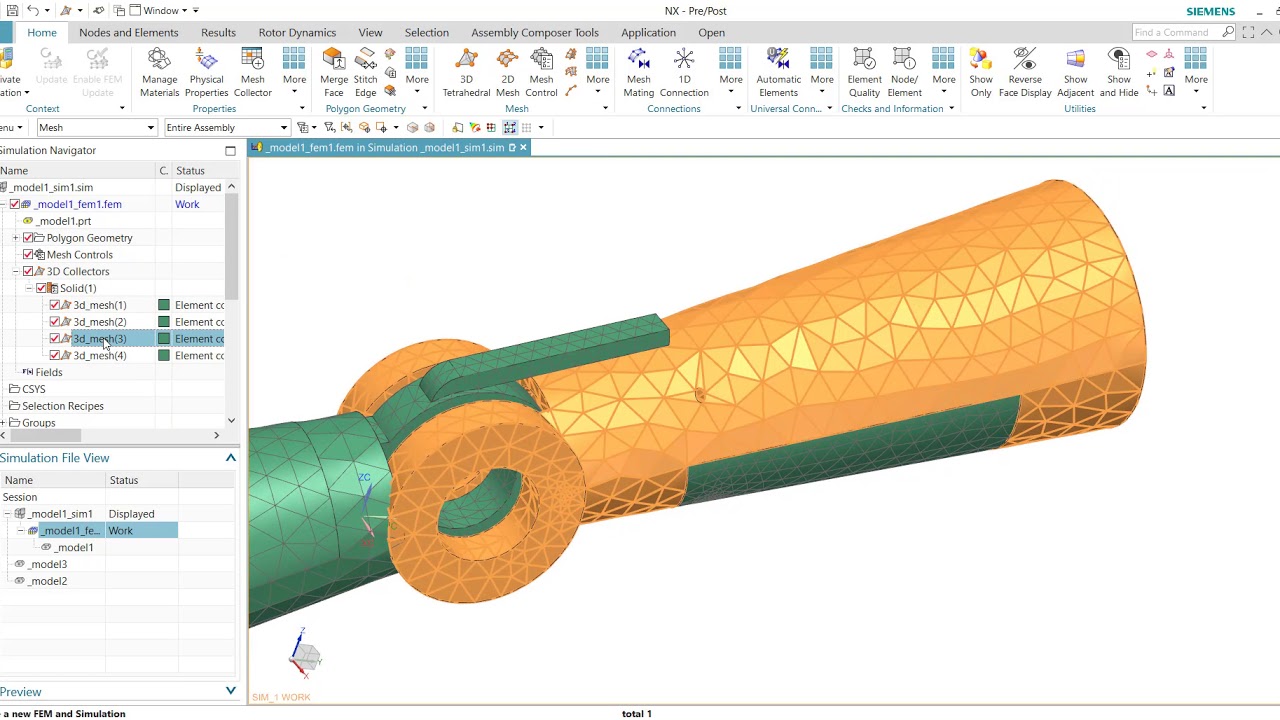
HOW TO | Create a 2D mapped mesh and mesh mating condition with Simcenter 3D

Автор: Siemens Software

Загружено: 2025-03-20

Просмотров: 1201

Описание: Meshing a model is a critical step in a FE simulation. Simcenter 3D has the tools to simplify the meshing process.

This demonstration will show how to create a 3D mesh from a 2D Mapped Mesh. A 2D Mapped Mesh can be used to create a structured mesh of linear or parabolic elements on selected faces. This video also demonstrates the use of Mesh Mating Conditions (MMC) to connect separate meshes at specified interfaces.

Simcenter 3D version used in demo = prior to 2406

#HowToSimcenter3D #Simcenter3D

Support Center: https://sie.ag/dt6vM

Community: https://sie.ag/3vmCwV

30-Day free trial: https://sie.ag/5REwNE

Simcenter 3D Solution Guide: https://sie.ag/5umjp2

▶️ About Simcenter: Engineering departments today must develop smart products that integrate mechanical functions with electronics and controls, utilize new materials and manufacturing methods and deliver new designs within ever shorter design cycles. This requires current engineering practices for product performance verification to evolve into a Digital Twin approach, which enables to follow a more predictive process for systems driven product development.

Simcenter software uniquely combines system simulation, 3D CAE and test to help you predict performance across all critical attributes earlier and throughout the entire product lifecycle. By combining physics-based simulations with insights gained from data analytics, Simcenter helps you optimize design and deliver innovations faster and with greater confidence.

Не удается загрузить Youtube-плеер. Проверьте блокировку Youtube в вашей сети.
Повторяем попытку...
HOW TO | Create a 2D mapped mesh and mesh mating condition with Simcenter 3D

Поделиться в:

Доступные форматы для скачивания:

Скачать видео

  • Информация по загрузке:
Скачать аудио

Похожие видео

NX CAE : How to Create 2D Mesh with Different Thickness

NX CAE : How to Create 2D Mesh with Different Thickness

HOW TO | How to get started with Simcenter 3D | Tutorial #HowToSimcenter3D

HOW TO | How to get started with Simcenter 3D | Tutorial #HowToSimcenter3D

Hex Meshing

Hex Meshing

How To Refine An Imported Tetrahedral Mesh

How To Refine An Imported Tetrahedral Mesh

How to use NX2312 topology optimization with multiple bodies

How to use NX2312 topology optimization with multiple bodies

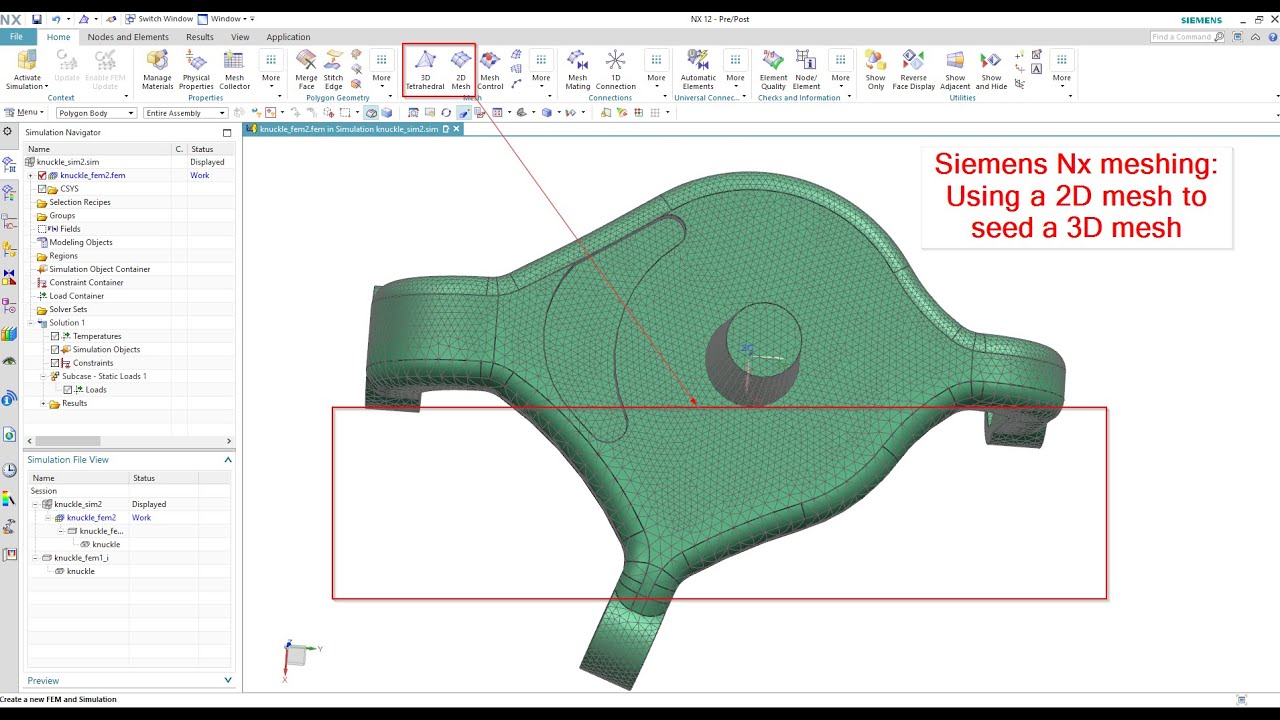
Using a 2D mesh to seed a 3D mesh in Nx Siemens | Unigraphics meshing Nx Nastran

Using a 2D mesh to seed a 3D mesh in Nx Siemens | Unigraphics meshing Nx Nastran

Setting up an Assembly FEM in Simcenter 3D

Setting up an Assembly FEM in Simcenter 3D

Эффективное руководство по построению сетки с помощью Ansys Workbench

Эффективное руководство по построению сетки с помощью Ansys Workbench

35 САМЫХ НОВЫХ ТОВАРОВ с АЛИЭКСПРЕСС 2026, Полезные ГАДЖЕТЫ От Которых Точно ОФИГЕЕШЬ + КОНКУРС

35 САМЫХ НОВЫХ ТОВАРОВ с АЛИЭКСПРЕСС 2026, Полезные ГАДЖЕТЫ От Которых Точно ОФИГЕЕШЬ + КОНКУРС

Фильм Алексея Семихатова «ГРАВИТАЦИЯ»

Фильм Алексея Семихатова «ГРАВИТАЦИЯ»

Понимание GD&T

Понимание GD&T

Simcenter 3D - Structural simulation (contact, hinge, linear static)

Simcenter 3D - Structural simulation (contact, hinge, linear static)

nx assembly fem

nx assembly fem

Uzmanından Öğrenin | Simcenter 3D ile Manuel 2D Mesh Oluşturma | NAVİST

Uzmanından Öğrenin | Simcenter 3D ile Manuel 2D Mesh Oluşturma | NAVİST

Modal Frequency Response Analysis in Simcenter 3D : Part-1. Modal Analysis

Modal Frequency Response Analysis in Simcenter 3D : Part-1. Modal Analysis

HOW TO | How to midsurface and mesh in Simcenter 3D with Teamcenter | Tutorial #HowToSimcenter3D

HOW TO | How to midsurface and mesh in Simcenter 3D with Teamcenter | Tutorial #HowToSimcenter3D

Я полностью перешел на Linux и больше НИКОГДА не установлю Windows

Я полностью перешел на Linux и больше НИКОГДА не установлю Windows

Как Сделать Настольный ЭЛЕКТРОЭРОЗИОННЫЙ Станок?

Как Сделать Настольный ЭЛЕКТРОЭРОЗИОННЫЙ Станок?

Парадокс ригеля и стропил

Парадокс ригеля и стропил

How To Make A Kinematic Connection In Solution 402

How To Make A Kinematic Connection In Solution 402

© 2025 ycliper. Все права защищены.


  • Контакты
  • О нас
  • Политика конфиденциальности


Контакты для правообладателей: [email protected]