Extract PDF Tables in Python with pdfplumber (Full Guide)
Автор: Generalist Programmer
Загружено: 2026-07-11
Просмотров: 617
Описание:
▶ Try this lesson free: https://generalistprogrammer.com/tuto...
That PDF full of tables you need in Excel? A bank statement, an invoice, a report
someone exported to PDF and now the numbers are trapped. Copy-paste turns it to mush
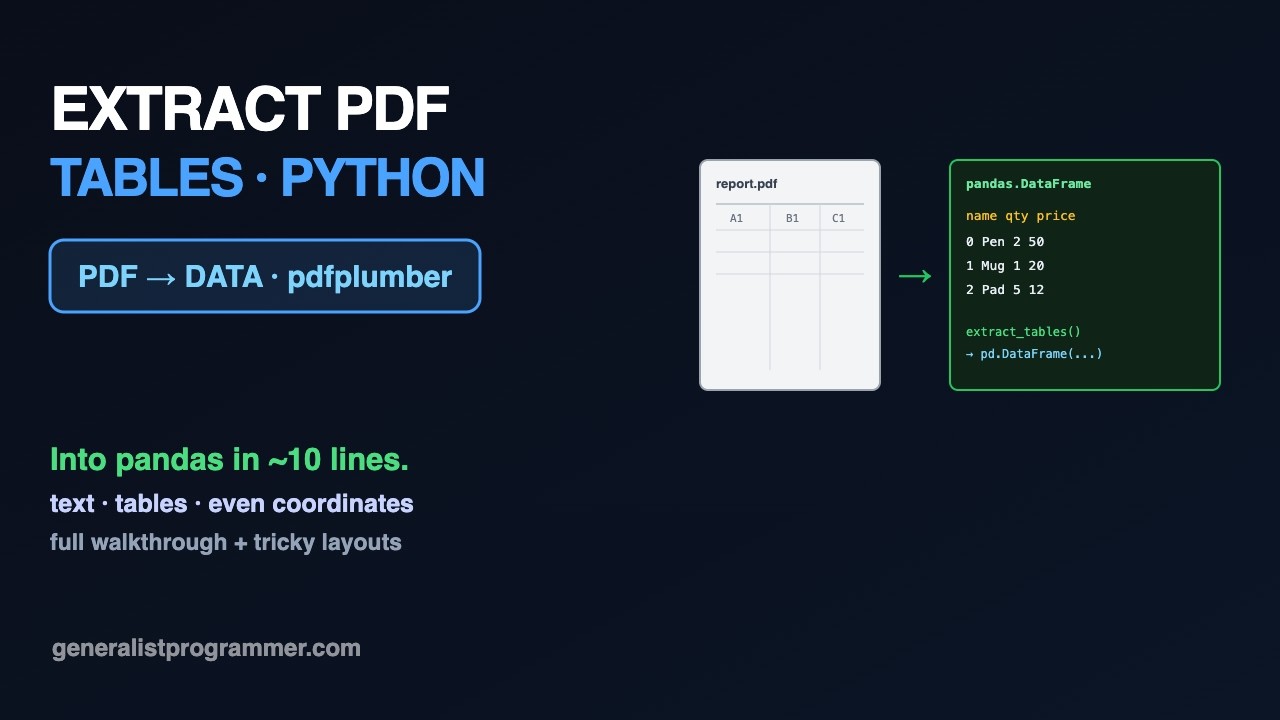
and retyping by hand is a nightmare. pdfplumber, a pure-Python library, gets that data
into pandas in about 10 lines — the text, the tables, even the exact coordinates of
every word. No Java, no Ghostscript, no external tools. This is the full walkthrough.
What's covered:
Install: pip install pdfplumber (plus pip install pandas). Pure Python — nothing else
to set up. import pdfplumber and import pandas as pd.
Open a PDF and read text: with pdfplumber.open("file.pdf") as pdf: — a context manager.
pdf.pages is a list of Page objects; page = pdf.pages[0]; page.extract_text() returns
the whole page as a string (or None on image-only pages).
Tables to pandas: page.extract_tables() returns a list of every table; page.extract_table()
returns the single largest one (or None). A table is a list of rows, each row a list of
cell strings (empty cell is None). Then df = pd.DataFrame(table[1:], columns=table[0]) —
first row as headers, the rest as data.
Tricky layouts: pass table_settings with vertical_strategy and horizontal_strategy set to
"lines", "text", or "explicit". Borderless table? Switch from "lines" to "text" and it
infers columns from word alignment. page.debug_tablefinder() visualizes what it detects.
Coordinates: page.extract_words() returns a list of dicts with text, x0, x1, top, bottom.
Origin is top-left (top increases downward). page.chars, page.width, page.height.
page.crop((x0, top, x1, bottom)) and page.within_bbox(bbox) zoom into a region.
Alternatives: pdfplumber vs camelot (ruled tables, needs Ghostscript), tabula-py (Java
wrapper), pypdf / PyPDF2 (manipulate + text, weak on tables), and PyMuPDF / fitz (fast,
has table extraction now).
Reach for pdfplumber first for mixed text-and-table work and anything needing coordinates.
Free written guide — the Python interview questions that come up most, great everyday practice:
https://generalistprogrammer.com/tuto...
Want to level up faster? Python Power Pack — 50 real-world snippets, idioms, and interview
prep, 19 dollars, optional:
https://generalistprogrammer.gumroad....
— Chapters —
0:00 The problem: your data is trapped in a PDF
1:08 Install: pip install pdfplumber (pure Python)
2:15 Open a PDF + read its text
3:37 Extract tables into a pandas DataFrame
5:08 Tricky layouts: table_settings strategies
6:59 Coordinates: words + bounding boxes
8:33 pdfplumber vs camelot, tabula, pypdf, PyMuPDF
10:01 Recap + next step
— Title variants (A/B testing) —
1. Extract PDF Tables in Python with pdfplumber (Full Guide)
2. pdfplumber Tutorial: Get PDF Tables into pandas in 10 Lines
3. Read PDF Tables in Python — the pdfplumber Full Walkthrough
#python #pdfplumber #pandas
Повторяем попытку...
Доступные форматы для скачивания:
Скачать видео
-
Информация по загрузке: