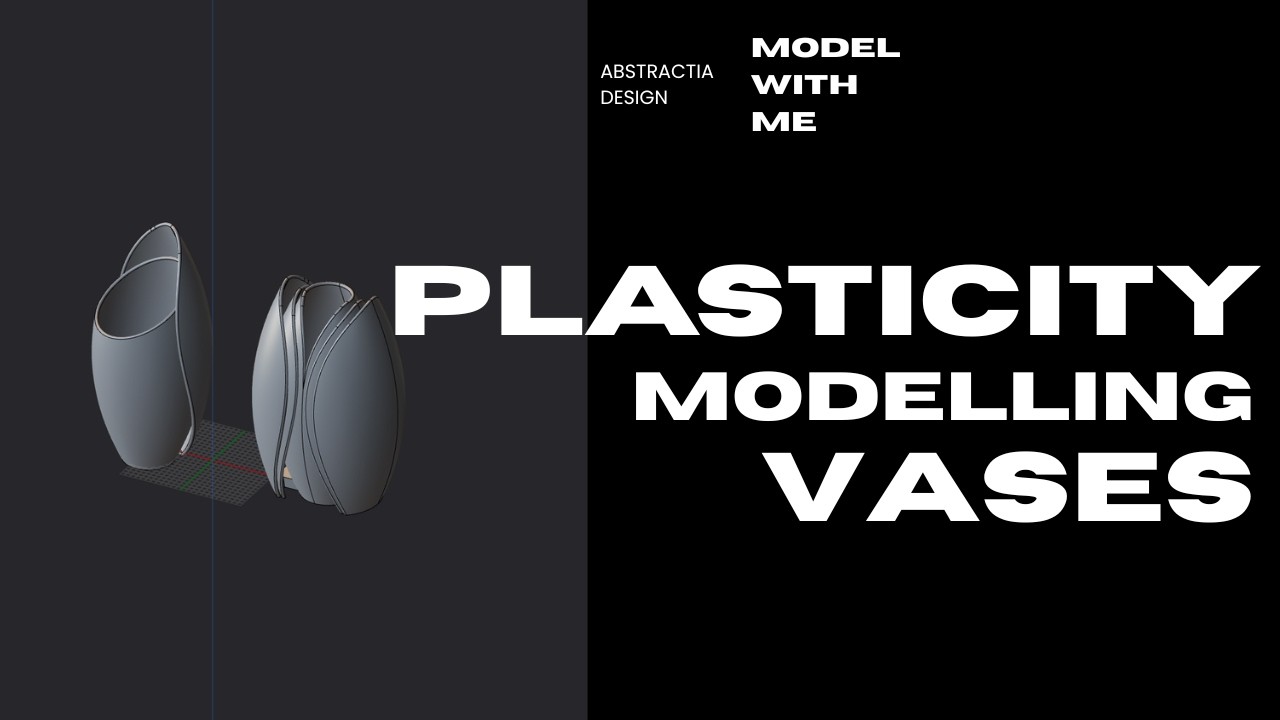
Hard Surface Design in Plasticity | Concept Art & CAD Workflow
Автор: Abstractia Design
Загружено: 2026-02-17
Просмотров: 88
Описание:
We take a quick look at the previous lamp design and its new stand before starting our main project- Today we are designing the Ambient Bouncer which is a modern accent light focusing on soft reflections rather than direct room illumination- I walk you through the entire Plasticity workflow starting with setting the scale to match a standard printer build height- We model the reflectors as sheets and thicken them while ensuring there is enough clearance for parts to slide together easily- Learn how to hollow the chassis and choose filaments that stop light transmission like the charcoal matte from Bambu- I also take a quick detour to show off a massive 3D printed NAS server project I built last year- We refine the design using spline curves and create a complex ribbed texture using radial arrays- If you want to sell prints of these models check out the commercial membership options on Patreon or MakerWorld- Don't forget to comment to feed the algorithm and support the channel-
Support & Links: Patreon: / abstractiadsgn
MakerWorld: https://makerworld.com/en/@dkdsgn
Tags: #Plasticity #CAD #HardSurface #3DModeling #IndustrialDesign #NURBS #ConceptArt #ProductDesign #AbstractiaDSGN #3DPrinting #designstream
00:00 - Intro and Competition Recap
04:00 - Reviewing the Thursday Lamp Design
07:00 - Sketching the Ambient Bouncer Concept
09:00 - Setting Scale in Plasticity
11:00 - Modeling the Bouncer Reflectors
13:00 - Creating Slide Channels with Clearance
16:00 - Hollowing the Chassis and Filament Choices
18:00 - Showcase of the 3D Printed NAS Server
20:00 - Designing the Cable Exit Hole
25:00 - Refinement with Spline Curves and Arcs
27:00 - Adjusting Reflector Thickness
32:00 - Using Radial Arrays for Ribbed Texture
39:00 - MakerWorld and Patreon Support Outro
Повторяем попытку...

Доступные форматы для скачивания:
Скачать видео
-
Информация по загрузке: