How to Calculate Weldment Lengths in SOLIDWORKS using OpenBOM – Digital BOM Tutorial
Автор: OPENBOM
Загружено: 2024-12-31
Просмотров: 698
Описание:
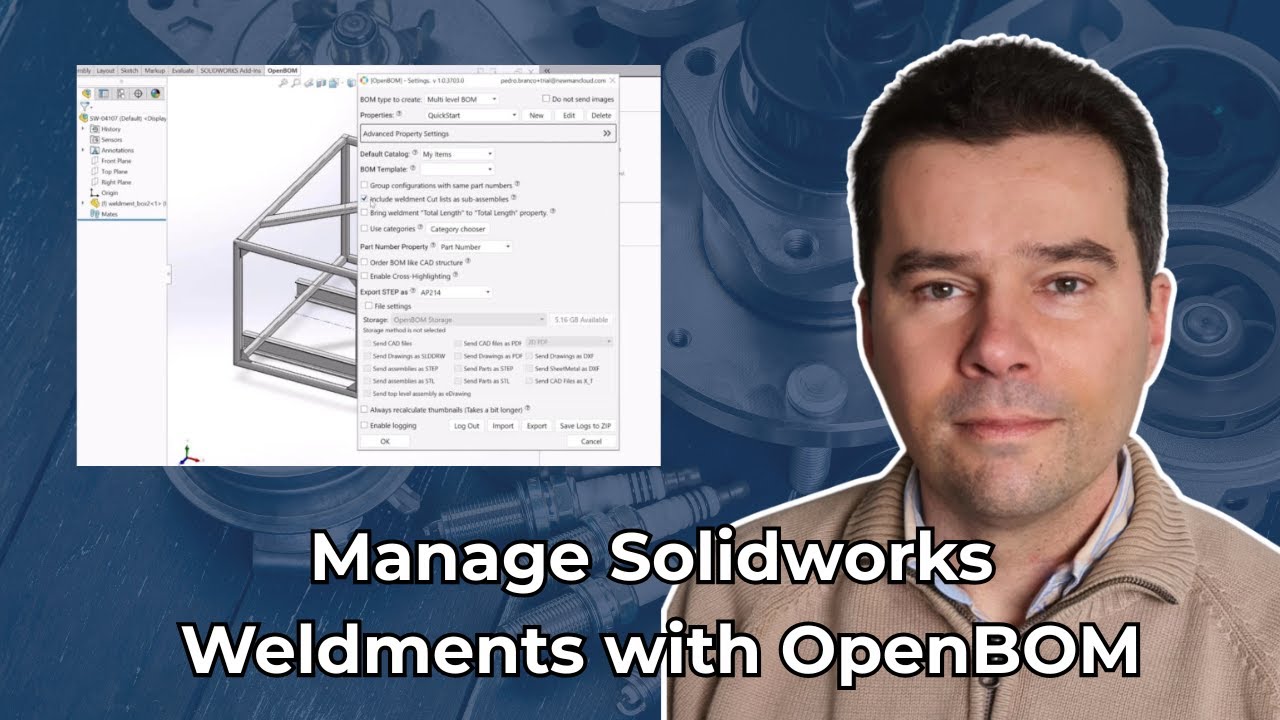
Working with weldments in SOLIDWORKS and need a reliable way to calculate total cut lengths for your cutlist using digital Bill of Materials? This video shows engineers how to automatically calculate weldment lengths inside SOLIDWORKS and seamlessly integrate that data into an Engineering BOM using OpenBOM. No more manual calculations, exports, or copy-pasting from spreadsheets—just clean, automated data that updates as your design evolves.
Learn how to streamline your CAD-to-BOM workflow by leveraging OpenBOM’s length-based quantity management. Whether you're working with structural frames, tubing, or custom steel profiles, OpenBOM allows you to track total lengths, assign units, and manage material quantities directly from your SOLIDWORKS design. This is ideal for engineers looking to automate BOM generation and standardize their cut lists across projects.
What you'll learn:
✅ How to use "Total Length" calculations in SOLIDWORKS Weldments.
✅ The two options for Quantity setup in OpenBOM: "Length" or "Each (EA)."
✅ Best practices for managing weldment materials in your Engineering BOM.
This tutorial simplifies the process of capturing precise weldment details and optimizing your BOM management. Whether you're managing complex assemblies or simple structures, this video is for you!
📢 Subscribe for more OpenBOM tutorials and tips: openbom.com
📖 Learn more about OpenBOM: help.openbom.com
👍 Like and share to help others streamline their workflow!
#OpenBOM #SOLIDWORKS #Weldments #EngineeringBOM #BOMManagement #CADIntegration
Повторяем попытку...
Доступные форматы для скачивания:
Скачать видео
-
Информация по загрузке: