How to Use Conversation Mode in Translate on iPhone (Live Language Translation)
Автор: GuideWise
Загружено: 2026-01-25
Просмотров: 622
Описание:
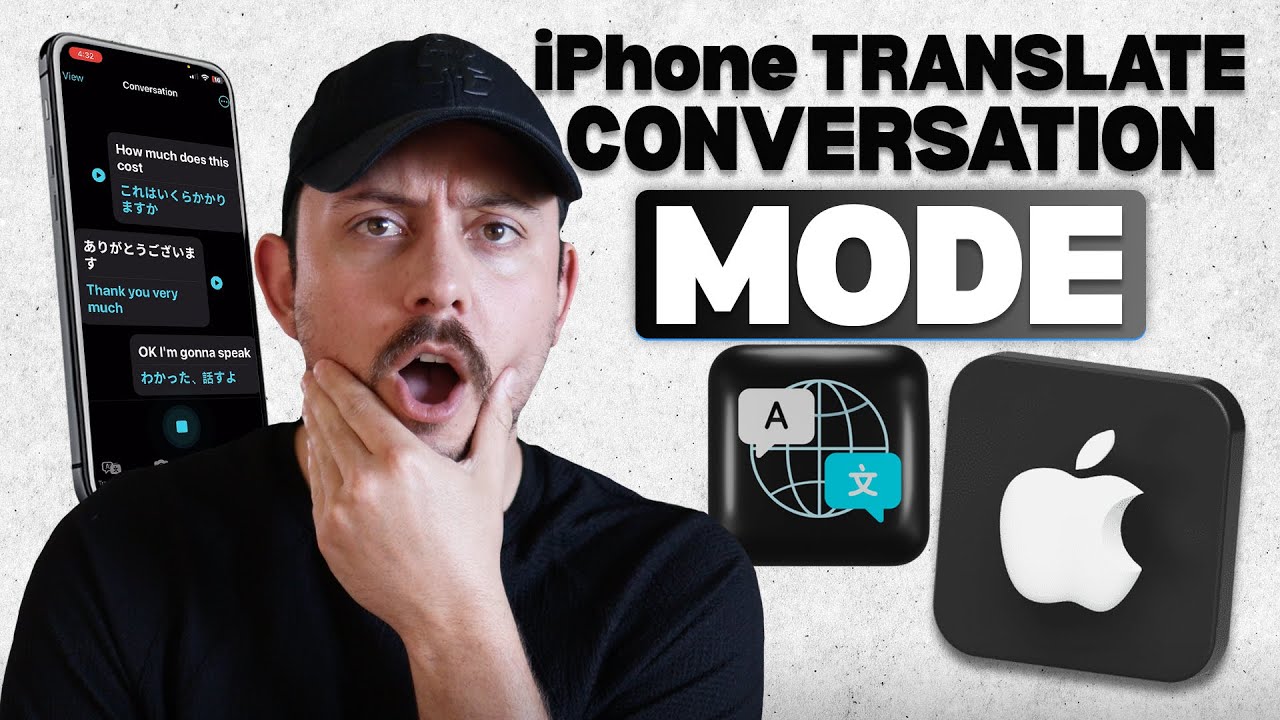
In this video, I’ll go over how to use Conversation Mode in the Translate app on your iPhone for live, two way translation. This tutorial shows how to open the iPhone Translate app, select conversation mode, and start speaking in your language. You’ll see how spoken words turn into instant translations on screen during real conversations. This guide focuses on clear steps for fast and accurate iOS translation.
Be sure to watch this video all the way as I cover how to switch speakers, change languages, and view both sides of the translation. The walkthrough explains how voice translation works for travel, daily chats, and face to face talks. It also shows how to use the microphone correctly for better speech detection. These steps help make iPhone conversation translation smooth and easy to follow.
iPhone Translate conversation mode is designed for real time language translation using voice input. The feature supports live speech translation, speaker switching, and on screen text results. It helps remove language barriers without typing or copying text back and forth. With conversation mode enabled, the iPhone Translate app becomes a simple tool for clear communication.
If you want to see more tutorials, check out our other videos:
How to Translate Text Instantly with iPhone Camera (Live Text & Translate Tutorial)
• How to Translate Text Instantly with iPhon...
How to Translate Text Using the Built-in Translate App on iPhone (Full Guide)
• How to Translate Text Using the Built-in T...
Subscribe to our channel for easy-to-follow tutorials, tips, and tricks! GuideWise is here to help you learn new skills, solve problems, and make life easier.
Thank you for watching and have a great day!
– Brett
#iPhoneTranslate #AppleTips #iOSTutorial
Timeline:
0:00 - Introduction
0:06 - Opening Translate
0:10 - Selecting Conversation Mode
0:18 - Speaking First Language
0:22 - Viewing Translation
0:25 - Switching Speaker
Disclaimer: Some of the links above may be affiliate links, which means that if you click on them, I may receive a small commission. The commission is paid by the retailers at no cost to you, and this helps support our channel and keep our videos free. Thank you! All information in our videos is compiled from online sources and our own experience, and we encourage you to do your own research. We appreciate your support!
Повторяем попытку...
Доступные форматы для скачивания:
Скачать видео
-
Информация по загрузке: