How to Install Colmap & Glomap on MacOS| Step-by-Step Guide
Автор: Celestial
Загружено: 2025-09-02
Просмотров: 1561
Описание:
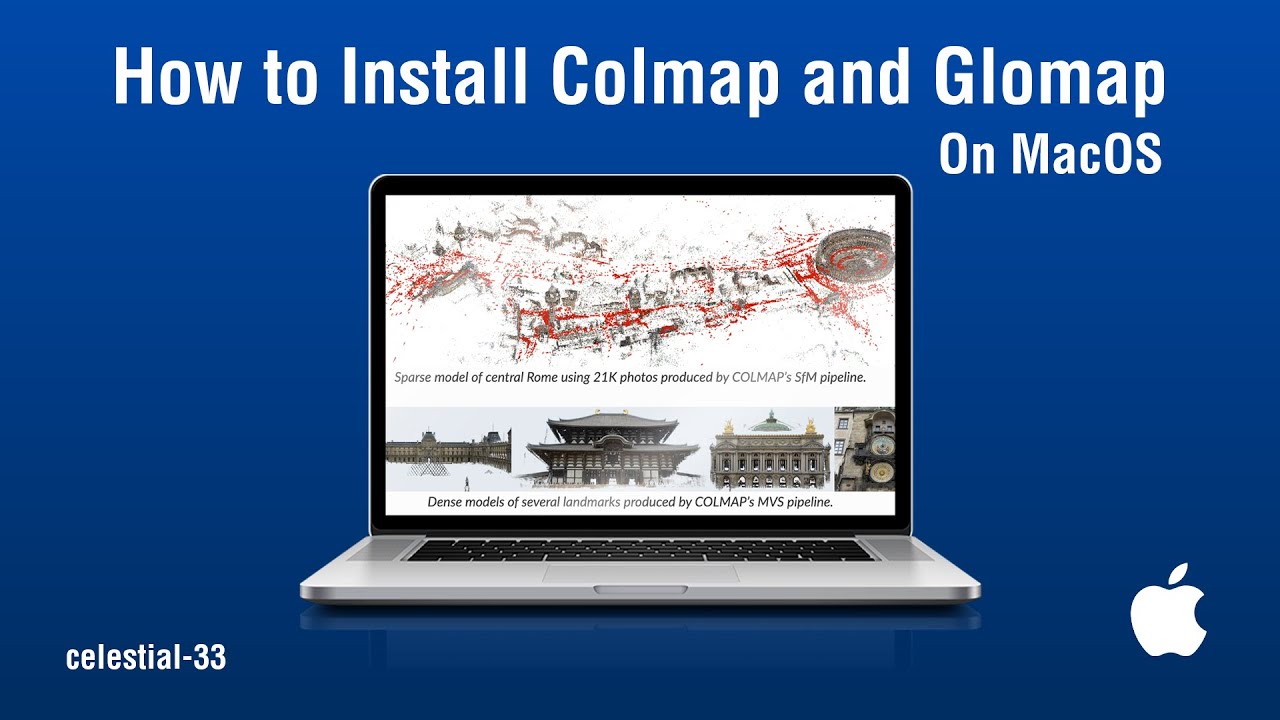
In this tutorial, we’re tackling one of the biggest headaches for Mac users—building and installing COLMAP and GLOMAP on macOS.
This works on Apple Silicon (M1, M2, M3, M4) as well as Intel Macs.
By the end, you’ll have COLMAP and GLOMAP properly installed on your system
without the trial-and-error.
We’ll cover the entire process: installing Homebrew, setting up dependencies, compiling COLMAP, and finally building GLOMAP. By the end of this video, you’ll have both tools installed and ready to use for your photogrammetry and 3D reconstruction projects—all on macOS.
⚠️ Note: This tutorial was tested on Apple Silicon (M1/M2/M3/M4) Macs. The steps should also work on Intel Macs, but results may vary.
Links & Resources:
📄 Commands used in this video: https://gist.github.com/celestial-33/...
Timestamps:
00:00 Intro
00:21 Quick Note
00:39 Step 1: Installing Homebrew
01:13 Step 2 : Installing Required Dependencies
01:29 Step 3: Building and Installing Colmap
01:54 Step 4: Building and Installing Glomap
02:17 Step 5: Clean-up Build FIles (Optional)
02:26 Outro
Music:
"Song: Odyssey
Composer: jiglr
Website: / jiglrmusic
License: Creative Commons (BY-SA 3.0) https://creativecommons.org/licenses/...
Music powered by BreakingCopyright: https://breakingcopyright.com
Повторяем попытку...
Доступные форматы для скачивания:
Скачать видео
-
Информация по загрузке:


