Why Your "Premium" TV Sounds Like Trash (The Hidden Audio Setting)
Автор: Simpson Explains
Загружено: 2026-08-19
Просмотров: 11374
Описание:
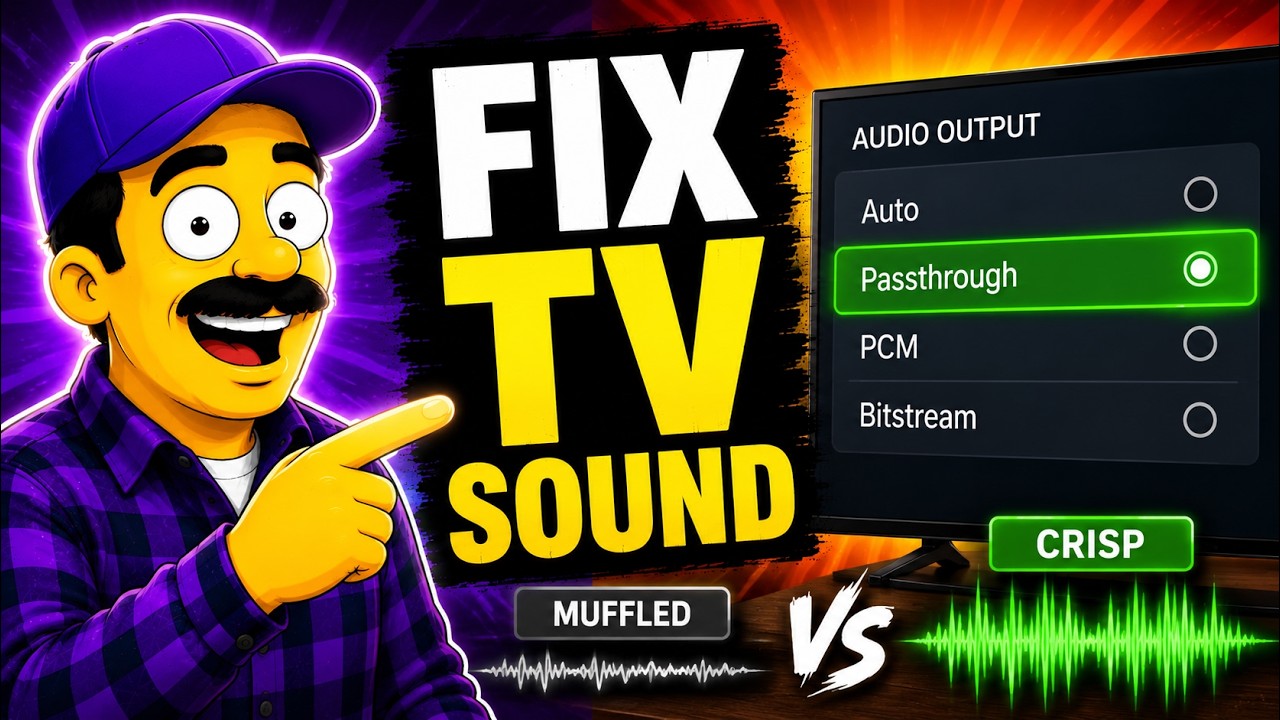
You paid thousands of dollars for a premium TV, but movie dialogue still sounds like it's coming through a tin can. The problem isn't your speakers—it's the factory default audio settings.
Most flagship TVs ship with their digital audio output set to "Auto." While that sounds smart, it forces your TV to guess your setup and compress rich 5.1 surround mixes into flat 2-channel stereo—crushing the dedicated center dialogue channel into the background music and sound effects.
In this video, I explain why manufacturers set these compatibility defaults and show you how to unlock the built-in, uncompressed audio settings already inside your TV's menu to get crystal-clear dialogue and full dynamic range.
No third-party apps, no firmware hacks, and zero extra cost.
📋 THE 2-MINUTE QUICK AUDIO FIX CHECKLIST:
1️⃣ Locate Audio Output: Go to Settings ➔ Sound ➔ Digital Audio Out (or "Audio Output Format" / "HDMI Audio").
2️⃣ Audit the Default: Check if your TV is locked to "Auto" (the factory downmix setting).
3️⃣ For Soundbars & AV Receivers: Switch the output format to "Passthrough" (LG / Sony) or "Bitstream" (Samsung) so your external device handles native multi-channel Dolby/DTS decoding.
4️⃣ For Built-In TV Speakers: Select "PCM" to prevent downmix phase issues and maintain clear 2-channel stereo output.
5️⃣ Fix Lip-Sync Delay: If switching formats introduces audio delay, adjust your TV's built-in "AV Sync" or "Audio Delay" slider by +10ms to +50ms until voices align perfectly.
🔗 SOURCES & TECHNICAL REFERENCES:
• MakeUseOf (Soundbar Audio Output Settings Guide): https://www.makeuseof.com/pcm-get-the...
• Digi-Electronics (PCM vs. Bitstream Explained): https://www.digi-electronics.com/en/b...
• Home-Entertainment UK (TV Audio Output Formats & eARC Guide): https://home-entertainment.co.uk/tv-a...
• AVSForum (PCM vs. Bitstream Home Theater Standards): https://www.avsforum.com/threads/conf...
• Sonos Support Community (Dialogue Clarity & Audio Formats): https://en.community.sonos.com/home-t...
#TVSound #HomeTheater #SmartTVHacks #Soundbar #AudioSettings #PCMvsBitstream #DolbyAtmos #TechTips #LGOLED #SamsungTV #SonyBravia
⚠️ Educational & Policy Note:
This video explains standard, manufacturer-documented menu settings designed for end-user configuration. No software modifications, jailbreaks, or terms-of-service bypasses are depicted or encouraged. Menu terminology may vary slightly depending on your TV brand and firmware version.
Повторяем попытку...
Доступные форматы для скачивания:
Скачать видео
-
Информация по загрузке: