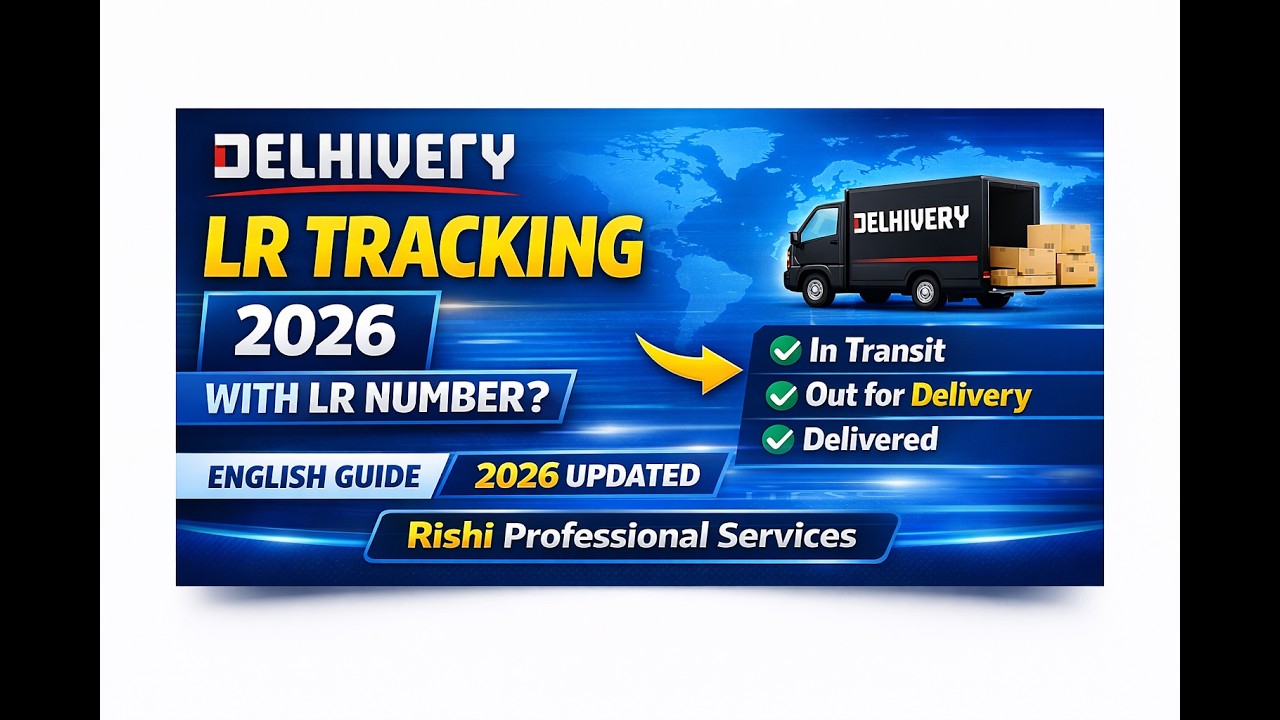
Delhivery LR Tracking | Check Parcel Status with LR Number (English Guide)
Автор: Rishi Professional Services
Загружено: 2026-02-18
Просмотров: 41
Описание:
📦 Delhivery LR Tracking – How to Check Parcel Status with LR Number
In this video, you will learn how to track Delhivery courier using the LR number step by step. If you want to check your parcel status online, this simple English guide will help you.
Follow these steps to track your parcel easily:
1. Open Google Chrome or any web browser on your mobile phone or computer.
2. In the search bar, type Delhivery Tracking and press Enter.
3. Click on the official Delhivery website (make sure it’s the official one only).
4. On the tracking page, select the LRN option.
5. Enter your LR number carefully in the tracking box.
6. Click on the Track button to see your parcel status.
Common status meanings:
• Picked Up – Your parcel has been collected.
• On the Way – Your parcel is moving towards the delivery location.
• Out for Delivery – Your parcel will be delivered today.
• Delivered – Your parcel has been successfully delivered.
If your tracking details are not showing,
please check the LR number again carefully or try again after some time.
________________________________________
⚠️ AI Voice Disclaimer:
This video uses AI-generated voice for clear and easy narration. It is for informational purposes only.
⚠️ Educational Disclaimer:
This video is for educational and informational purposes only.
For official confirmation, complaints, or business decisions, please refer to the official Delhivery website or customer support.
Rishi Professional Services is not officially affiliated with Delhivery.
________________________________________
📧 Contact: [email protected]
#DelhiveryTracking #CourierTracking #RishiProfessionalServices #LRNumberTracking #ParcelStatus
Повторяем попытку...
Доступные форматы для скачивания:
Скачать видео
-
Информация по загрузке: