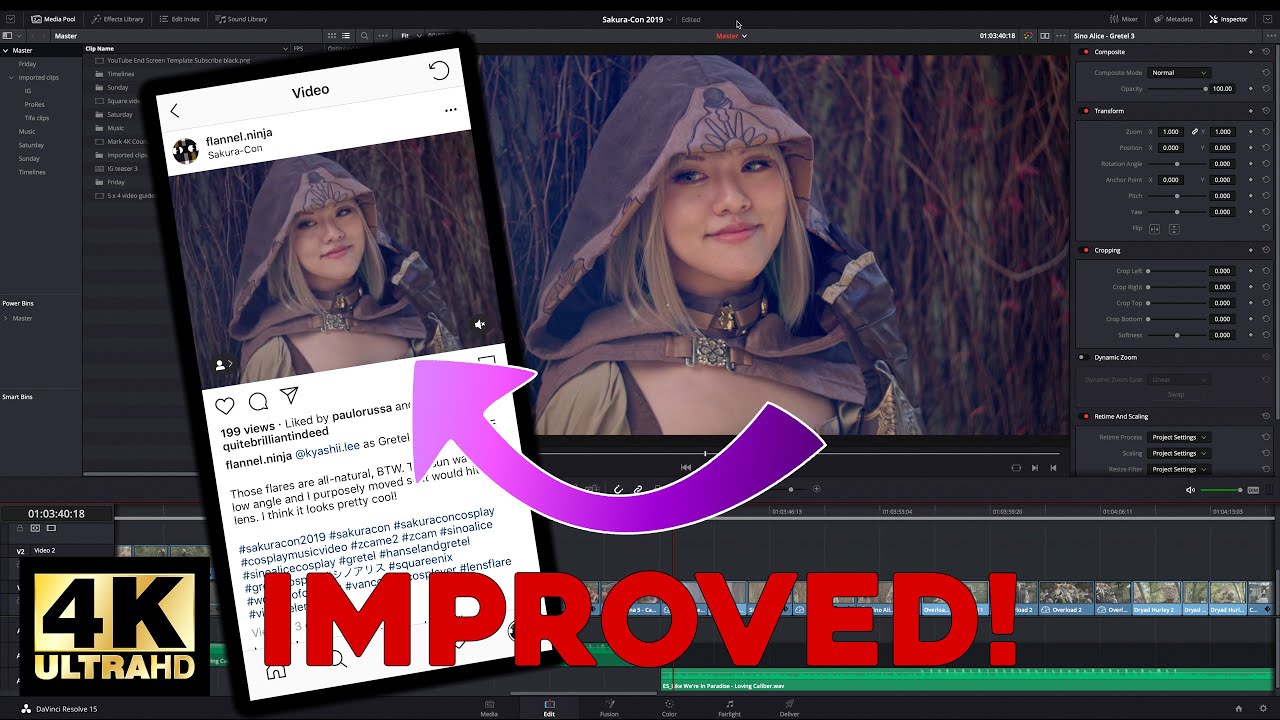
How to Make Instagram-Ready Videos Using DaVinci Resolve - Improved!
Автор: Flannel Ninja Tech
Загружено: 2020-01-07
Просмотров: 37154
Описание:
Instagram is a great place to share your videos, but what settings do you use? In this video I show you how to output video at different aspect ratios and resolutions that will look perfect on Instagram. I'm using Blackmagic DaVinci Resolve, but you can use the same techniques in other software such as Premiere Pro and Final Cut Pro.
Instagram supports the following aspect ratios for video:
16:9 (HD 1920 x 1080)
5:4 (1350 x 1080)
1:1 (square 1080 x 1080)
4:5 (1080 x 1350)
You can upload in a lot of different resolutions, but I recommend keeping it around 1080 since Instagram doesn't really support video higher than that. It supports the common frame rates of 23.976, 25, and 29.97. I haven't tested 50 and 60, but it probably supports those too.
Watch the full video of these cosplayers in 8K HDR at • Holiday Matsuri 2019 Cosplay in 8K HDR sho...
Here are their Instagram accounts:
/ lux_steez
/ jabberbird
/ fairlyfantasticcosplay
/ queencosplays.exe
Learn about the equipment I use at https://ninja.click/gear
You can find Flannel Ninja online at:
Website: https://flannel.ninja
Instagram: / flannel.ninja
Facebook: / flannel.ninja
Twitter: / flannel_ninja
Subscribe to my mailing list: https://flannel.ninja/subscribe
#instagram #settings #resolution
Повторяем попытку...
Доступные форматы для скачивания:
Скачать видео
-
Информация по загрузке:




![Почему работает теория шести рукопожатий? [Veritasium]](https://image.4k-video.ru/id-video/ggI1xKzoANs)


