How to Fix Epson EcoTank ET-2800 Printer Won't Print Color? | Printer Tales
Автор: Printer Tales
Загружено: 2024-12-03
Просмотров: 18857
Описание:
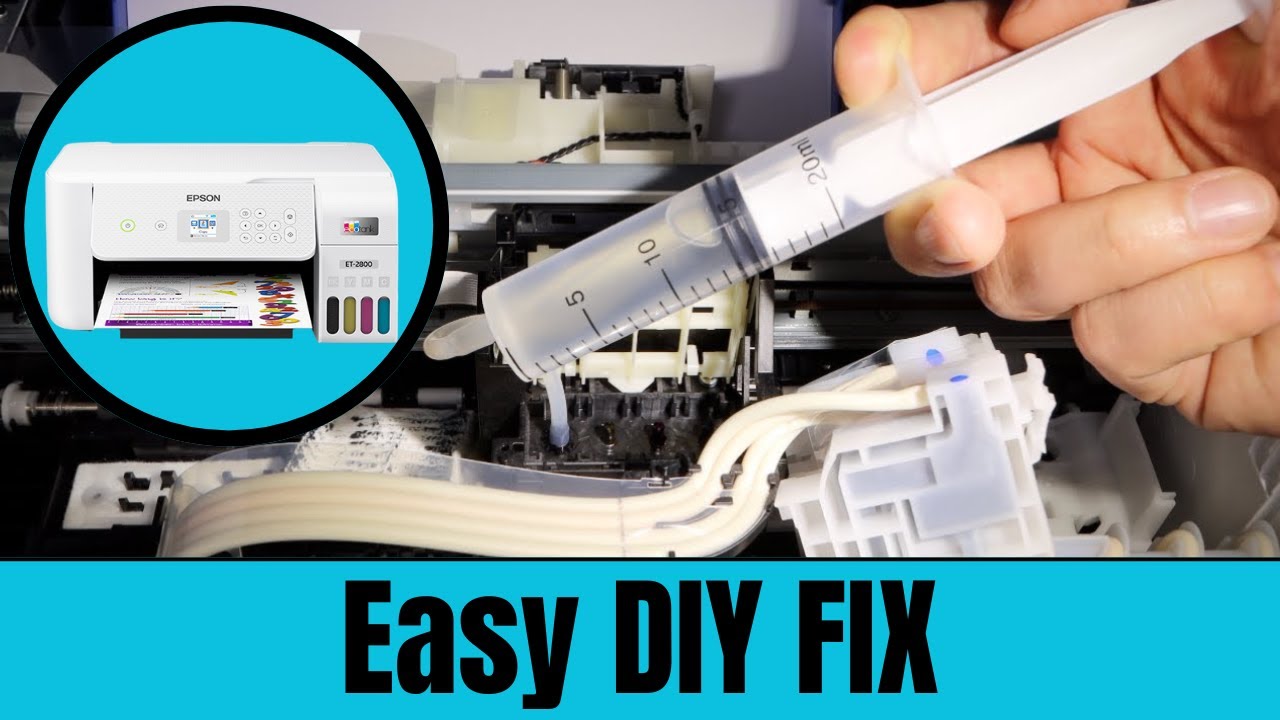
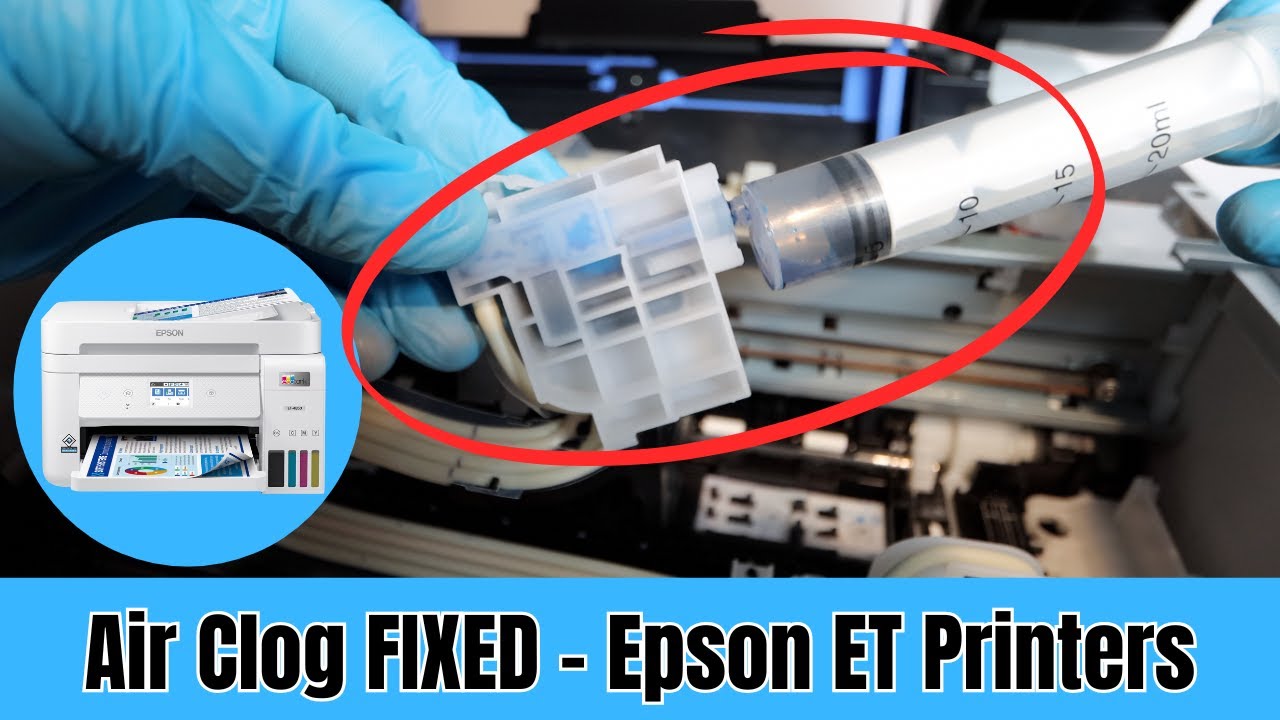
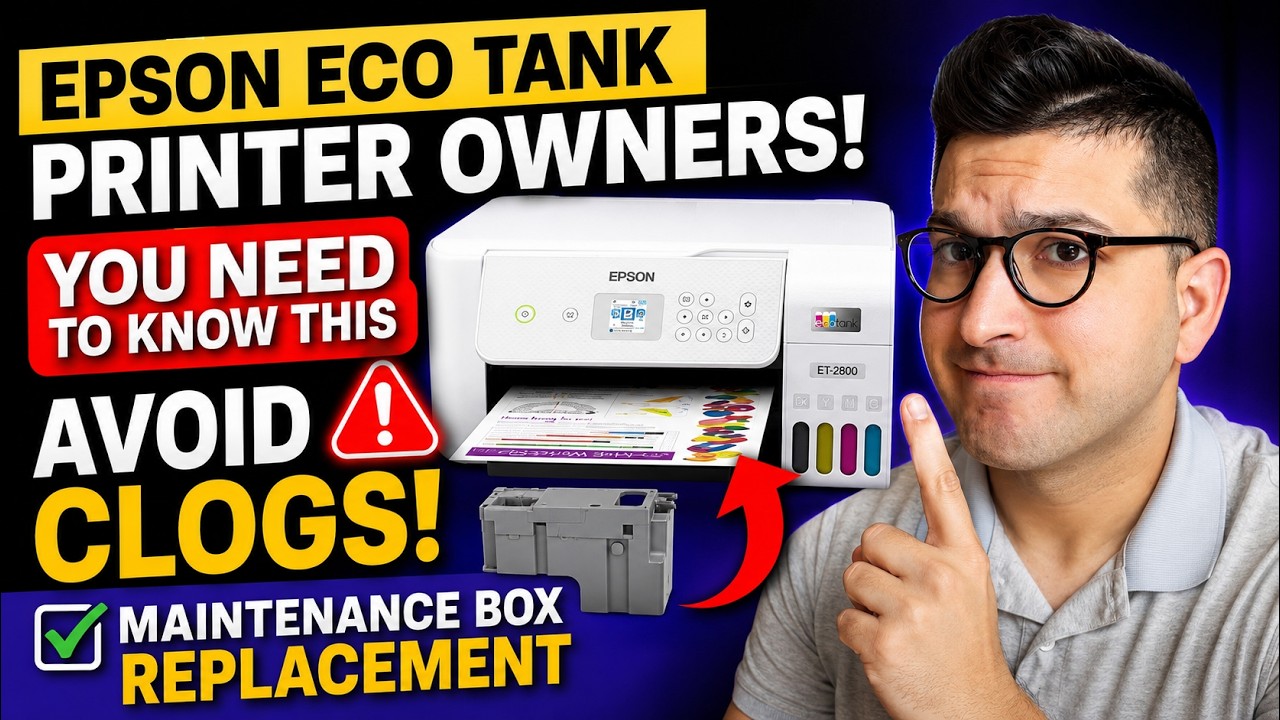
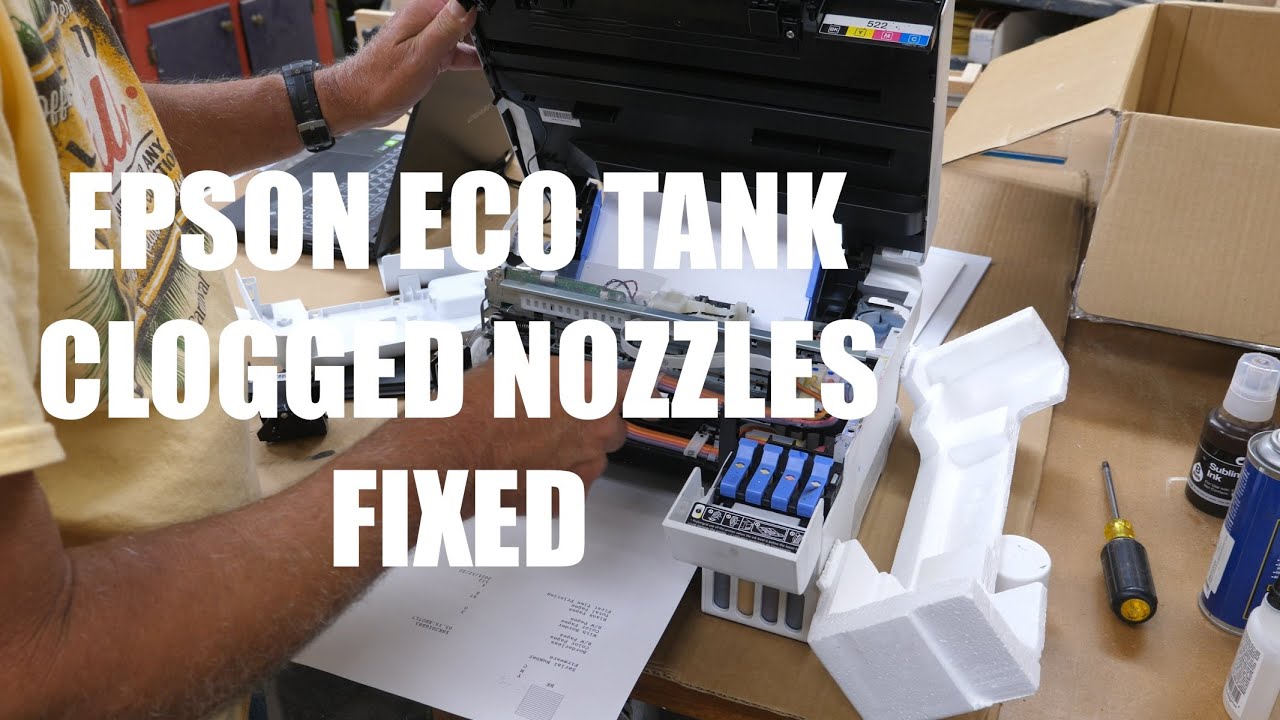
The “Epson ET 2800 not printing color” issue can occur due to clogged print head nozzles, empty or low ink cartridges, or a damaged print head. Other reasons for this can be incorrect print settings, incorrect firmware versions, or printer driver issues.
By troubleshooting the Epson ET 2800's color printing issue, you can ensure high-quality prints of your documents, presentations, and more. Correct color printing saves you from unneeded ink cartridge replacements and minimizes waste. When your Epson ET 2800 is working correctly, you can ensure clear communication, whether it is for business proposals or personal projects.
Follow the steps in this video to fix the “Epson ET 2800 won't print color” issue.
Method 1: Cleaning Nozzle (0:00:08 - 0:01:00)
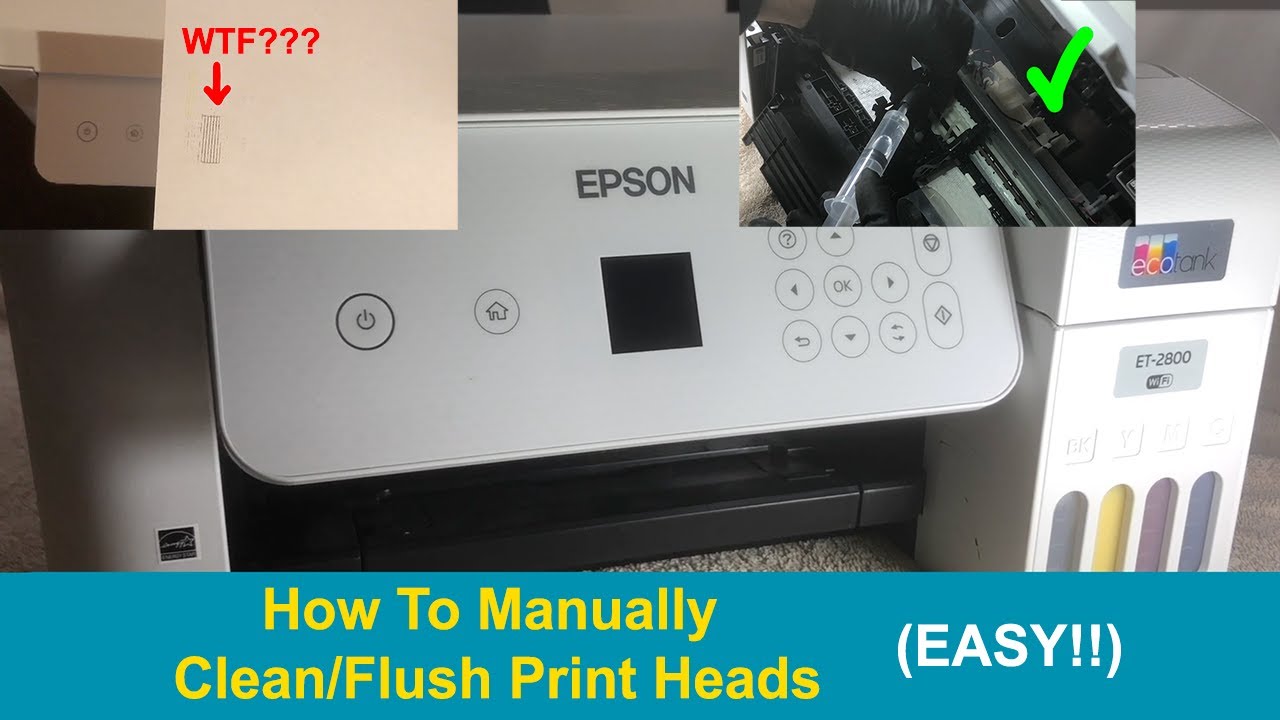
Method 2: Clean Printhead Manually (0:01:05 - 0:03:07)
Method 3: Update Printer Driver (0:03:11 - 0:04:33)
Watch the video to the end to learn how to fix the “Epson ET 2800 won't print color” issue.
Are you still having trouble fixing the “Epson ET 2800 print color” issue? Contact us at US +1-857-557-6884 or UK +44-800-054-8150 / +44-161-518-4781.
If you have any questions regarding Epson Printers, reach us at https://printertales.com/Epson.
If you need assistance using the Live Chat feature, visit our website at https://printertales.com/ and click the Live Chat option.
If you have any questions or feedback, reach out to us by email at [email protected].
For more information like this, contact us via social media.
Facebook - / printertales
Instagram - / printer.tales
LinkedIn - / printertales
Twitter - / printertales2
Pinterest - / printertales
Comment, Like, Share, and Subscribe!!!
Thank you for investing your time in watching this video.
Повторяем попытку...

Доступные форматы для скачивания:
Скачать видео
-
Информация по загрузке: