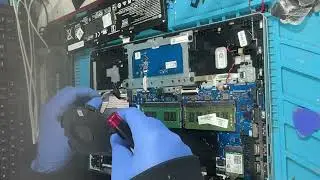
HP Notebook 15s fq series open change thermal paste replacement battery upgrade ssd and ddr4 memory
Автор: PCMasterX
Загружено: 2025-12-26
Просмотров: 76
Описание:
Full program open replacement the thermal paste, cleaning, replacement battery, upgrade m.2 ssd and upgrade ddr4 sodim ram memory.
HP models: 15s-fq1000 15s-fq5304nz 15s-fq5185tu 15s-fq1705nz 15s-fq5209TU 15s-fq1005ua 15s-fq1515na 15-d5000 15s-fq2013nm
and other models using the chassis 15s-fqxxx
More detailed on: https://pcmasterx.com/index.php/blog/...
0:00 Introduction
0:15 Remove the rubber feet foot strips
0:27 Unscrewing the screw on the cover
0:40 Open the cover
1:00 Removing ssd
1:02 Unscrew the battery screws and remove the battery.
1:12 Disconnect the flat cable.
1:13 Unscrew the screws.
1:20 Disconnect the fan cable and remove the fan.
1:28 Unscrew the screw cooler and clean it
1:37 Remove or upgrade Ram SODIM DDR4
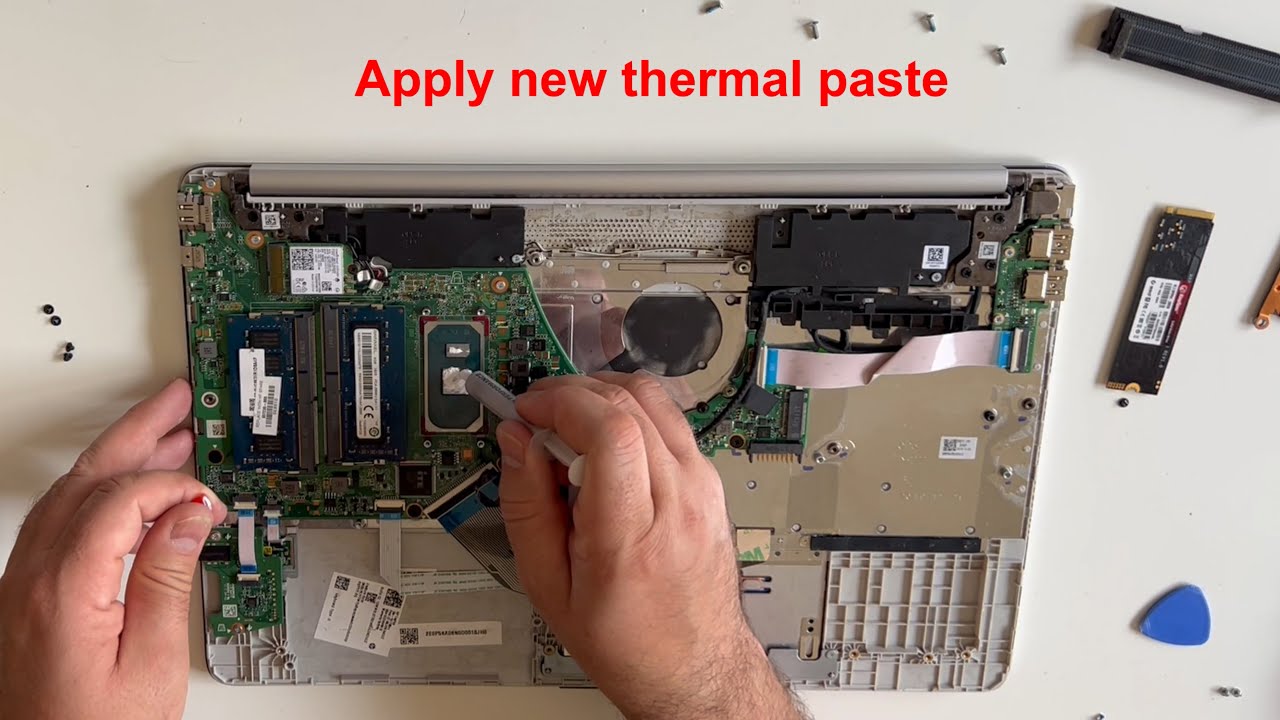
1:40 Clean off the old thermal paste
1:52 Apply new thermal paste
2:03 Screwing of the cooler
2:22 Install the fan and secure it with a screw.
2:39 Place the ssd and tighten the screw on the ssd
2:44 Insert and screw the battery in
3:01 Put the lid on.
3:17 Screw the screws on the lid.
3:35 Install the rubber feet foot strips
3:44 THE END
Website --{ https://www.pcmasterx.com }-- is a collection of guides that provide solutions to common problems I've encountered, as a hobby and anything else that I find interesting...
Повторяем попытку...
Доступные форматы для скачивания:
Скачать видео
-
Информация по загрузке: