Aquos Zero 2 FRP Bypass Without PC
Автор: UFixer
Загружено: 2026-02-16
Просмотров: 616
Описание:
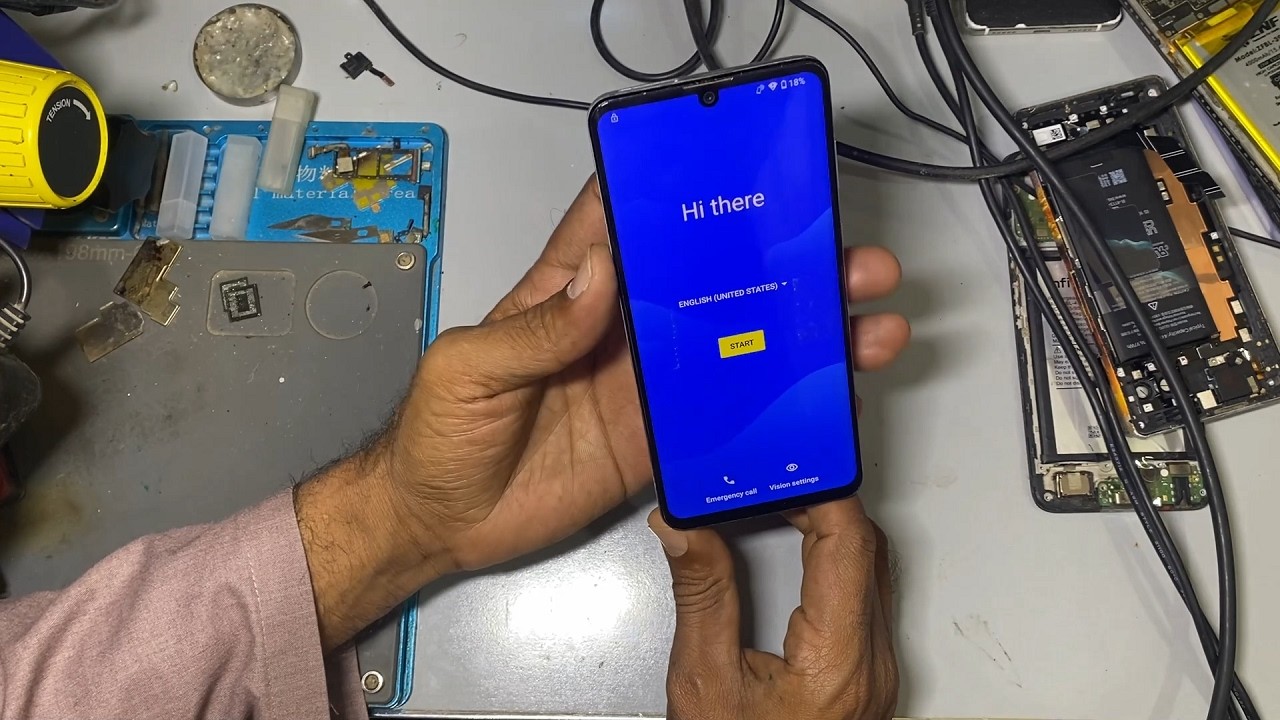
In this video, I demonstrate how to remove Google FRP lock on Aquos Zero 2 without using a PC. This method is designed for situations where the device is stuck on Google account verification after factory reset and you need a practical, step-by-step solution.
The Aquos Zero 2 has strict Android security policies, which often block traditional bypass methods. In this tutorial, I explain the tested approach that allows Google account removal directly from the device without flashing firmware or using external software tools.
📌 What You’ll Learn:
• Why FRP lock activates after reset
• Aquos Zero 2 Google account verification screen overview
• Step-by-step FRP bypass process
• Important precautions during bypass
• Final Google account removal confirmation
📱 Device Covered:
• Aquos Zero 2
• All storage variants
• Google account locked after factory reset
⚠️ Important:
This method is shared for educational and professional repair purposes only. Perform FRP removal only on devices you own or have proper authorization to repair. UFixer does not support misuse or unauthorized access.
If you are a mobile repair technician or learning Android software repair, subscribe to UFixer for more FRP bypass, ISP repair, dead boot recovery, and advanced troubleshooting tutorials.
👍 Like the video if it helped.
💬 Comment your device model and Android version if you face issues.
🔔 Subscribe for regular professional repair solutions.
–––––––––––––––––––––––––––––––
Follow UFixer Community:
Discussion Forum: https://Geeks-Board.com
Instagram: / ufixers
Facebook: / ufixers
Twitter: / geeks_board
Telegram Channel: https://t.me/uFixer
Telegram Group: https://t.me/uFixers
#AquosZero2 #FRPBypass #GoogleAccountRemove #FRPUnlock #AndroidFRP #MobileRepair #UFixer #NoPCFRP
Повторяем попытку...
Доступные форматы для скачивания:
Скачать видео
-
Информация по загрузке: