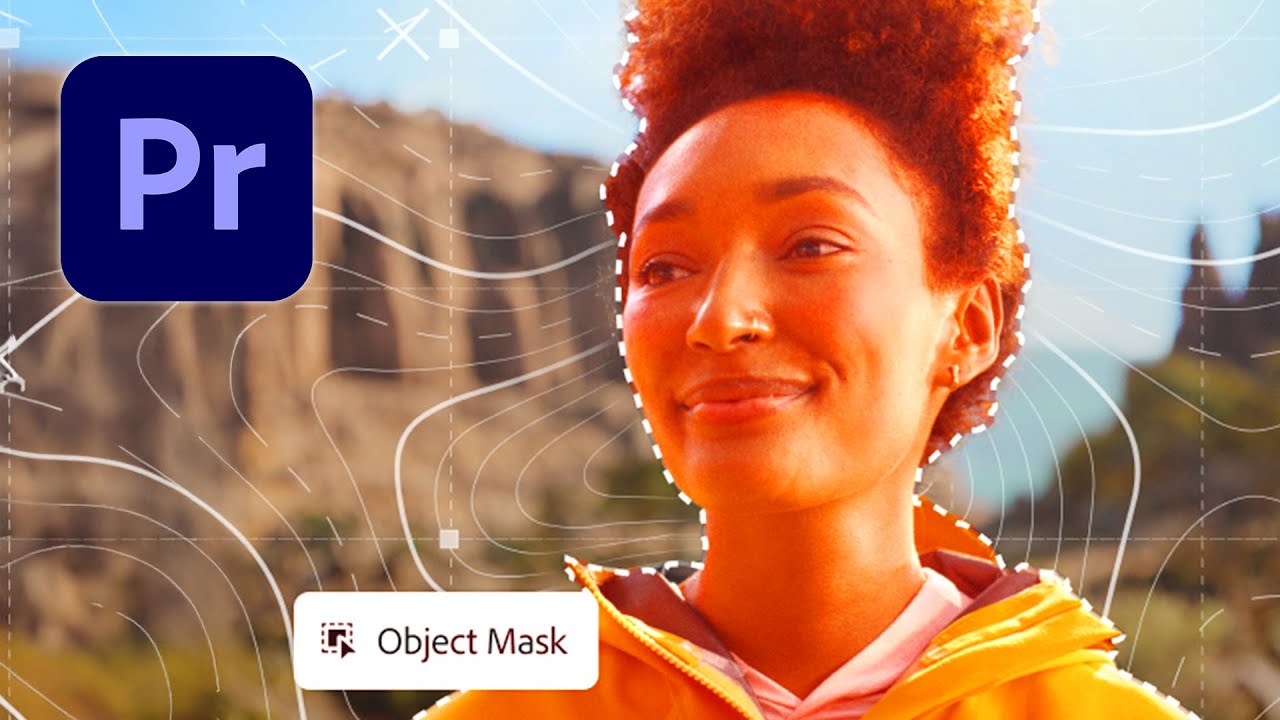
How to Use the Object Mask Tool in Adobe Premiere Pro
Автор: Graphd Tutorials
Загружено: 2026-02-04
Просмотров: 241
Описание:
In this tutorial I’ll show how to use the object mask tool for background removal or using effects, and how to get the previous mask tools in Adobe Premiere Pro.
If this tutorial helped, don’t forget to like, comment, and subscribe for more Adobe Premiere Pro tips, updates, and editing tutorials!
Got questions or requests? Drop them in the comments — I respond to everyone.
I work with Adobe Creative Cloud and Davinci Resolve on a Windows 11 PC, and added most of the used shortcuts for Windows and Mac in the tutorial.
Images used can be found at Pixabay: https://pixabay.com/ or on Envato Elements: https://elements.envato.com/
Find Davinci Resolve here: https://www.blackmagicdesign.com/prod...
I have an Intel i7 9700 processor, 3080TI RTX Graphics Card and 64GB RAM.
I also use Procreate with an Apple Ipad Pro 2020 256GB.
My setup (includes Amazon affiliate links):
Lighting: Nanlite Halo 14 LED Ringlight - Check out Nanlite: https://amzn.to/431TBtn
Wacom Cintiq Pro 16: https://amzn.to/3TowJB0
Camera: Elgato Facecam - https://amzn.to/3Iqse2D
Microphone: Elgato Wave 3 (white) - https://amzn.to/3IpJIMx
Recording software: OBS Studio
Envato Stream Deck (white): https://amzn.to/3uVk7YN
Editing software: Adobe Premiere Pro and Adobe Photoshop
Editing: Adobe Premiere Pro
Intro & Outro: Adobe After Effects
Повторяем попытку...

Доступные форматы для скачивания:
Скачать видео
-
Информация по загрузке: