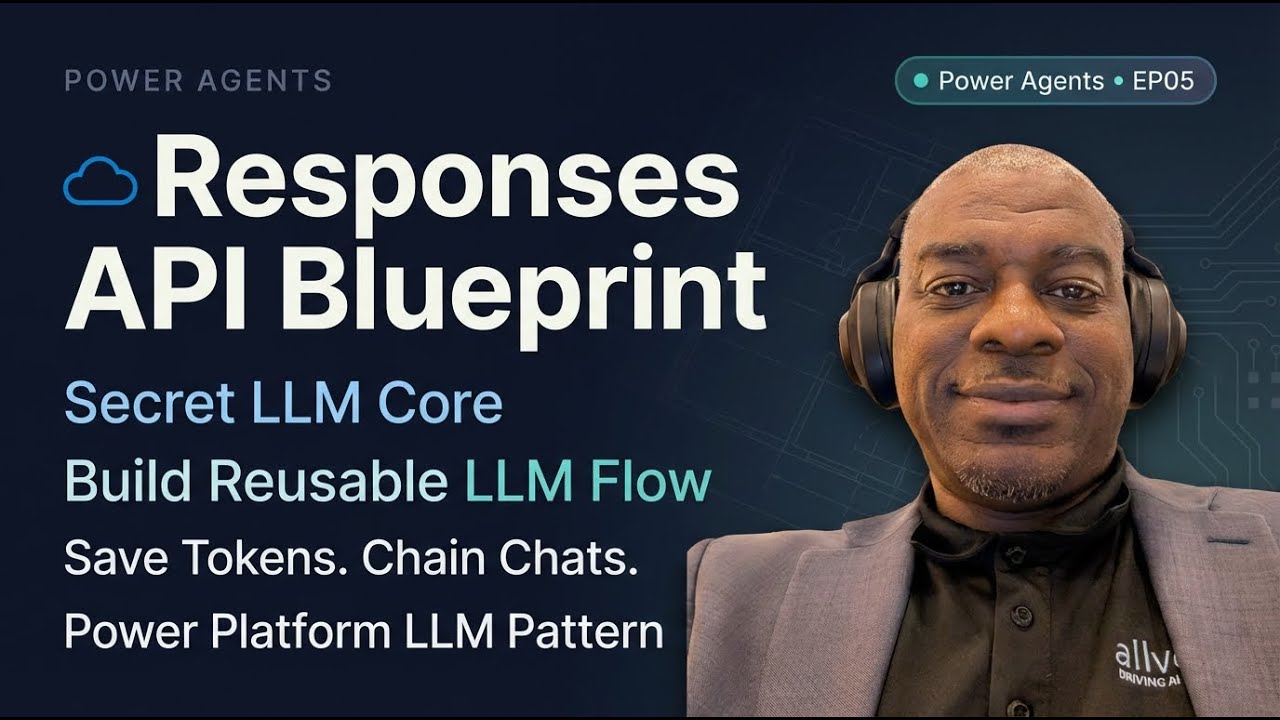
EP05 - Building the Power Automate Flow to call Response API in Microsoft Foundry
Автор: DeShon Clark
Загружено: 2026-02-03
Просмотров: 66
Описание:
Build a reusable Responses API core LLM service for Power Platform—save tokens, enable chaining, and standardize AI calls using Microsoft Foundry Responses API.
Who this is for: SharePoint/Power Platform/.NET builders who need a production-ready pattern to call tenant-hosted LLMs, reduce token cost, and implement conversation chaining securely.
What you'll learn:
Why use the Responses API vs Chat Completions and the token-cost truth
How to design a reusable Power Automate child flow as a Common Core service
Exact request-body shape: input as string vs array and the developer (system) message
How to authenticate Foundry endpoints and manage model selection centrally
Parsing the Responses API output array to reliably extract the message text
Returning responseId for conversation chaining and avoiding token re-charges
Variable/parameter strategy (URI, model, appKey, requestObject) for maintainability
Testing tips, license gotchas (HTTP premium action) and next-step tooling options
Series: Power Agents Series • EP05
Chapters:
0:00 - Series intro + goal
0:30 - Why Responses API (vs Chat Completions)
1:27 - Token cost + future-proofing
2:09 - Azure AI Foundry: models + deployments
3:45 - Playground: choose the cURL sample
4:32 - SDKs: Azure OpenAI vs OpenAI
7:06 - Responses API docs walkthrough
10:16 - Build the Power Automate core
12:21 - Create the “LLM Request” child flow
13:27 - Inputs: string vs JSON array
15:05 - Sample payload + developer message
16:34 - Init vars: URI, model, appKey
20:27 - Build request + HTTP action
24:22 - Read response body + responseId
26:03 - Parse output: content → text
30:41 - Wrap-up + next steps plan
Resources & references:
Microsoft Foundry model endpoints (demonstrated)
Responses API REST examples (in-playground)
Power Automate child flows & respond action patterns
Key takeaways:
Use Responses API to store responseId so you don’t pay repeatedly for the same tokens.
Build a single Power Automate child flow that accepts text or JSON array input and returns plain text + responseId for chaining.
Centralize model selection (by type, not version) in your data layer to allow safe swapping of models without breaking callers.
Parse the Responses API output by filtering the output array for type=="message" then extracting content[0].text.
Encapsulate all parsing/headers/keys so calling flows stay simple: text-in, text-out.
Hashtags:
#Microsoft365 #AIAgents #PowerAgents #PowerPlatform #AzureAIFoundry
Повторяем попытку...
Доступные форматы для скачивания:
Скачать видео
-
Информация по загрузке: