Create Vertical List Sections with Custom Code: Squarespace Tutorial
Автор: InsideTheSquare with Becca Harpain
Загружено: 2024-10-01
Просмотров: 2133
Описание:
I love list sections in Squarespace. It’s such an easy and efficient way to organize and align text and buttons with images. But for a recent project, the horizontal view did not look good. The titles and descriptions for my list didn’t have a consistent length so it looked kinda messy! That’s why I created the code I’m sharing in this tutorial.
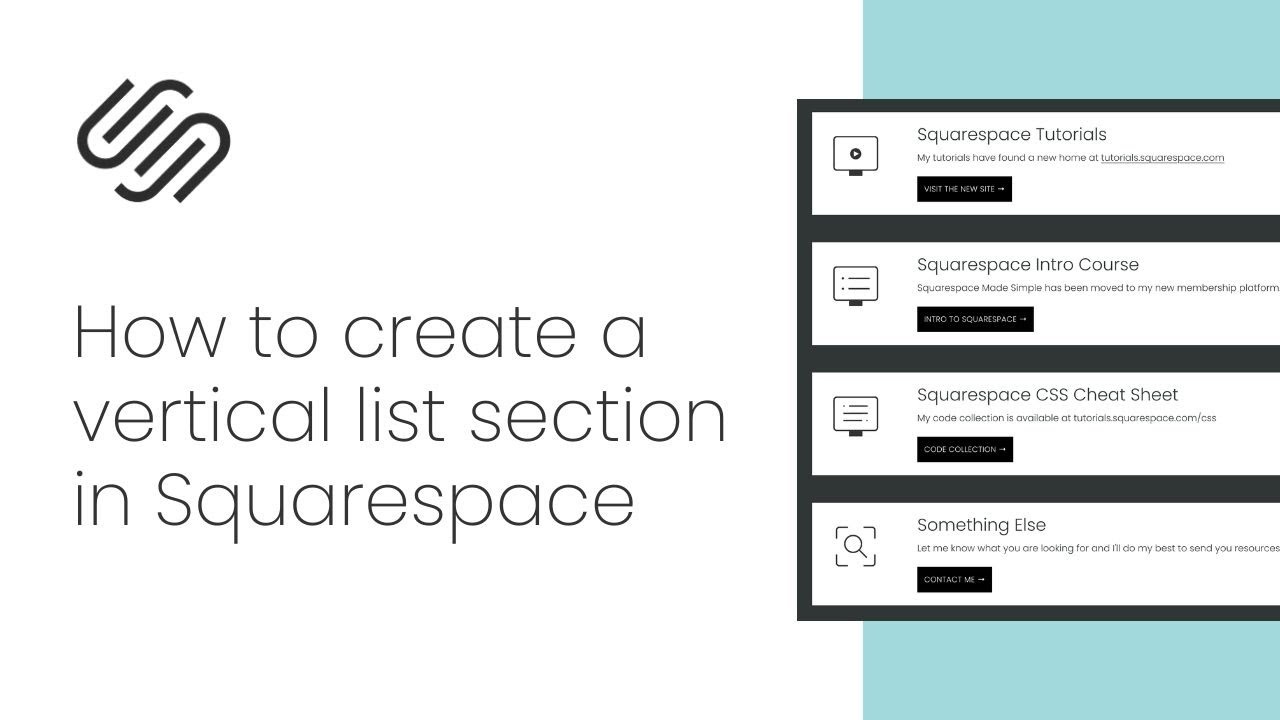
This custom code will change the list section format to display your list item content in a row, creating a vertical list on desktop, and it optimizes text and button alignment for mobile.
I’ve got the original code for you below, along with a link to the chrome extension you can use to target the specific data section, if you need to. And if that sentence didn’t make sense to you, watch the tutorial video and you’ll understand why that’s so important 😉
✨ What you'll learn:
How to transform horizontal list sections into vertical layouts for better content readability
Customizing list section styling with CSS code for both desktop and mobile views
How to target specific sections with unique data IDs to apply custom styling selectively
🔗 Related content Links:
Original Tutorial Post: https://insidethesquare.co/squarespac...
Basic CSS for Squarespace - save 10% with promo code YOUTUBE: https://insidethesquare.co/learn
Chrome extension: https://insidethesquare.co/chromeext
Subscribe to my channel for new Squarespace videos every week: / @insidethesquare
⏱️ Important Timestamps:
00:52 Starting Squarespace list section setup
01:17 Adding content and selecting list design
02:01 Implementing custom CSS code
02:35 Adjusting alignment and media settings
03:41 Customizing mobile view layout
04:39 Using data section IDs for targeted styling
🖥 Tutorial Code; I misspoke in the video; there are SEVEN spots for your data section ID below.
@media only screen and (min-width: 640px) {
[data-section-id] .user-items-list-simple .list-item{
flex-direction:row
}
[data-section-id] .user-items-list-simple[data-media-alignment="left"] .list-item-media{
margin-right:5%
}
}
@media only screen and (max-width: 640px) {
[data-section-id] .user-items-list-simple *{
align-content:center!important;
justify-content:center!important;
text-align:center!important;
}
[data-section-id] .list-item-media{
margin:auto!important;
}
[data-section-id] .list-item-content__title{
margin-top:.5rem!important;
margin-bottom:.5rem!important
}
[data-section-id] .list-item-content__button{
display:flex!important
}
}
[data-section-id] .list-item-content__button:hover{
background: #a1d9dd!important;
color:#333!important;
opacity:1!important
}
- -
Need help with customizing your site? Here are my current support options: https://www.insidethesquare.co/code-help
- -
The term Squarespace is a trademark of Squarespace, Inc. This content is not affiliated with Squarespace Inc. The accuracy of this information is subject to change. #SquarespaceCustomization #WebDesignTips #CSSforBeginners #squarespacetutorial #SquarespaceCSS
Повторяем попытку...
Доступные форматы для скачивания:
Скачать видео
-
Информация по загрузке: