Laptop key replacement/cleaning (Butterfly Keyboard - Lenovo Y50 / Y70)
Автор: Cavallo
Загружено: 2015-04-29
Просмотров: 222721
Описание:
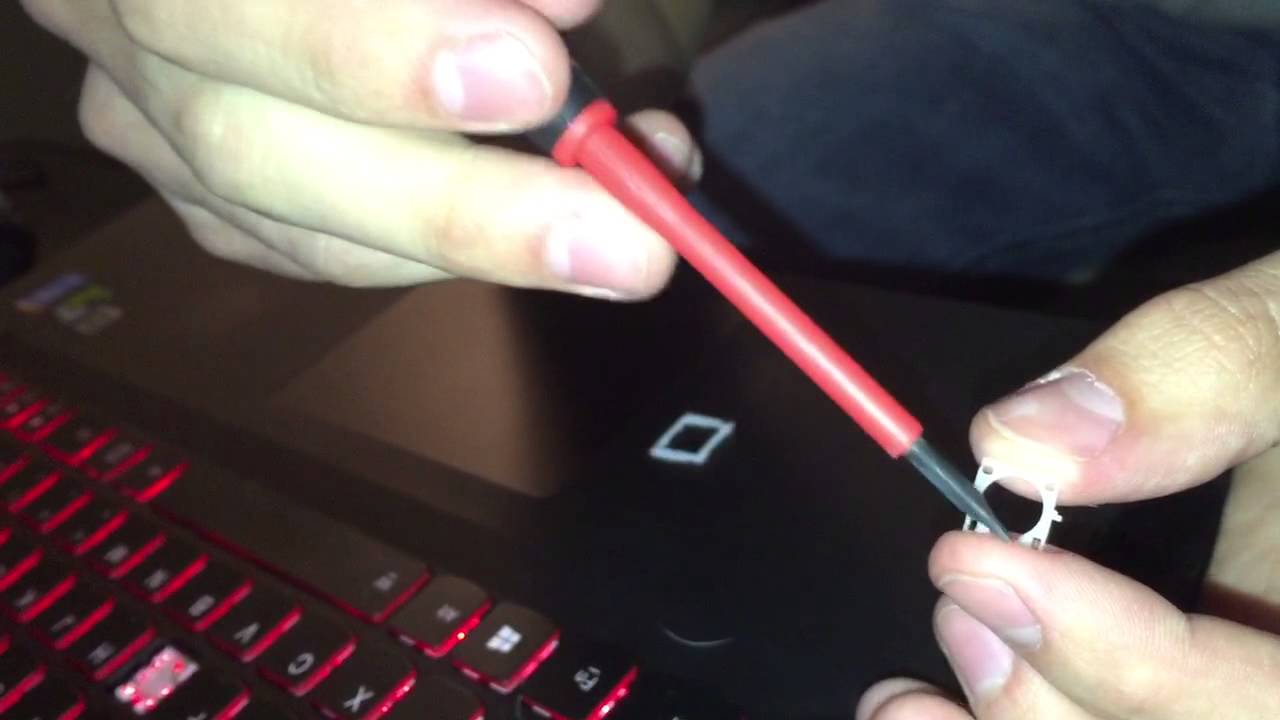
How to remove the keycaps from most laptops (specifically a Lenovo Y50 / Y70 laptop in this video), clean them, clean under them, then reconnect them for a fresh, new feeling laptop keyboard!
Note(s):
Replacement keycaps can often be found on amazon.com or laptopkeys.com (if your keycaps are lost, misplaced, or damaged)
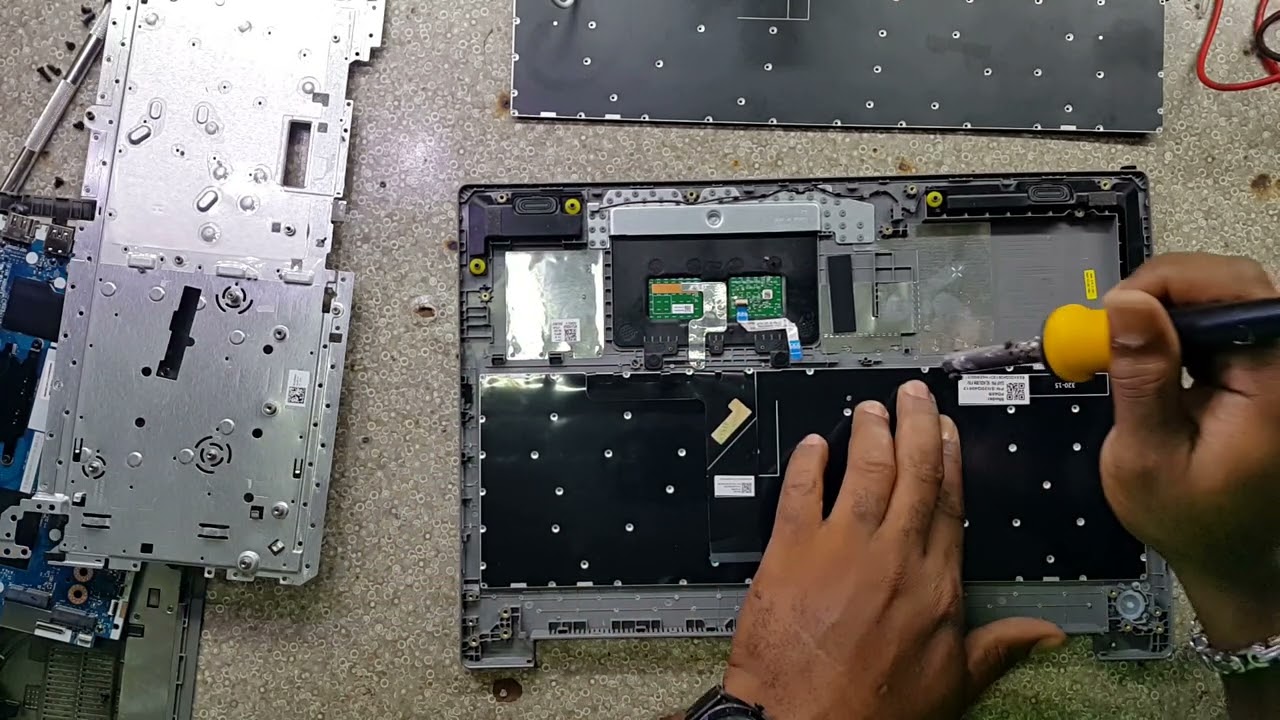
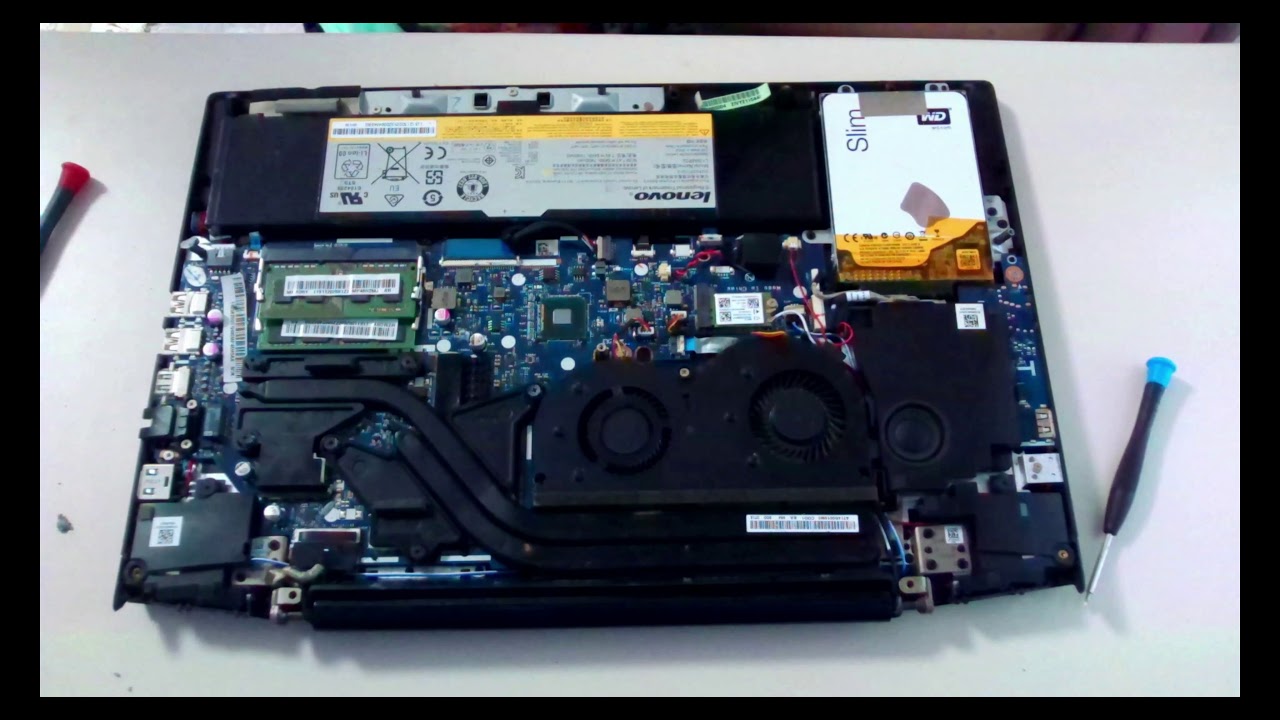
If you're missing multiple keycaps, or the switch hinges/receptacles on the keyboard itself are broken, you may need to replace the keyboard - The actual work to do this varies from laptop to laptop, and will usually involve taking off the laptop's front facia, unscrewing a handful of screws, then removing the old keyboard via a ribbon cable, then performing these steps in reverse order for the new keyboard. Replacement laptop keyboards can often be located on amazon.com (similar to the keycaps)
Повторяем попытку...
Доступные форматы для скачивания:
Скачать видео
-
Информация по загрузке: