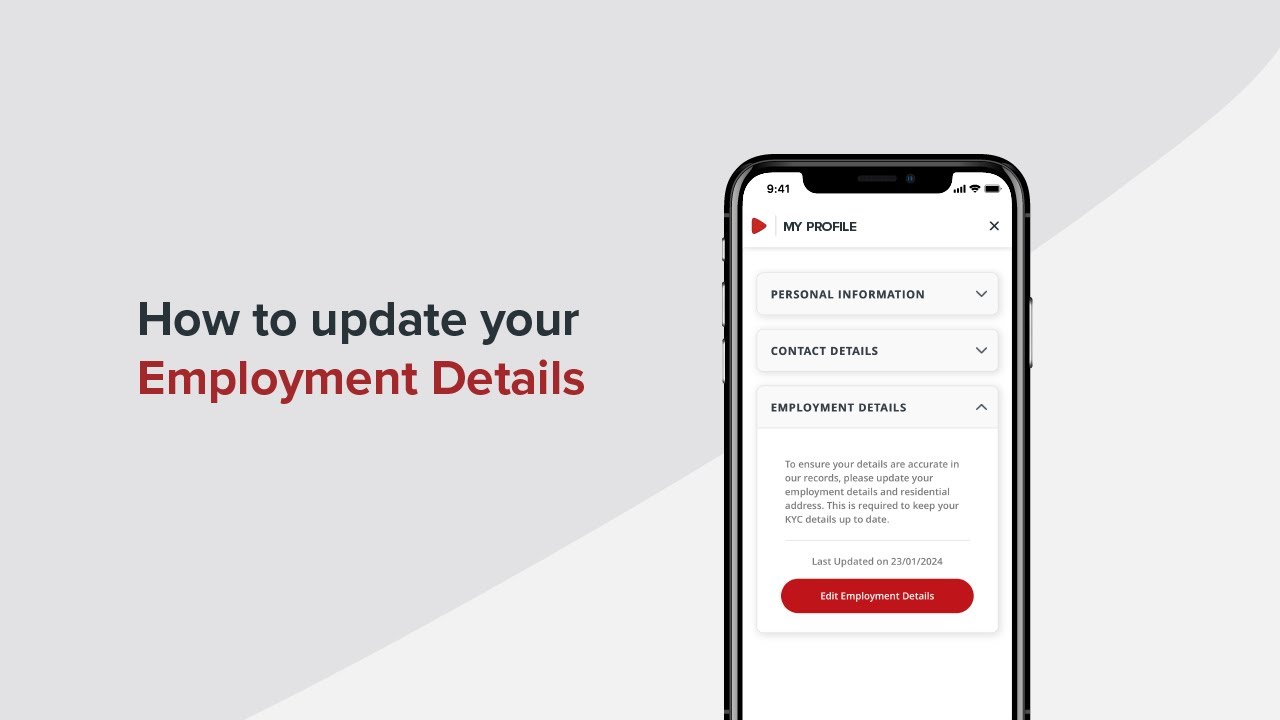
How to update your employment details on the ADCB Mobile Banking App
Автор: ADCB
Загружено: 2024-07-23
Просмотров: 1839
Описание:
Steps to update your employment details:
1. Log in to your ADCB Mobile Banking App
2. Tap on the Profile icon at the top right corner of the screen
3. Then tap ‘My Profile’
4. To review or update your employment details, tap “Yes” to proceed
5. Verify your identity with ADCB FacePass
6. Tap on the 'Employment Details' drop-down menu
7. Then on the ‘Edit Emploment Details’
8. Choose an Employment Type
9. Enter your company or business name
10. Select from the ‘Nature of the Business’ drop-down menu
11. Enter your monthly income
12. Add the company website
13. Use the interactive map or enter your company address manually
14. Review your residential address and update it if needed
15. Then tap ‘Submit’
16. Review the employment details you entered and tap ‘Confirm’
17. Congratulations! Your employment details has been updated successfully
Visit https://www.adcb.com/cea-yt to learn more
Повторяем попытку...
Доступные форматы для скачивания:
Скачать видео
-
Информация по загрузке: