How to Program with TV REMOTE (Fire stick keyboard )
Автор: iPazzPortFans
Загружено: 2018-01-25
Просмотров: 2625
Описание:
Product Features:
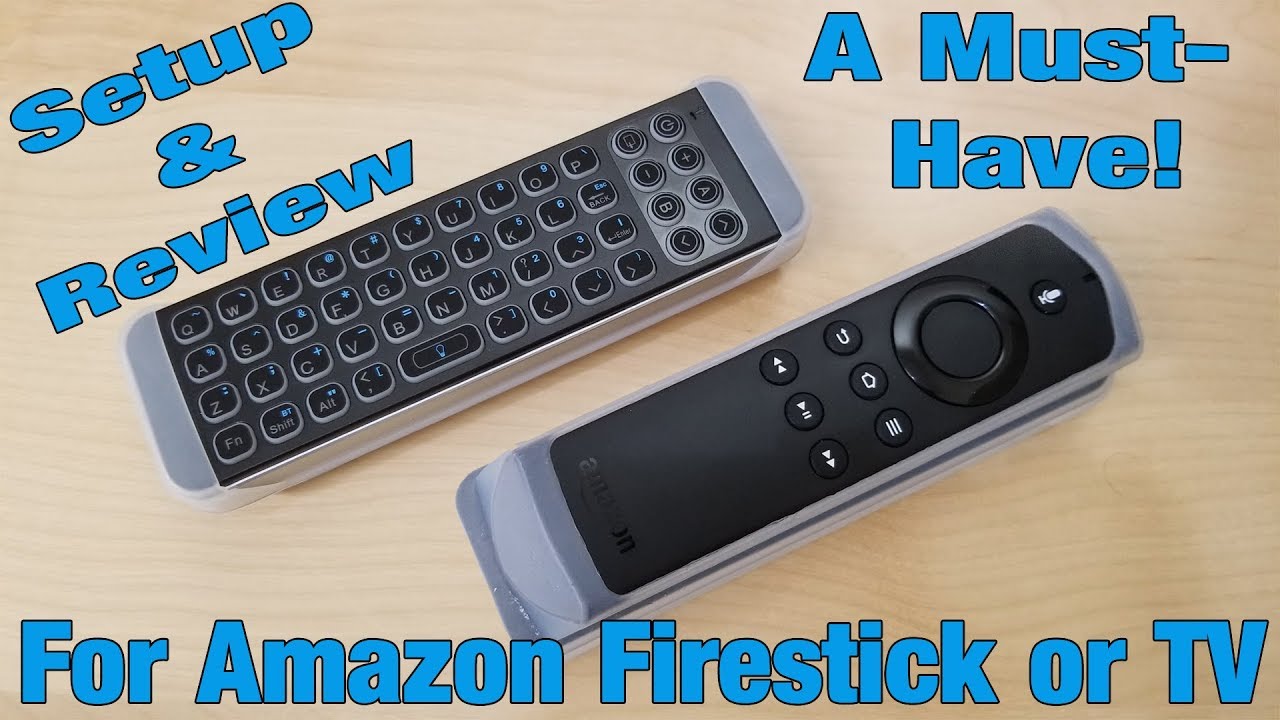
1.bluetooth mini keyboard customized for amazon fire stick and new fire tv 4K , help to type easily than the siri remote.
2.Add IR learning function, program with tv to control the power on/off、volume+-, don't need the tv remote.
3.Product link:
https://www.amazon.com/Infrared-Learn...
-----------------------------------------------------------------------------------------------------------
How to program:
Program Steps:
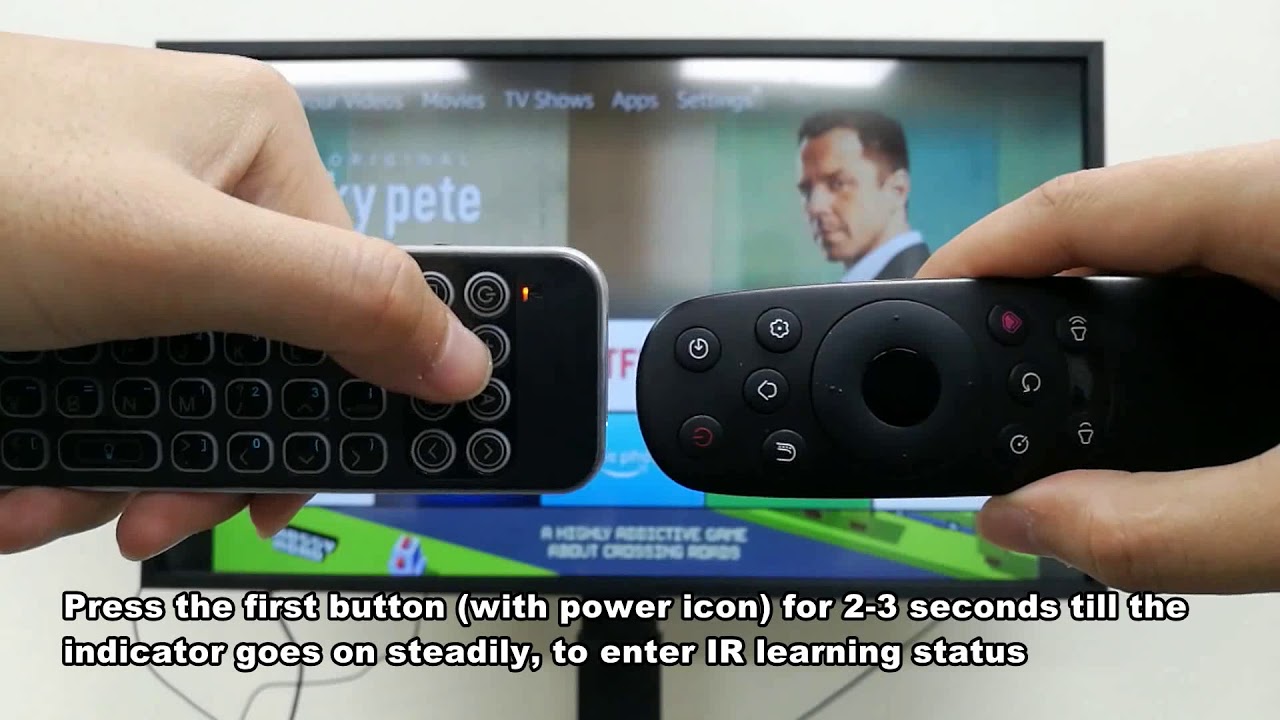
1.Keep keyboard with tv remote head to head within 0.7 inch, the IR transmitters should be face to face at the same level, can't be decline.
2.Hold down the "Power" button until the LED lights solid.
3.Click the keyboard button you wish to program, the led light flash one time; then click the button you want ti to learn from on your tv remote, the led light on keyboard flash three times and solid, it indicates a successful learn(If led light not flash, click the button on tv remote one more time).
4.Repeat step 3 for each button you would like to program.(If the led light on keyboard turn off, should repeat steps 2 and 3)
5.To exit programing mode, turn off the keyboard or wait approximately 10 seconds until the led light turn off.
6.iPazzPort keyboard is now ready to use.
----------------------------------------------------------------------------------------------------------
Giveaway:
We would offer 10 pcs free mini keyboard for giveaway.
If you are interested, leave your email, we will select ten to give our mini keyboard for free.
Keyboard link:
http://www.amazon.com/Stronger-iPazzP...
Повторяем попытку...
Доступные форматы для скачивания:
Скачать видео
-
Информация по загрузке: