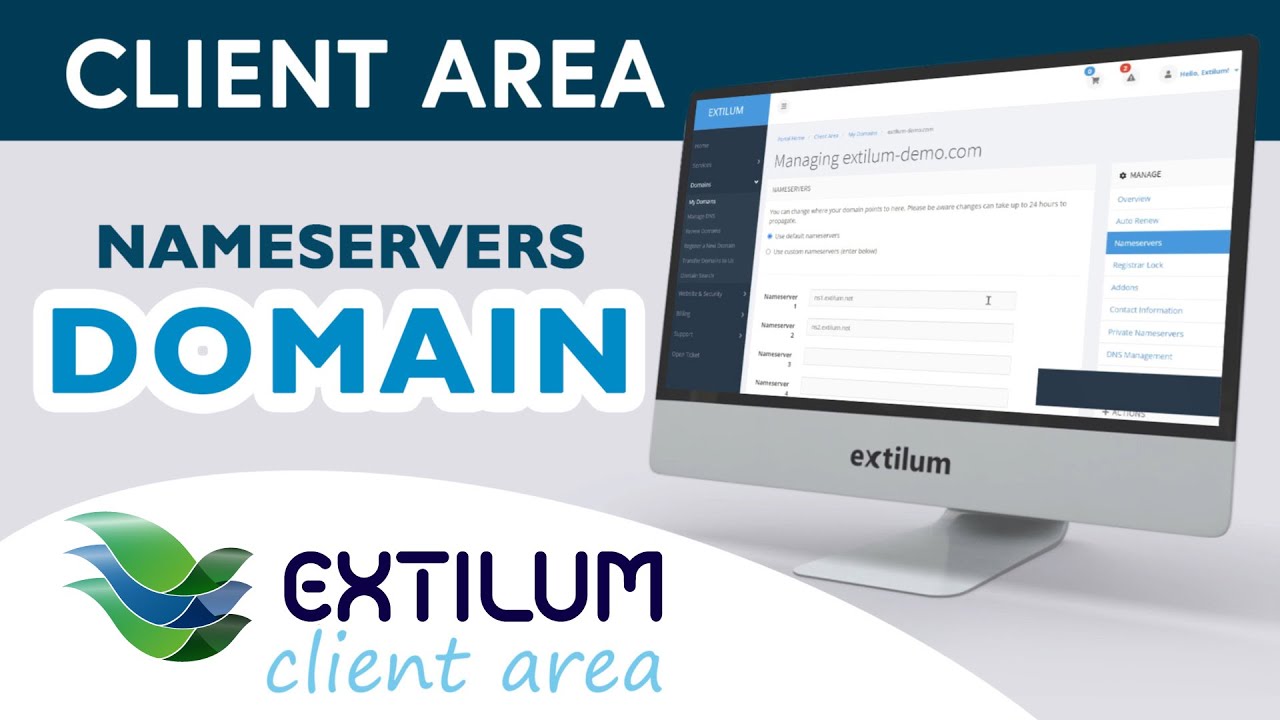
How to Change Domain Nameservers in Extilum Client Area - Extilum Hosting
Автор: Extilum Cloud
Загружено: 2021-11-25
Просмотров: 19
Описание:
Learn How to Change Domain Nameservers in Client Area. A Domain Name System (DNS) is the system that translates a domain name into an IP address. DNS forms the foundation for the Internet. DNS records are used to map each web service to the correct server. Each domain name has a collection of DNS records called a zone file. A Nameserver is a computer where DNS records are stored.
Link to full tutorial:
🔎 https://knowledgebase.extilum.com/get...
Related tutorials:
Search for a domain
🔎 https://knowledgebase.extilum.com/get...
Domain Contact Information – Client Area
🔎 https://knowledgebase.extilum.com/get...
🌐Extilum Hosting - Quality, you can trust
✔️From beginners to developing enterprises, we’ve got you covered! Extilum Hosting and Cloud Services offer you an easy-to-use hosting service optimized for any website’s success and its visitors' satisfaction.
✔️We are dedicated to providing our customers with the highest quality web hosting services available on the market.
✔️Everything you need to create, launch and expand your site. Your customers will enjoy their online journey with you. Discover Extilum! Blazing fast, secure web hosting.
👉 https://extilum.com
👉 https://knowledgebase.extilum.com
0:00 Find the Domain in Extilum's Client Area
0:10 Change Registrant Contact Information
0:34 Change Admin Contact Information
#extilum #extilumhosting #webhosting #hosting #website #wordpress #domain #webhostingservices #webhostingcompany #webhostingprovider #wordpresshosting #websitehosting #cloudhosting #sharedhosting #server #ssl #domainname #domains #cloud #ChangeDomainNameservers #DomainNameservers #Nameservers #ClientArea
Повторяем попытку...
Доступные форматы для скачивания:
Скачать видео
-
Информация по загрузке: