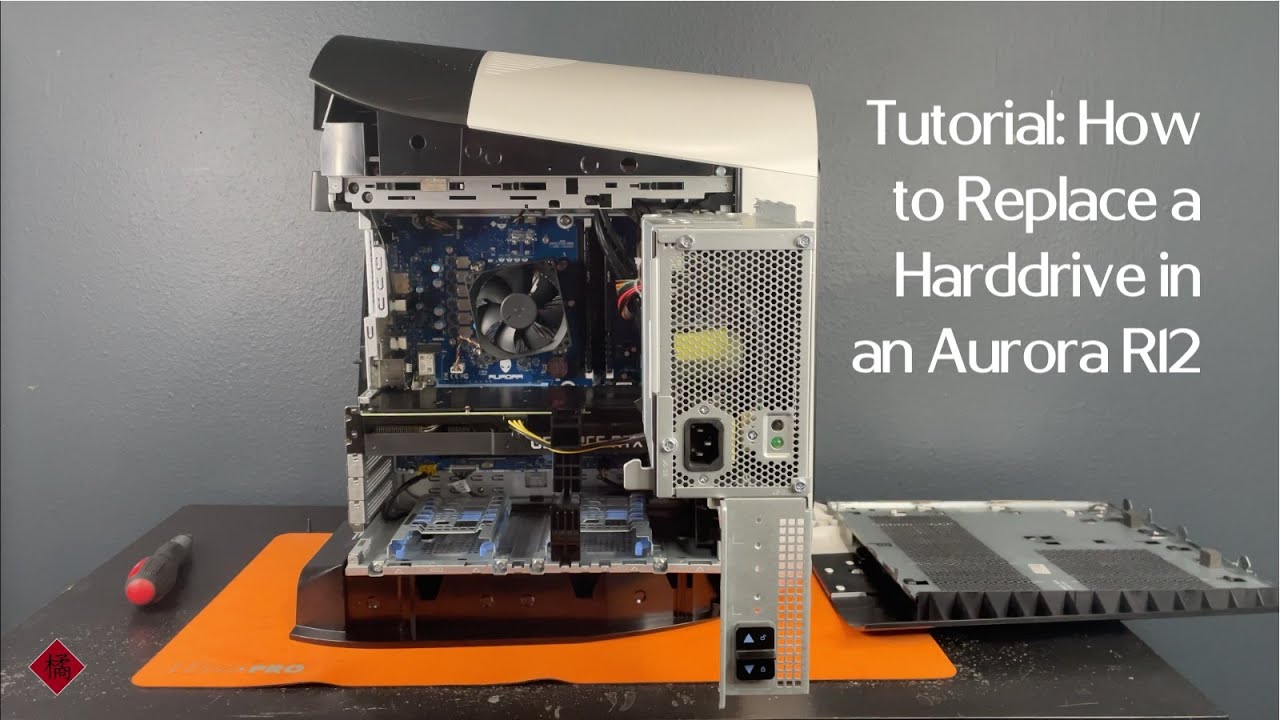
Tutorial: How to Replace a Harddrive in an Aurora R12
Автор: Tachibana Tech
Загружено: 2021-11-18
Просмотров: 8094
Описание:
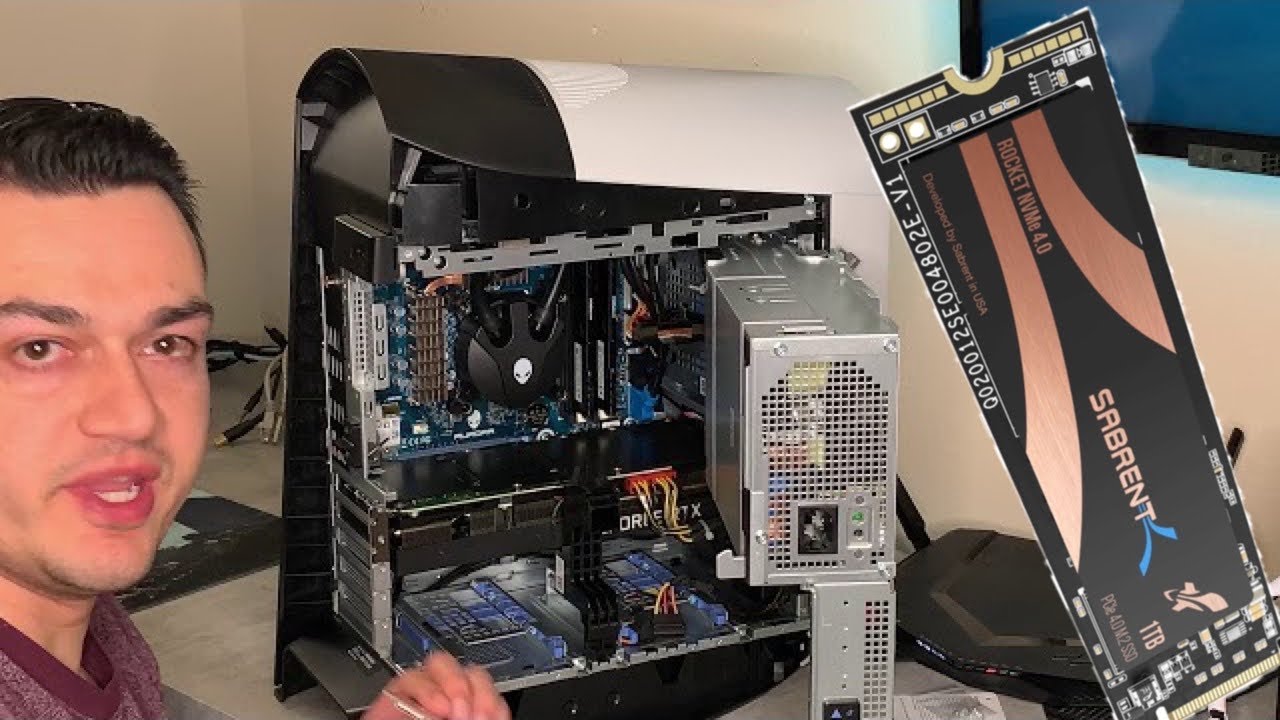
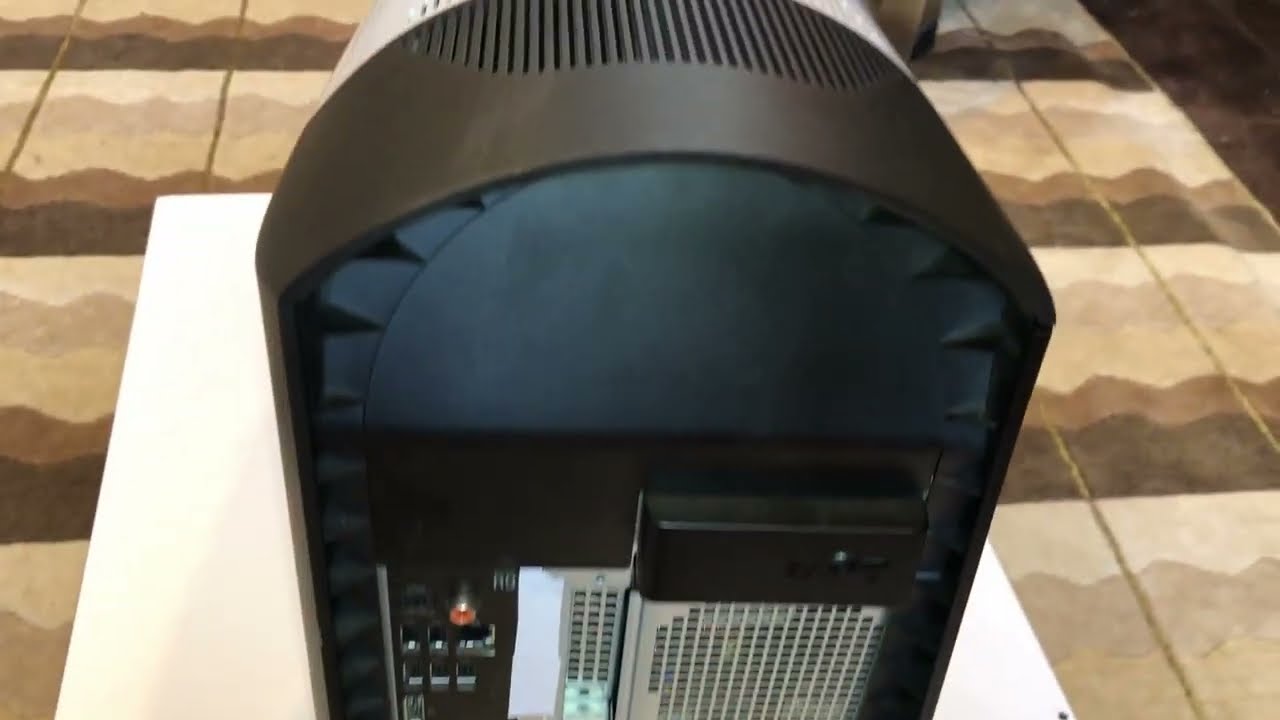
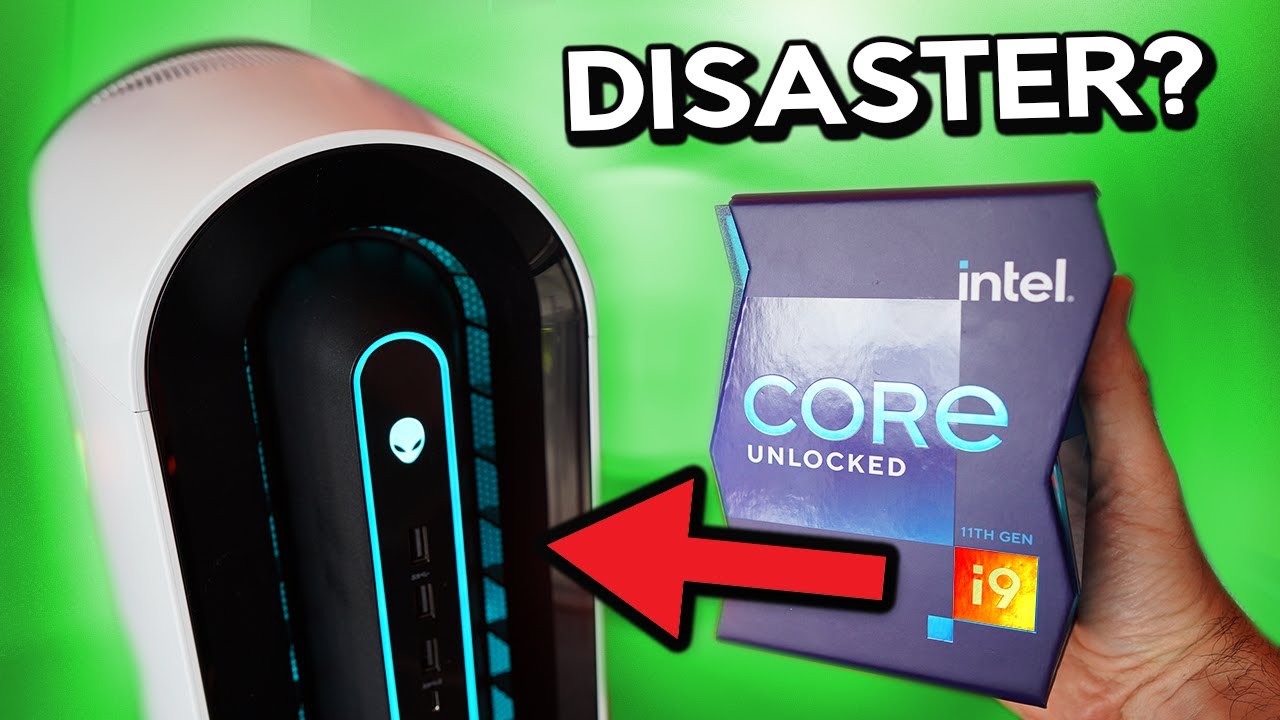
An Alienware Aurora R12 was used for this tutorial, but this tutorial can be used for any computer that has a similar case design.
** This PC does not come with spare SATA cables so you will need to purchase a cable for each drive that you plan to install
In this tutorial we are showing you guys how to install a 2.5" hard drive into an Aurora R12 this also applies to the Aurora R11 and Aurora R13. We made this tutorial for people that wanted to add SSD's or laptop platter drives for more storage, this is great because there are many times where Dell (Alienware) will charge more for an upgrade than the parts can be sourced from retailers like Walmart and Amazon.
-- Follow Us --
Facebook: / tachibanatech
X: / tachibanatech
Instagram: / tachibanatech
TikTok: / tachibanatech
-- Gear Used --
Studio Lights
Apple iPhone 12 Pro Max
Anti-Static Mat
-- Credits --
Presenter: Tyrel Tachibana
Editor: Raven Tachibana
Thumbnail: Raven Tachibana
-- Tags --
#tachibanatech #tachibanatechtutorial #Alienware #AuroraR12
Повторяем попытку...
Доступные форматы для скачивания:
Скачать видео
-
Информация по загрузке: