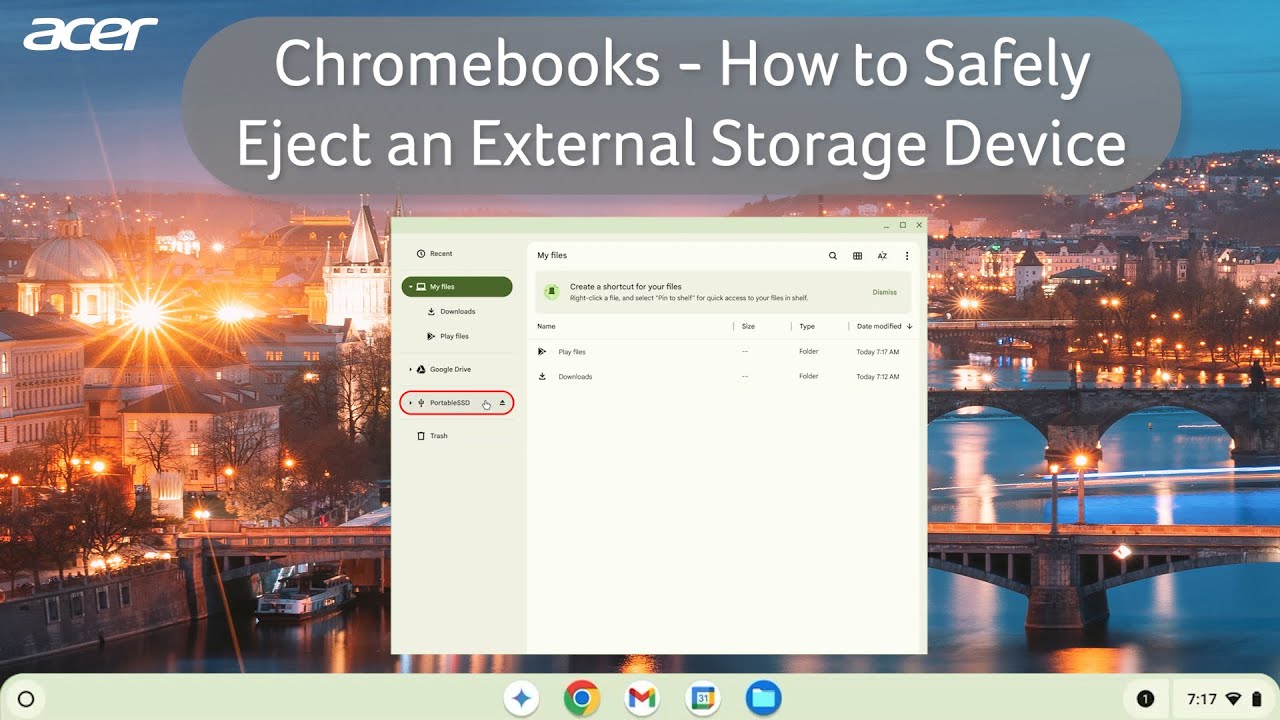
Chromebooks - How to Safely Eject an External Storage Device
Автор: Acer Support
Загружено: 2024-10-14
Просмотров: 5076
Описание:
When using an external storage device with your Chromebook, it's important to safely eject in order to ensure the files aren't in use and avoid unexpected corruption. Whether you are using a USB device, SD Card, or an SSD, you'll be able to safely eject the device from the Files application on your Chromebook. In this Short, you will learn how to safely eject an external storage device from your Chromebook.
Find the latest Acer products, accessories, and extended service plans on the Acer Store: https://store.acer.com?utm_source=You...
Subscribe for more content: youtube.com/c/acersupport?sub_confirm...
For more support visit: https://community.acer.com/en
https://community.acer.com/en/kb
https://www.tiktok.com/@acersupportof...
/ acer
/ acer_america
/ acer
Chromebook, How to Eject Storage Device, Eject SD Card, Eject USB, Eject Storage Device from Chromebook
#AcerSupport #Acer #PCTips #TechTips #Google #ChromeOS #HowTo #Electronics #Shorts #AcerNitro #Nitro5 #AcerPredator #Chromebook #AcerChromebook #Chrome
Повторяем попытку...
Доступные форматы для скачивания:
Скачать видео
-
Информация по загрузке: