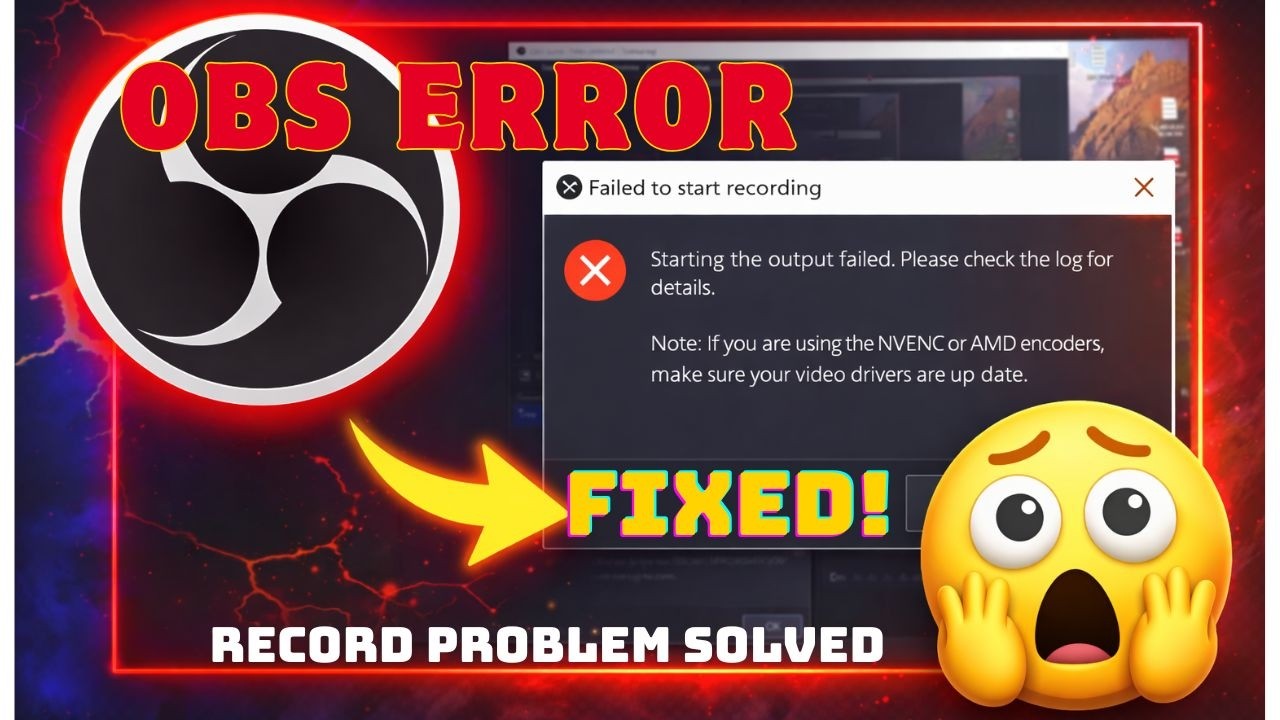
OBS Failed to Start Recording Fix | Starting the Output Failed (Easy Solution)
Автор: Everything
Загружено: 2026-03-11
Просмотров: 44
Описание:
In this video I show how to fix the OBS Failed to Start Recording error and the message “Starting the output failed. Please check the log for details.”
Many users of OBS Studio face this problem when trying to record their screen. This usually happens because of encoder settings such as NVENC or AMD.
In this tutorial you will learn the easiest way to fix the problem by changing the encoder to Software (x264).
Steps shown in this video:
Open OBS Studio
Go to Settings
Click Output
Change Video Encoder to Software (x264)
Apply and Start Recording
After this, the OBS recording problem should be solved.
If this tutorial helped you, please like the video and subscribe for more tech tutorials.
#obs #obsstudio #obserror #screenrecording #obstutorial
Повторяем попытку...
Доступные форматы для скачивания:
Скачать видео
-
Информация по загрузке: