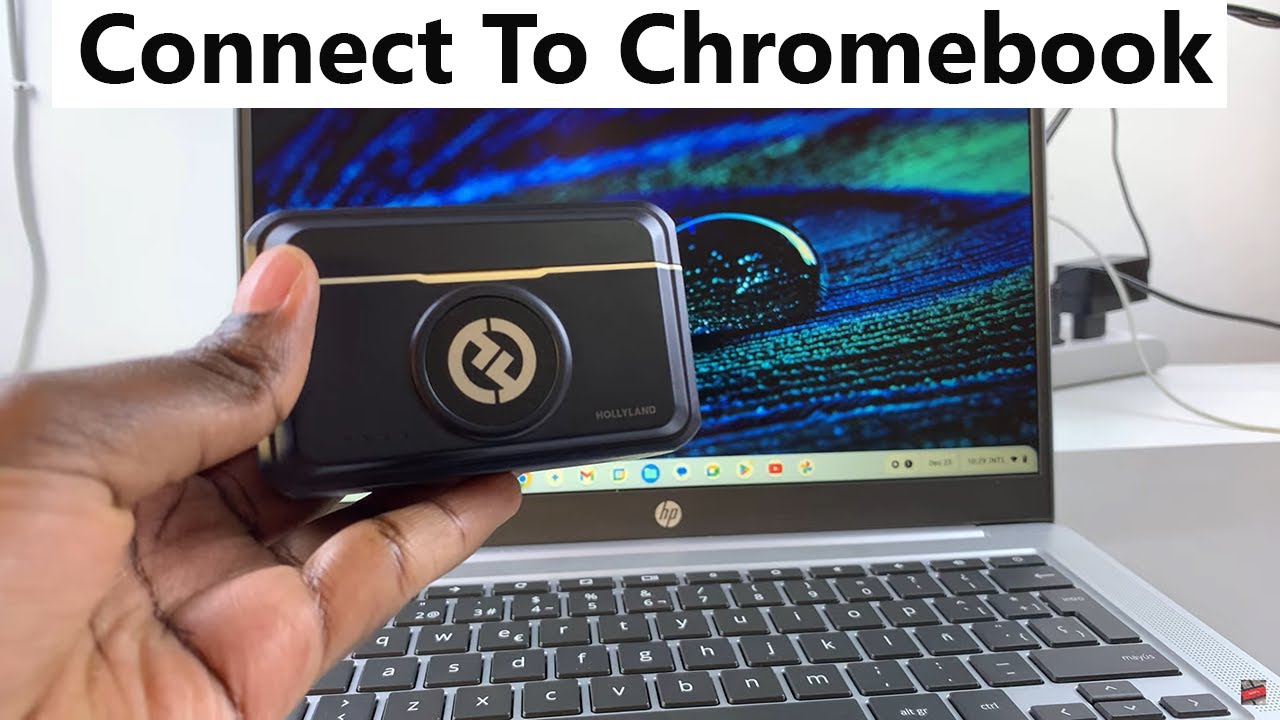
How To Connect Hollyland Lark M2 Wireless Microphone To Chromebook
Автор: WebPro Education
Загружено: 2025-01-07
Просмотров: 3301
Описание:
Learn How To Connect Hollyland Lark M2 Wireless Microphone To Chromebook.
Read: https://www.webproeducation.com/how-t...
In this step-by-step tutorial, we'll show you how to easily connect your Hollyland Lark M2 wireless microphone to your Chromebook for crystal-clear audio recording.
Whether you're creating content, attending online meetings, or just improving your sound quality, this guide will make the process simple and straightforward.
How To Connect Hollyland Lark M2 Wireless Microphone To Chromebook
1. Begin by inserting the receiver into the USB-C port on the Chromebook. Once connected you should receive a notification that a USB device has been connected.
2. Next, launch the Settings app. From here, select Device. Then, choose Audio. Under your Audio settings you should see the section Input.
3. Then, under Input, you will see the option Microphone, click on the drop down arrow and select the Lark M2.
4. Now you can start using your Hollyland Lark M2 wireless microphone with your Chromebook.
Hollyland Lark M2 Wireless Microphone - https://amzn.to/3NIHrPl
iPhone 11 Pro Max - https://amzn.to/48oTIBY
Samsung Galaxy A06 - https://amzn.to/4ed0GLw
----My Gear for Youtube videos----
Main Camera (iPhone 14): https://amzn.to/48sFRKE
Tripod: https://amzn.to/40sO4wN
Cell Phone Tripod Adapter: https://amzn.to/3YlouqN
Lights: https://amzn.to/4eWuzkq
As full disclosure, I use affiliate links on this channel and purchasing through these links earns me a small commission. The price you pay will be the same!
Website: https://www.webproeducation.org
Facebook: / webproeducation.org
Twitter: / webpro_e
Instagram: / webproeducation
Повторяем попытку...
Доступные форматы для скачивания:
Скачать видео
-
Информация по загрузке:


