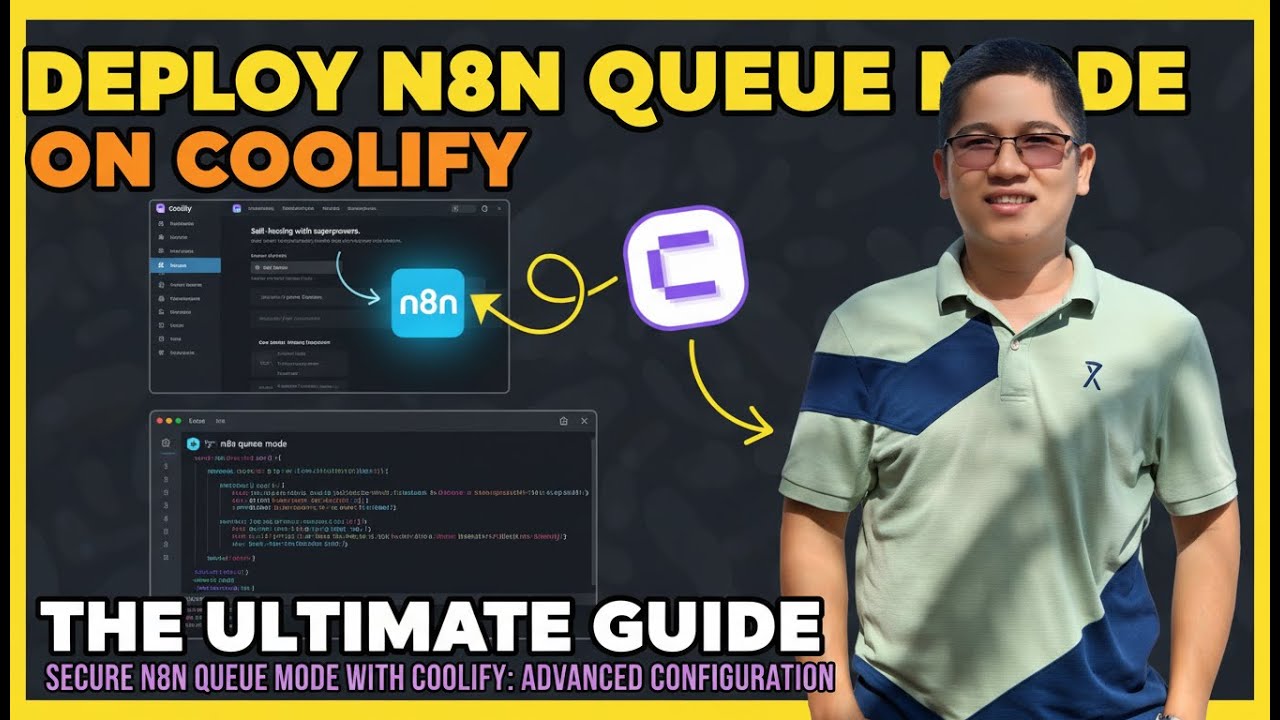
Secure n8n Queue Mode with Coolify: Advanced Configuration
Автор: NextGrowthWithAI
Загружено: 2026-01-03
Просмотров: 114
Описание:
🔒 Secure n8n Queue Mode Deployment on Coolify | Production-Grade Configuration Tutorial
Deploy production-ready n8n with queue mode on Coolify in 15 minutes—with complete security hardening, 15 concurrent workers, and automatic SSL. This tutorial covers the critical security configurations missing from default Coolify templates that cause deployments to fail under real production load.
Learn proper Redis authentication, container isolation, environment variable protection, and database encryption—the configurations that separate "it deploys" from "it scales."
🔐 SECURITY TOPICS COVERED
Redis password protection (prevents unauthorized queue manipulation)
Container isolation with no-new-privileges:true (blocks privilege escalation)
Environment variable blocking N8N_BLOCK_ENV_ACCESS_IN_NODE (prevents secret theft)
Database credential encryption with 32+ character keys
Network isolation via internal Docker networking
Automatic SSL/TLS via Coolify's Let's Encrypt integration
📁 FREE RESOURCES
🔗 Production Docker Compose Template (GitHub):
https://github.com/thenguyenvn90/n8n-...
📖 Complete Written Guide (Step-by-Step with Screenshots):
https://nextgrowth.ai/n8n-queue-mode-...
📚 Related Guides:
• n8n Queue Mode Architecture Deep-Dive:
https://nextgrowth.ai/scaling-n8n-que...
• n8n Monitoring with Prometheus & Grafana:
https://nextgrowth.ai/n8n-monitoring-...
🎓 WHO THIS IS FOR
✅ Developers escaping $500/month Zapier bills
✅ Solopreneurs building AI-powered content automation systems
✅ DevOps teams standardizing self-hosted infrastructure
✅ Anyone running 100+ workflows/day needing horizontal scaling
✅ Teams managing costs across 40+ AI models (GPT-4, Claude, Gemini, etc.)
⚠️ PREREQUISITES
Coolify installed on Ubuntu VPS (Installation: https://coolify.io/docs/installation)
Domain with DNS A record pointing to VPS IP
8GB RAM minimum (4GB for testing, 16GB+ for high-volume production)
4 CPU cores recommended
Basic command-line knowledge helpful (not required for deployment)
🛠️ TECH STACK
n8n: Latest (v2.1.4+)
Coolify: v4.0+
PostgreSQL: 16
Redis: 7 (with AOF persistence)
Docker Compose: v2.0+
Traefik: Automatic (via Coolify)
📊 WHAT MAKES THIS DIFFERENT FROM OTHER GUIDES
Most n8n + Coolify tutorials stop at "click Deploy" without explaining:
❌ Why Redis needs password protection (security hole)
❌ Why execution pruning is critical (database bloats forever)
❌ Why metrics matter (blind to AI API costs)
❌ Why container security hardening is essential (privilege escalation risks)
❌ How to actually verify queue mode is working (vs just assuming)
This guide fills ALL those gaps with battle-tested configurations from deploying queue mode in production.
🔔 Subscribe for more self-hosting tutorials focused on production-ready configurations, not just "Hello World" deployments!
🏷️ TAGS
#n8n #Coolify #SelfHosted #WorkflowAutomation #QueueMode
Повторяем попытку...
Доступные форматы для скачивания:
Скачать видео
-
Информация по загрузке:












![ПОЛНЫЙ ГАЙД на n8n. ИИ агенты и автоматизации (5+ часовой курс) [Без кода]](https://imager.clipsaver.ru/tUufFo-JTZQ/max.jpg)


![[#99] Home Assistant – первое знакомство, установка и проблемы](https://imager.clipsaver.ru/zLC8GuOkHl0/max.jpg)