如何用一部手机当好自媒体博主?
Автор: BRBD_
Загружено: 2026-02-21
Просмотров: 49
Описание:
BRBD_YouTube: / @brbd_ben
BRBD_ Instagram: / brbd_barack
如果你是手机拍视频的自媒体人,这两个小东西组合起来,其实就是一套“最小的创作系统”:Ulanzi MA30 解决“你愿不愿意带出门、能不能随时稳拍”,Ulanzi VM1 解决“你用后置主摄拍自己终于能看得见”。
If you create with your phone, this is a true minimal creator kit: Ulanzi MA30 fixes “will you actually carry a tripod and shoot more?”, and Ulanzi VM1 fixes “can you use the rear camera and still see yourself?”—so you stop blind shooting and endless retakes.
本期你会学到|What you’ll learn
为什么很多小脚架的问题不是不稳,而是你根本不想带;MA30 的核心是把支架做成 EDC 随身
Why most mini tripods fail: you don’t carry them. MA30 turns a tripod into EDC.
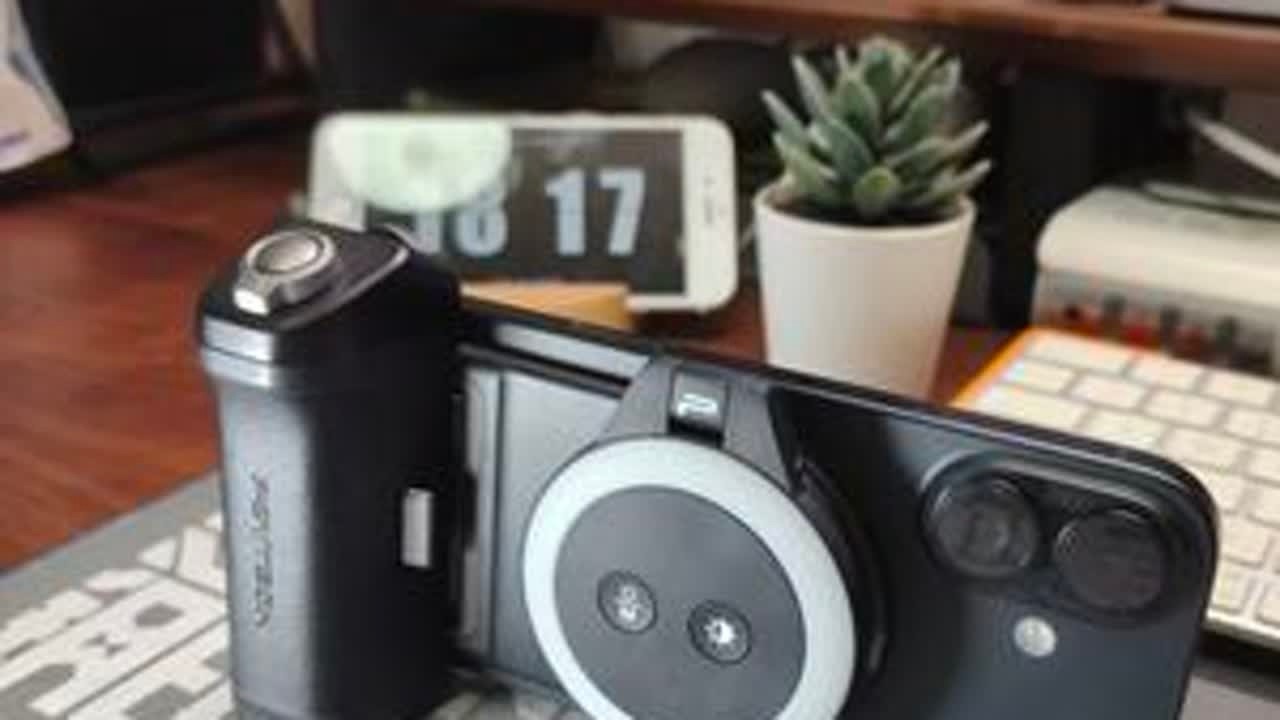
MA30:登山扣/钥匙扣体积 + magsafe 一贴就吸 + 展开小三脚架 + 收起当手持握把
MA30: carabiner-sized, magsafe snap-on, unfolds into a mini tripod, folds into a grip.
magsafe 的意义不是酷,而是省事:不用拧夹具、不挡按键、街上/桌边随时固定机位
magsafe = speed: no clamps, no alignment drama, faster setups everywhere.
MA30 的边界与安全:依赖 magsafe(安卓需磁吸环/壳)、不是高脚架、更重要是登山扣不承重
MA30 limits: magsafe dependency, low/desk angles, and carabiner is not load-bearing.
VM1:磁吸小屏 + 有线低延迟预览,让后置主摄自拍/口播/穿搭/健身不再靠猜
VM1: magnetic mini screen + wired low-latency preview for rear-camera self shooting.
VM1 最大雷区:手机必须支持视频输出(尤其安卓 type-c 差异);只能充电不出画面多半是手机口不支持
VM1 compatibility: your phone must support USB-C video output (Android varies a lot).
章节|Chapters
00:00 手机创作者的“最小创作系统”
00:00 minimal creator kit for phone video
00:34 开场:后置主摄更好但你总在盲拍/重拍
00:34 rear camera is better, but you can’t see yourself
00:45 两件提升手机生产力的小东西:ulanzima30 + ulanzivm1
00:45 two creator tools: ulanzi ma30 + ulanzi vm1
01:02 ma30 解决“随时稳拍 & 你愿意带出门”
01:02 ma30 = carry it, shoot more, stabilize anytime
01:10 edc 体积:登山扣钥匙扣大小
01:10 edc-sized carabiner form factor
01:12 magsafe 一贴就吸,展开是小三脚架,收起是握把
01:12 magsafe snap-on, tripod + grip
01:40 magsafe 的优势:更省事、更快固定机位
01:40 magsafe = faster setups, less hassle
01:55 ma30 的边界:magsafe 依赖、不是高脚架
01:55 limits: magsafe dependency, not a tall tripod
02:17 安全提示:登山扣不是承重装备
02:17 safety: carabiner is not load-bearing
02:32 vm1:后置主摄自拍终于“看得见”
02:32 vm1: see yourself on rear camera
02:46 磁吸小屏 + 有线低延迟预览
02:46 magnetic mini screen + wired low latency
03:12 兼容性雷区:type-c 必须支持视频输出
03:12 compatibility: usb-c must support video output
03:33 vm1 的定位:取景确认屏,不是专业监视器
03:33 framing screen, not a pro monitor
03:49 购买建议:常出门优先 ma30;口播/直播自拍优先 vm1;两者叠加升级生产力
03:49 buying guide: ma30 vs vm1 vs both
04:20 结尾
04:20 outro
适合谁|Who it’s for
• MA30:经常“本来想拍但懒得带支架”的人;需要桌面/低机位快速稳定机位的创作者
MA30: people who skip filming because tripods are annoying; desk/low-angle setups.
• VM1:口播/直播/自拍/穿搭/健身动作,想用后置主摄画质但又必须“看得见”的人
VM1: talking head, live, outfit/fitness creators who want rear-camera quality + preview.
• 两者一起:MA30 负责“稳和随身”,VM1 负责“后置自拍看得见”=最小系统可稳定产出
Together: MA30 = stability + always-with-you, VM1 = rear-camera preview.
重要提醒|Important notes
• MA30:登山扣为“快取形态”,不是承重/攀登装备;别挂重物、别当安全装备
MA30: carabiner is for quick carry, not for climbing/load-bearing.
• VM1:购买前确认手机 usb-c 支持视频输出;只充电没画面通常不是屏的问题
VM1: confirm USB-C video output support first; “charging only” usually means your port can’t output video.
• VM1 定位:它是取景确认屏,更适合看构图/表情,不是拿来抠极限对焦
VM1 is for framing/expression, not critical focus judging.
商务合作|Business
商务/合作/授权:[email protected] / [email protected]
For sponsorships & licensing: [email protected] / [email protected]
话题标签|Hashtags
#ulanzima30 #ulanzivm1 #ulanzi #magsafe #phonefilmmaking #contentcreator #mobilevideo #minitripod #edcgear #rearcamera #selfshoot #talkinghead #livestream #vlogsetup #creatorworkflow
Повторяем попытку...

Доступные форматы для скачивания:
Скачать видео
-
Информация по загрузке:






![🔴 EXPRESS BIEDRZYCKIEJ | ALEKSANDRA LEO, TOMASZ SŁOMKA [NA ŻYWO]](https://imager.clipsaver.ru/yhE0UAESOfg/max.jpg)