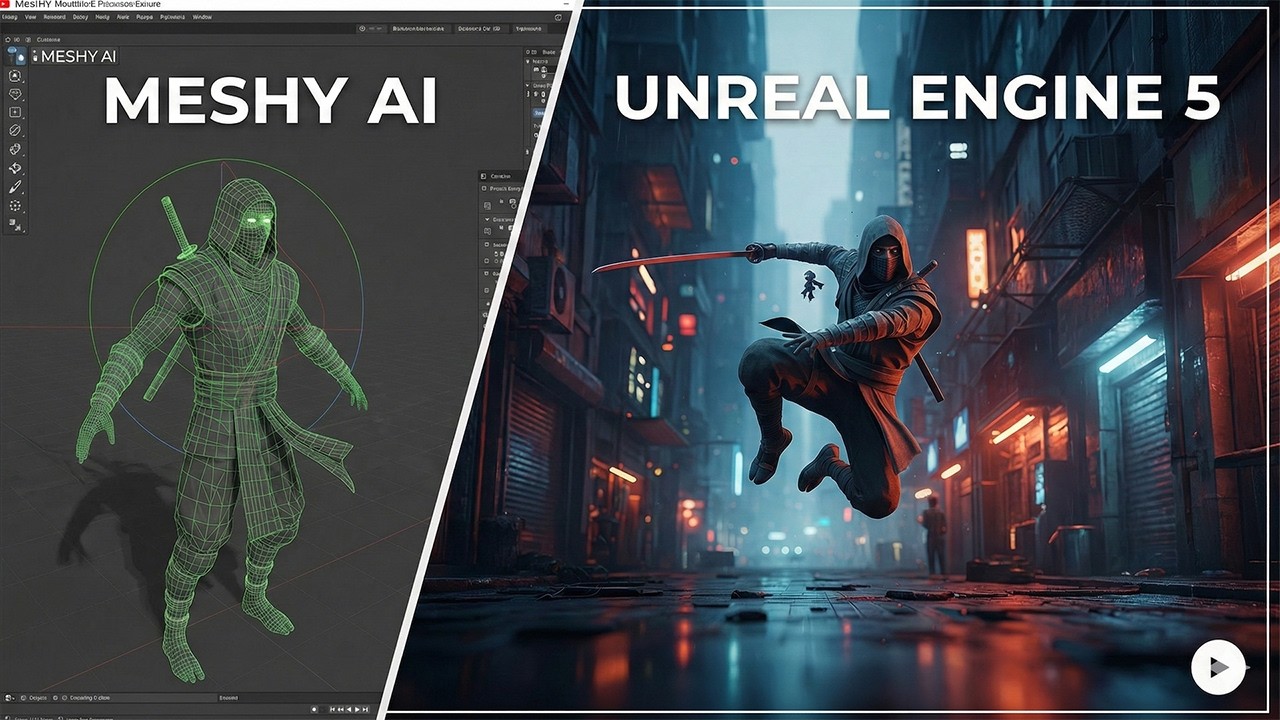
Meshy AI to Unreal Engine Workflow! (Skip Retargeting Time Saver)
Автор: Node7Dev
Загружено: 2026-02-16
Просмотров: 326
Описание:
Tired of spending hours on retargeting? In this tutorial, I walk through a seamless workflow to create a character in Meshy AI and bring it directly into Unreal Engine 5. By using the Auto-Rig Pro plugin for Blender, we can replace the Manny or Quinn skeleton directly, making your AI-generated characters playable instantly! 🚀
Tools used in this video:
Meshy AI: https://www.meshy.ai 🤖
Auto-Rig Pro: https://blendermarket.com/products/au... 🛠️
Blender: https://www.blender.org 🟧
Unreal Engine 5: https://www.unrealengine.com 🎮
What you'll learn:
00:00:00 - Exporting from Meshy AI with the correct scale (1.8m)
00:01:34 - Setting up Auto-Rig Pro in Blender
00:02:44 - Binding and matching the UE5 Mannequin rig
00:04:17 - The "Texture Fix": Importing the original Meshy FBX first to save your materials
00:05:41 - Swapping the Skeletal Mesh in your Third Person Blueprint
If this helped your game dev journey, please Like and Subscribe for more Unreal Engine tips! 🔔
#UE5 #MeshyAI #AutoRigPro #GameDev #IndieDev #Blender3D #UnrealEngine5 #CharacterDesign
Повторяем попытку...
Доступные форматы для скачивания:
Скачать видео
-
Информация по загрузке: