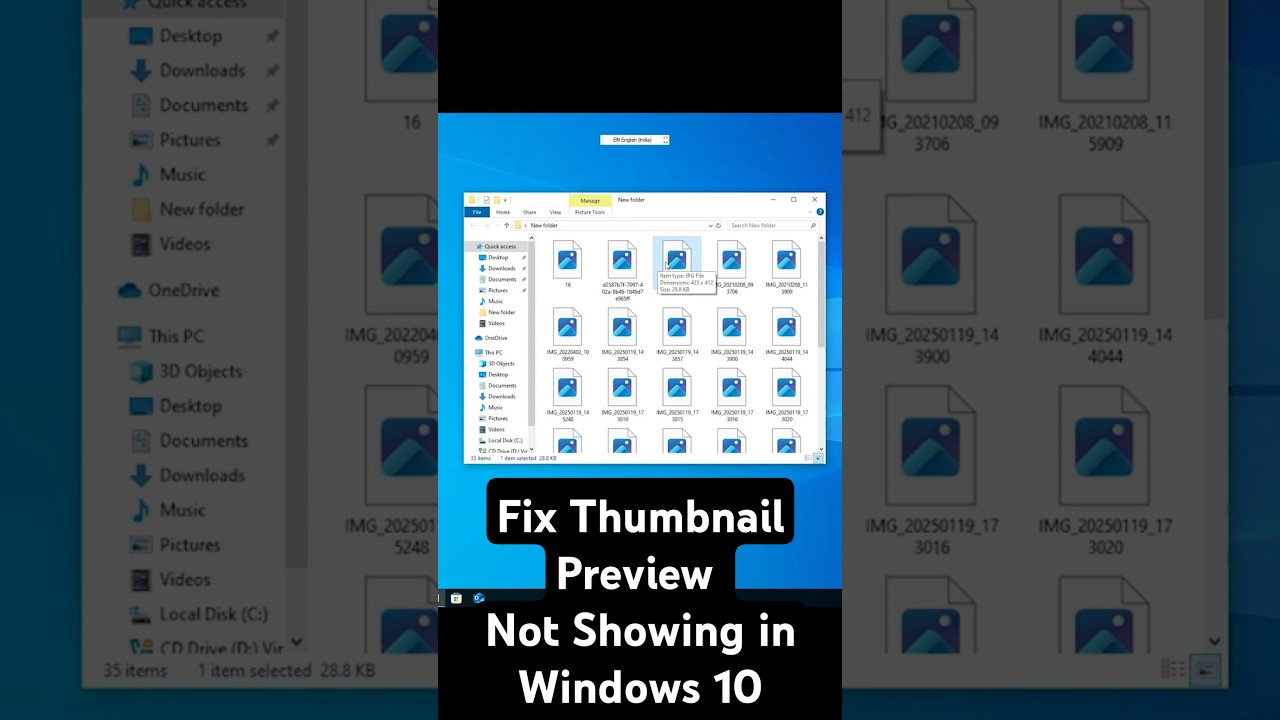
Fix Thumbnail Preview Not Showing in Windows 10 PC or Laptop - 2025
Автор: Discover You
Загружено: 2025-05-01
Просмотров: 594433
Описание:
Are thumbnail previews not showing in File Explorer on your Windows 10 PC or laptop? In this step-by-step tutorial, we’ll show you how to fix the thumbnail preview issue in Windows 10 quickly and easily. Whether you’re seeing blank icons instead of image or video previews, or File Explorer isn’t displaying thumbnails at all, these solutions will help you restore thumbnail previews. Perfect for photographers, videographers, and anyone who relies on visual file previews!
Steps to Fix Thumbnail Preview Not Showing in Windows 10:
Check File Explorer Settings:
Open File Explorer (Windows Key + E).
Click the View tab in the ribbon and select Options.
In the Folder Options window, under the View tab, uncheck Always show icons, never thumbnails.
Click Apply and OK.
Additional Tips:
Ensure your system has enough disk space, as low storage can affect thumbnail generation.
Restart File Explorer (Task Manager → Restart Windows Explorer) if thumbnails don’t appear after changes.
If specific file types (e.g., videos) aren’t showing previews, install relevant codecs like K-Lite Codec Pack.
Hit the Subscribe button and turn on notifications 🔔 for more Windows 10 troubleshooting guides, tech tutorials, and fixes! Still facing thumbnail issues? Drop your questions in the comments, and we’ll help you out!
#Windows10 #ThumbnailPreview #FixThumbnails #TechTutorial #WindowsTips #FileExplorer #PCTips #HowTo #WindowsTroubleshooting #TechSupport
Повторяем попытку...
Доступные форматы для скачивания:
Скачать видео
-
Информация по загрузке: