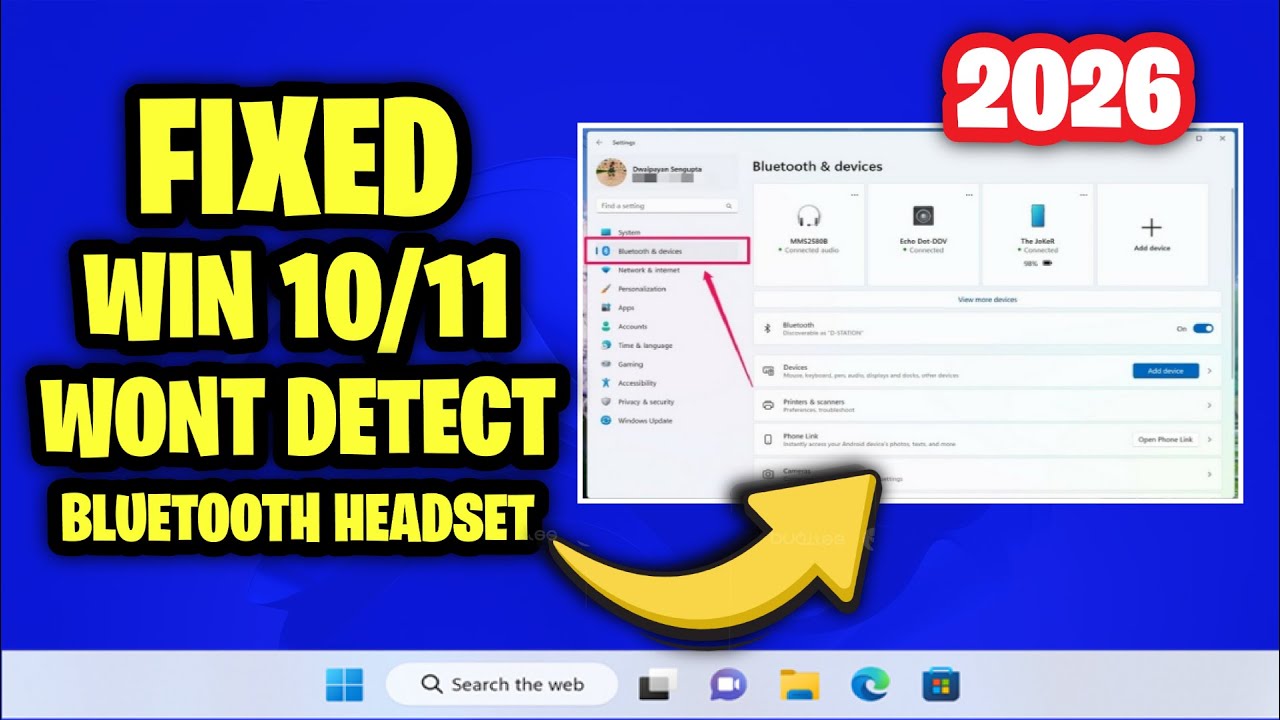
Fix Headset Mic Not Working & Headphone Not Detected in Windows 11
Автор: Tek Pulse HQ
Загружено: 2026-02-02
Просмотров: 1
Описание:
Fix Headset Mic Not Working & Headphone Not Detected in Windows 11
In this video, we’ll guide you through effective methods to troubleshoot and fix issues with your headset mic not working and headphones not being detected in Windows 11. If you’re experiencing frustrating audio problems, this step-by-step tutorial will help you get your devices working correctly!
We’ll start by discussing the common causes of these issues, such as outdated drivers, incorrect settings, or hardware conflicts.
Next, we’ll walk you through a series of practical solutions, including:
Checking Physical Connections: Learn how to ensure your headset is securely connected and properly recognized.
Updating Audio Drivers: We’ll show you how to update or reinstall your audio drivers for optimal performance.
Configuring Sound Settings: Discover how to adjust audio settings in Windows to set your headset and mic as the default devices.
Running the Troubleshooter: Understand how to utilize Windows’ built-in troubleshooter to automatically find and fix audio issues.
Testing on Another Device: Learn the importance of testing your headset on another device to rule out hardware problems.
Additionally, we’ll provide tips for maintaining your audio devices and ensuring smooth functionality in the future.
Join us to restore your headset mic and headphone functionality in Windows 11! Don’t forget to like, comment, and subscribe for more helpful tech tips and solutions!
Повторяем попытку...
Доступные форматы для скачивания:
Скачать видео
-
Информация по загрузке: