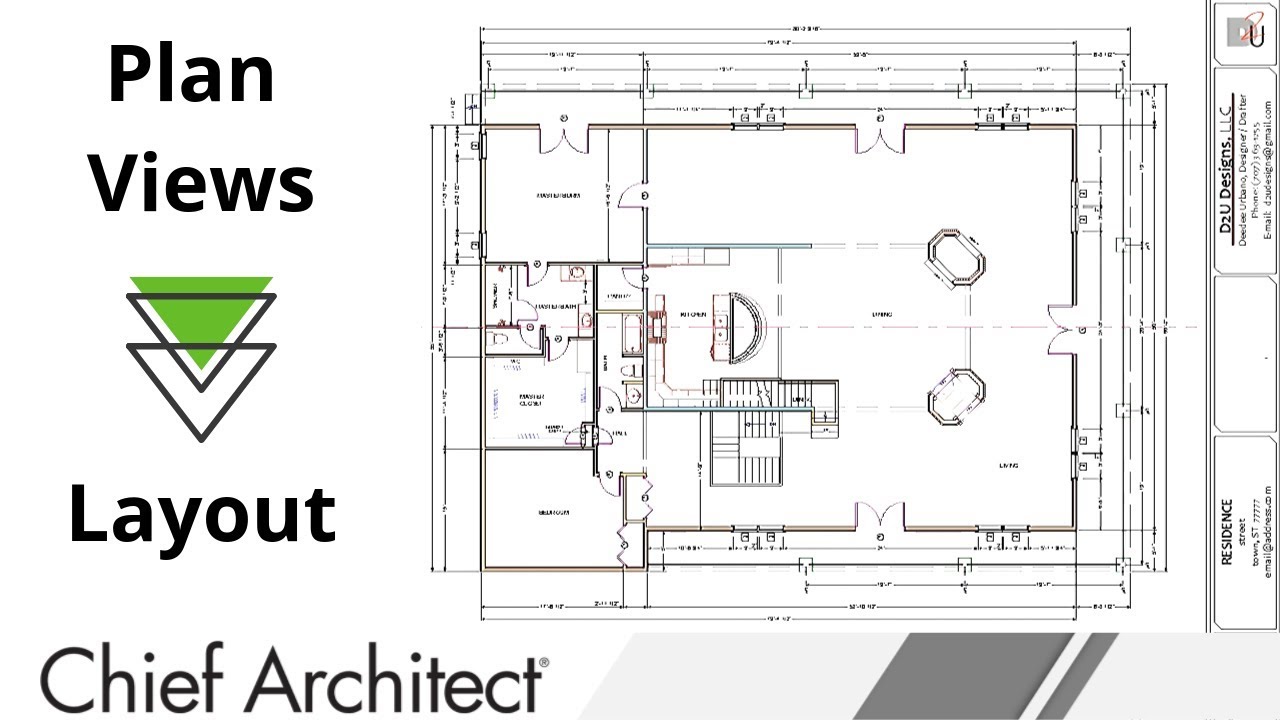
🧾 Chief Architect Default Sets | Controlling How Views Look on Layout Sheets
Автор: Presentation by Design
Загружено: 2025-04-01
Просмотров: 88
Описание:
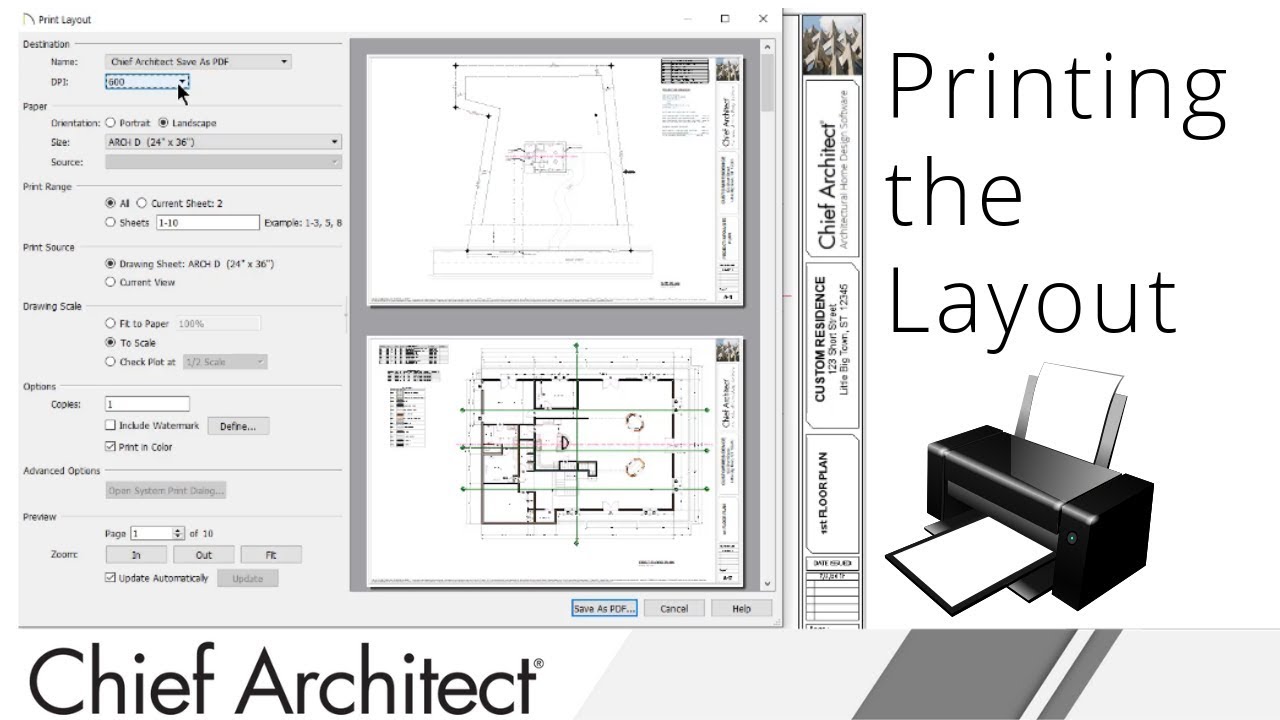
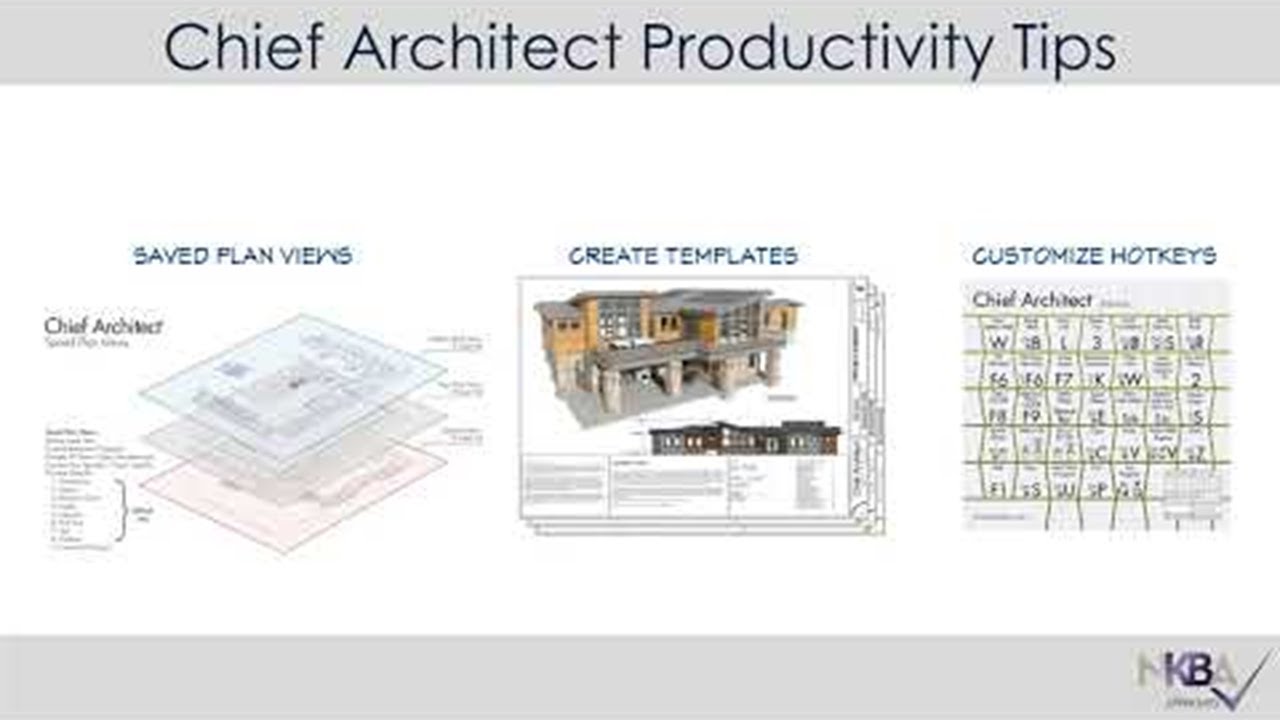
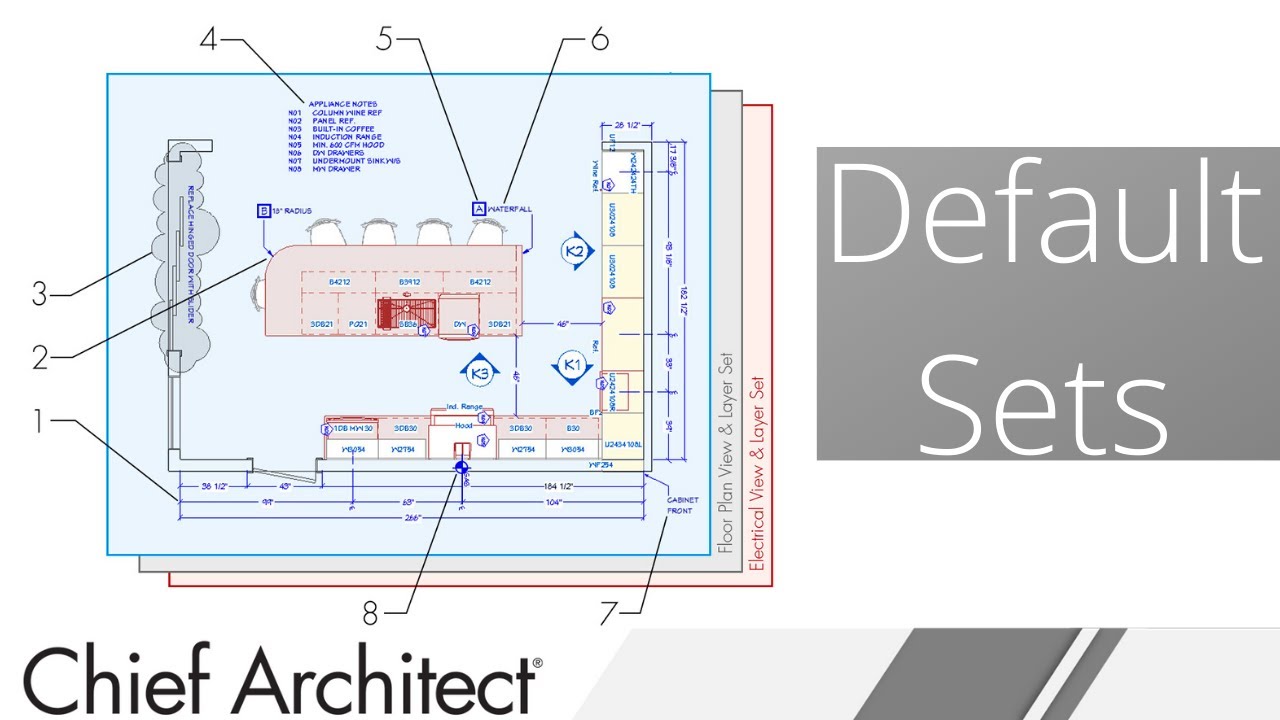
In this video, we’re focusing on Default Sets in Chief Architect — collections of annotation-related settings that control how your 2D views appear when sent to a layout sheet.
If you want consistent line weights, label styles, dimensions, and text when producing your construction documents, this is a must-know feature.
📌 What You’ll Learn:
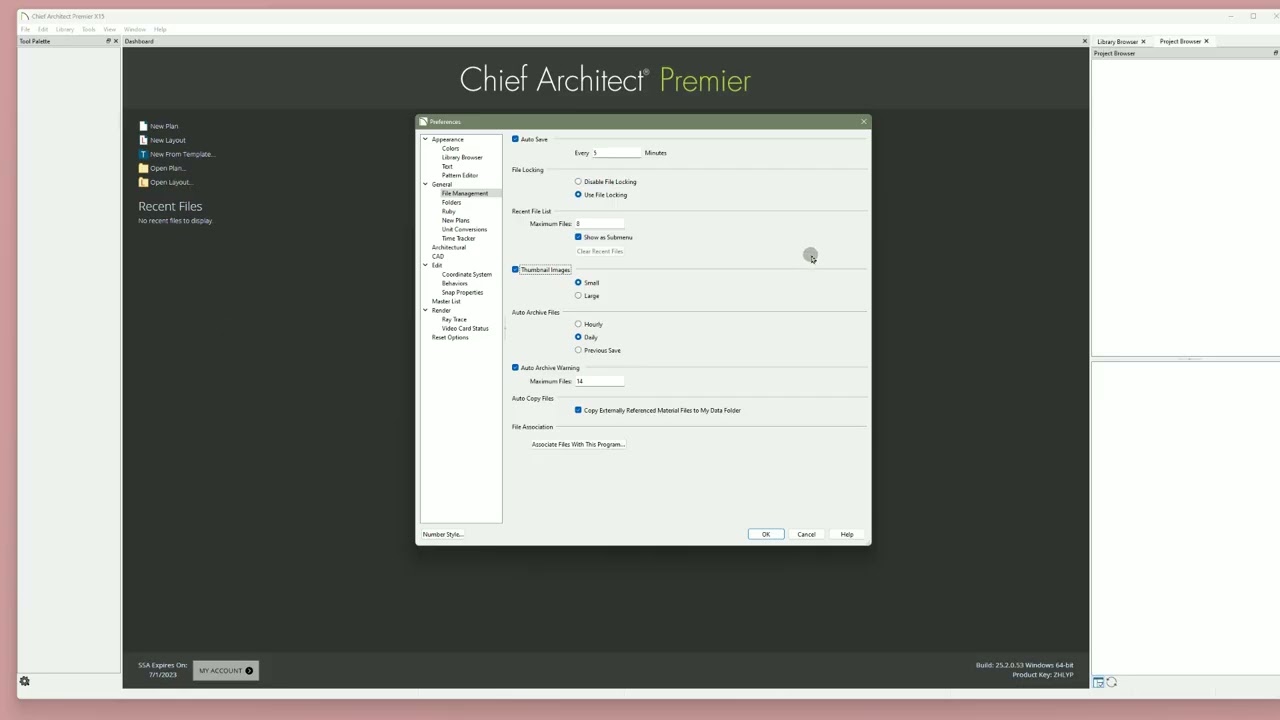
What Default Sets are and how they differ from Default Settings
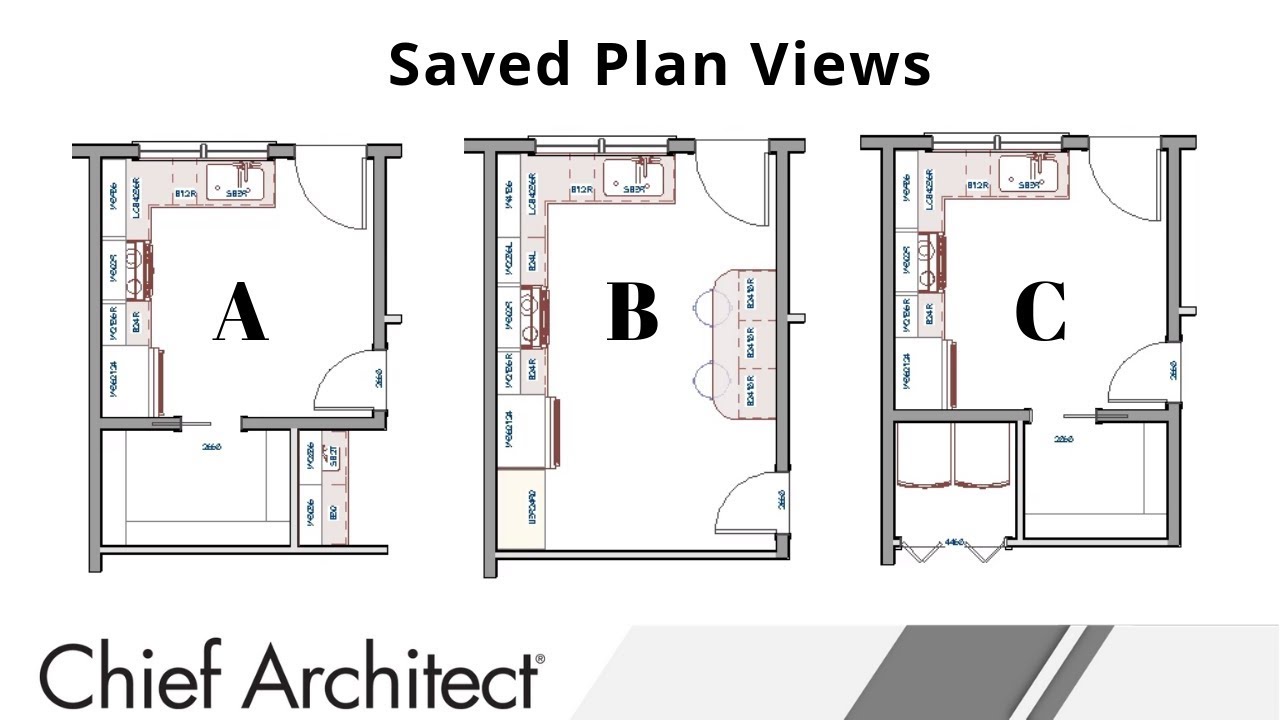
How Default Sets control scaled views (like floor plans, elevations, and sections)
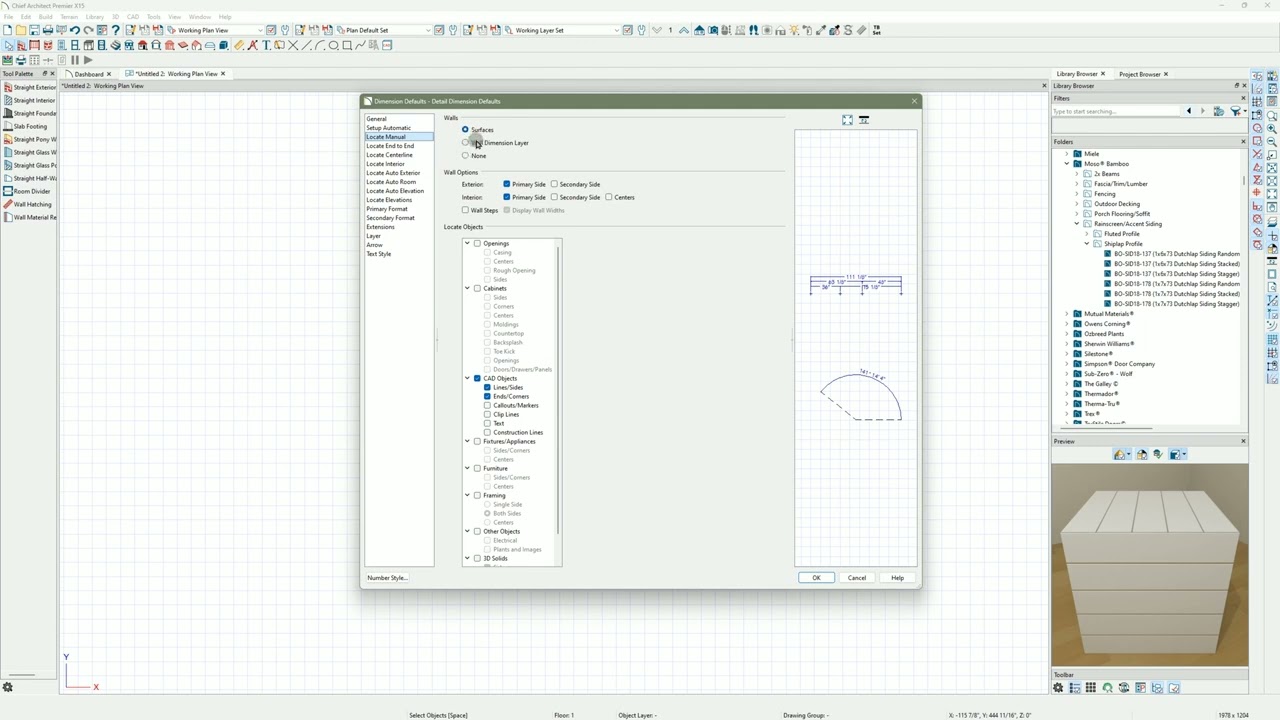
How annotation defaults like line weights, dimensions, and callouts are managed
Why Default Sets are essential for clean, professional documentation
Where to find and customize Default Sets to match your layout needs
💡 Pro Tip: Use different Default Sets for different view types (e.g. electrical plan, demo plan, RCP) to speed up your documentation workflow and avoid constant manual changes.
🛠️ Designed for interior designers, but incredibly useful for architects and contractors aiming to streamline their Chief Architect documentation.
Повторяем попытку...
Доступные форматы для скачивания:
Скачать видео
-
Информация по загрузке: